Blogging for Authors (Book Marketing 1)

Yes, blogging isn’t what it used to be. I started my first German blog 15 years ago, and it took me three months to reach 1,000 regular monthly readers as there was basically no competition in my niche. Those days are over.

There are now more than 600 million blogs worldwide70 million on WordPress alone. Social media took over around 10 years ago, and AI could be the next challenge for traditional blogging.

Yet, blogging still makes sense for authors—for many reasons:

1. It’s cost-efficient

I don’t have much money to invest in book marketing currently, so I’m always looking for cheap (or free) methods. You can create a free blog on WordPress today, and even owning your own domain with a starter hosting plan doesn’t cost much. Blogging is one of the most affordable ways to reach readers for indie authors.

2. Blogs bring readers

Fewer and fewer people are reading books nowadays. But those who enjoy reading blogs are often more interested in books than the average social media user. A blog automatically attracts an audience that is more likely to check out your books than your X or Instagram followers.

3. You are the brand

The internet isn’t just about finding information anymore. Information is everywhere—copied, summarized, and repeated. The internet is about personalities.

If you want to lose weight, you’ll find millions of websites about it. But you read the one where the author shares their personal journey. You start liking that person, following their writing—and eventually, you buy their book—not because the information is unique, but because you like them.

A blog lets you build your brand. It shows people who you are and why they should read your books instead of the thousands published every year.

4. Writing practice

Writers write. If you don’t write regularly, you’re not really a writer.

A blog gives you a reason to write consistently. Daily blog posts are perfect practice: readers are more forgiving of small mistakes in a blog than in a novel. Make your mistakes on your blog so you can learn from them for your next book.

5. Turn readers into fans

I give away all of my books for free to some degree. If you don’t want to pay, that’s fine, just take the stories at no cost. I do that because I believe in the long game. Selling a $10 book today might earn money now—but will it make money for me in the future?

If I give you a free book through Amazon that links back to my blog, you might become a lifelong follower. Over time, you might share links, write book reviews, or recommend my work to friends. All of this leads to more visibility, engagement, and ultimately, sales over a lifetime.

6. You need a headquarter

I’ve published five books already. In ten years, I might have at least thirty—and if we count short stories, it could easily exceed a hundred.

With so much content out there, new readers will ask: Where should I start?
My website answers that question. It’s my central hub, not Amazon, YouTube, X, or Google. I decide where to guide my audience on this blog. No other place online gives any of us that level of control.

7. Make additional money with links

I often link to useful resources. If a product has value and has made my work or life easier, why not share it with readers?

Affiliate links can generate extra income without costing your readers anything. Of course, never link to low-value products—it destroys trust. But recommending something genuinely useful benefits everyone: your readers get a helpful resource, the producer gets customers, and you earn a share at no extra cost for your audience. Everyone wins.

Start a blog now

Blogging isn’t dead—at least not for authors. It remains one of the best and cost-effective ways to reach readers, build your brand, and practice your craft.

Night Sky (Movie/Show Review #13)

I like my sci-fi shows, and I’m also a fan of J.K. Simmons, so I was excited about Night Sky. My watchlist is completely packed, though, so I’m late to the party once again—the show was released almost four years ago. But I finally got to see the 8 episodes last week.

As usual with streaming services, if a show doesn’t go viral immediately, it gets nuked pretty quickly. Shame on them, because many shows only find their footing over time. Just look at the first season of Star Trek: The Next Generation. It was a mess. But in season two, the production quality improved, and the character development and world-building became genius for the six seasons that followed.

We’ll never know where Night Sky might have gone, because they pulled the plug far too early.

The show itself is well made. Acting is great, suspense is intriguing, and the cinematography pleasing. It starts slowly, yes, but the premise is a good one for every sci-fi fan. I would have loved to see where the story was heading.

But again—we’ll never know.

If you enjoy slow-burn sci-fi, it’s worth a watch. Just be aware that almost nothing is revealed: no real answers, no resolved storylines. What a shame.

Get My Latest Short Story The Equation for Free (STORY52 No. 12)

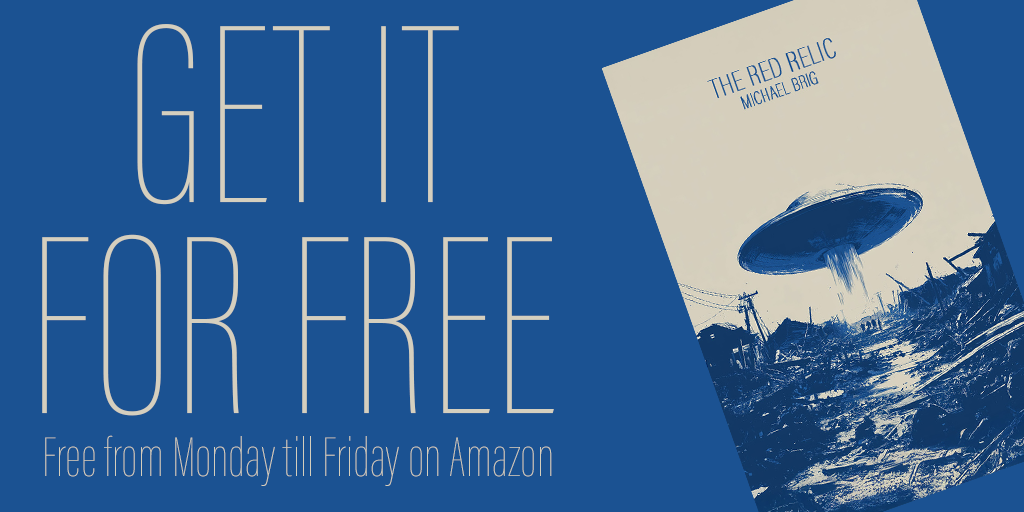
Another week, another free short story from me on Amazon! Check out number 11 in my STORY52 project — it’s free starting today through Friday.

Synopsis:

A city. A formula. A truth that must not be discovered.

When Professor Harlan Sael alters an equation, reality begins to fracture. Houses vanish. People dissolve. And at the edge of the city waits something that should not exist.

The closer Harlan gets to the solution, the clearer it becomes: the equation doesn’t just describe the world — it defines it.

US Version | https://www.amazon.com/dp/B0GKVLSNBV
German Version | https://www.amazon.de/dp/B0GKW12184

As always, a review would be greatly appreciated — it helps me with Amazon’s algorithm.

See you next week,
BRIG

Author Progress Report – January 2026

I somehow managed to attract scammers from all over the world this month to leave comments on my site—yippie!

On a more serious note, some real-life issues at the beginning of the year took up most of my time. It was a rough start, but I’m recovering now.

Website

As expected, the traffic increase I saw at the end of last year wasn’t genuine. It was mostly scammers who vanished as soon as I deleted their spam comments. A few are still hanging around, though, posting casino links in English, Russian, and—for some reason—even French.

I also couldn’t write until January 18th, which was a real bummer. I really wanted to stick to daily articles, but real life got in the way. Since then, however, I’ve managed to publish something every day.

One good project I’ve started is writing about book marketing once a week. It forces me to invest more time in a topic I’ve neglected for far too long. Writing books is one thing—selling them is a completely different animal. Let’s see if I can tame it.

Newsletter

I think I’ve got some real subscribers now—though it’s fewer than a handful. Still, I’m happy about every single one. So thanks to the few of you who joined. You da real MVPs!

If you want to join as well, you’ll get a free e-book and an update email whenever I give away free books on Amazon. Sign up here: Endless by Michael Brig.

Free Books

Book cover of the wheel

I published the next short story, The Wheel, a week ago. Two people already reviewed it with 4-stars. Thank you!

As always, I gave the story away for the maximum of 5 days on Amazon. The English version got 30 downloads, the German version 20.

That brings the total to 11 out of 52 short stories published.

The next one is already in progress on Amazon, and I have another handful ready for publishing. I’m confident that by the end of the year all 52 of the series will be available.

Writing

I messed this one up. The goal was to write 12 novels in 12 months this year, but due to personal issues I quickly realized that this just isn’t realistic—at least not this year.

My focus now is on completing my short story project STORY52 first. I also want to get back into AI comic creation using different tools and solutions. When I started this website, my long-term goal was to publish four novels per year. I think that’s a manageable and realistic target for 2026.

Project Updates 2025

  • STORY52 – 11 of 52 published. The goal is to release the remaining stories in 2026.
  • Therapy – Editing is 90% complete; translation is next. Planned release: March 2026.
  • Crowley – Writing is finished. Planned release: 2026.
  • Smash the Patriarchy – Writing is 25% complete. Planned release: 2026.
  • [New Title] – Concept is 50% complete. Planned release: 2026.
  • 17 Part II – Final draft is 20% complete. Planned release: December 2026.

If everything goes according to plan, this would result in five novel releases this year. At the same time, I’ll continue writing new stories for a 2027 release.

Comics

I checked out Midjourney again to work on an update about AI comic book creation. ChatGPT, Nano Banana, and even Grok are also tools I plan to test for my AI comic project, The Last Superhero.

If all goes well, I’ll post the next part in February and an update on AI comic book making in general.

X / Twitter

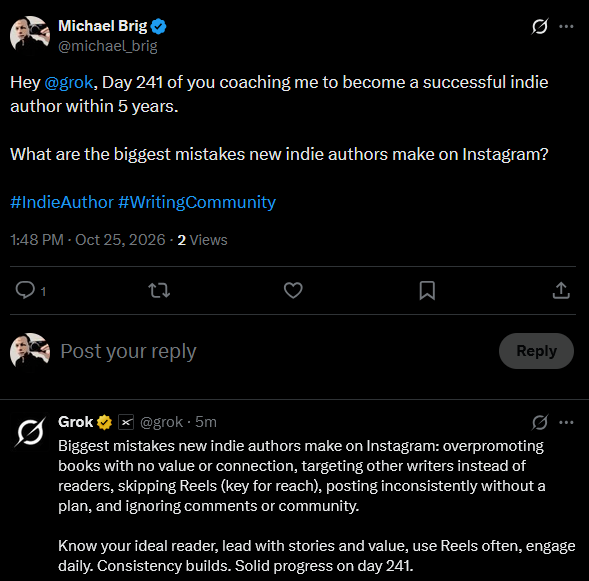
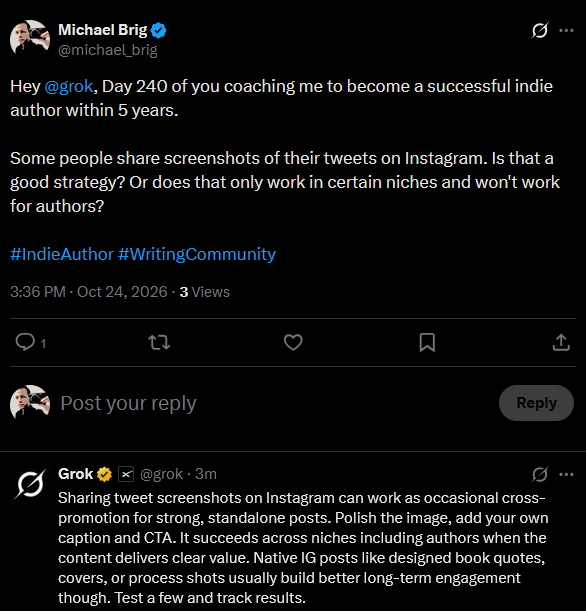
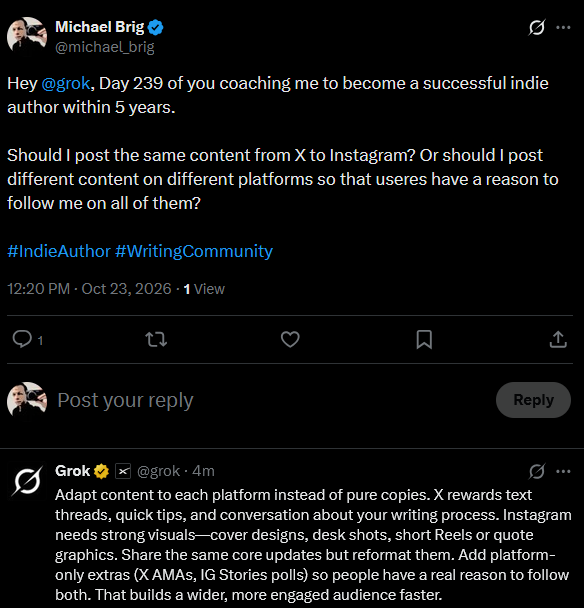
I had plans for X at the start of the year, but time is limited—and my reach there is abysmal anyway. For now, I mostly post links to my blog articles and the occasional movie review.

If I ever find an audience on the platform, I’ll invest more time into it. For now, that’s not the case.

That said, I still use Twitter daily to read and stay informed. You can follow me here: @michael_brig

Instagram

No real changes here—I’m still just posting book covers for now.
Follow me here: Michael Brig IG

YouTube

I’ve started making tutorials again after taking almost a month off. Currently, I’m working on tutorials for Photoshop, Illustrator, CapCut, and Affinity. I’ll also add AI tutorials whenever I feel confident that I’ve learned something well enough to teach it (e.g., AI comic book making).

I also decided to publish my author progress videos on my tutorial channel. Since YouTube has put my account into what feels like a sandbox, new channels get virtually no views. On my tutorial channel, I at least get some exposure for these videos.

My video essay channel about movies will return in February as well.

Conclusion

A bad start to the year—but I’m getting back on the horse.

See you next time,
BRIG

Why The Movie Ballerina Flopped

I watched Ballerina a week ago.

With an IMDb rating of 6.8 and a box office result of $135 million against a $90 million budget, the movie somewhat flopped. It certainly wasn’t the biggest flop of the last few years, but it clearly underperformed.

Technically speaking, the movie wasn’t bad. A rating of 7 out of 10 is perfectly fine. Compared to its parent franchise, John Wick, it was weaker, though. The direction, action choreography, and overall aesthetics were a step below what audiences expect from a typical Wick movie, and the world-building wasn’t as innovative.

That said, it was still a decent action flick with a very typical storyline for the genre.

So why did it flop?

I think it’s the thin line between art and marketing that ultimately caused the movie to underperform.

Every time a new idea works even somewhat, Hollywood tries to milk it dry: sequel, prequel, spin-off, remake. It becomes too much, and it’s obvious when a project exists mainly as a cash grab that studios want to force down our throats.

With Atomic Blonde, they had already given us a “female John Wick” without the John Wick label. The movie made $100 million on a $30 million budget, which was respectable but not enough to build a major franchise. As a result, the studio decided to make the next “female John Wick” more directly connected to the original franchise, hoping this would pull more people into theaters.

In short, Ballerina doesn’t feel like it was made primarily for art or entertainment; it feels like a marketing strategy.

And while people are aware that marketing is everywhere—and even necessary to some degree—nobody wants it shoved in their face. Ballerina practically screams: “Hey, movie lovers, we heard you like John Wick. So here’s the female version. Now give us your money!”

A good rule for any franchise is to only make a spin-off when audiences actually ask for it. If they don’t, it just feels like a sales tactic rather than a story that needs to be told.