How to Make AI Comics with Midjourney (2026 | V7)

After about a year, I returned to Midjourney to test its capabilities for AI comic creation. Unfortunately, I have to say that I’m disappointed by the lack of progress.

I used Version 7 for this project. While I was working on the comic, Midjourney released V8, but I was already about 90% finished with V7, so I decided to stick with it. From what I’ve seen so far, V8 doesn’t appear to offer significant improvements in the areas that matter most for comic creation: character consistency and environment consistency.

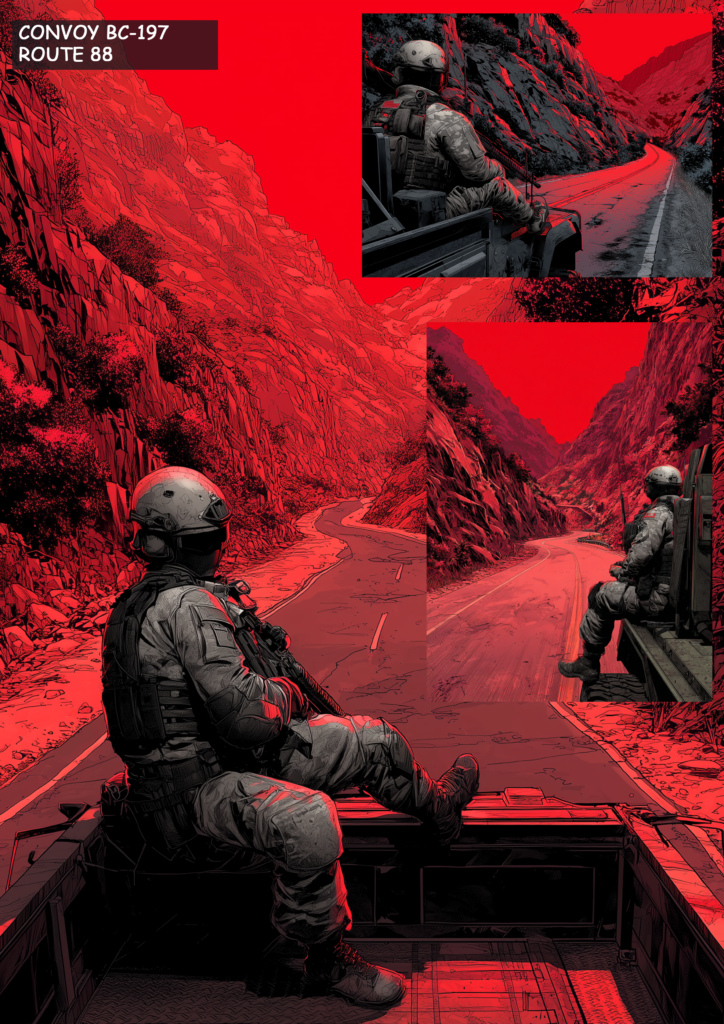
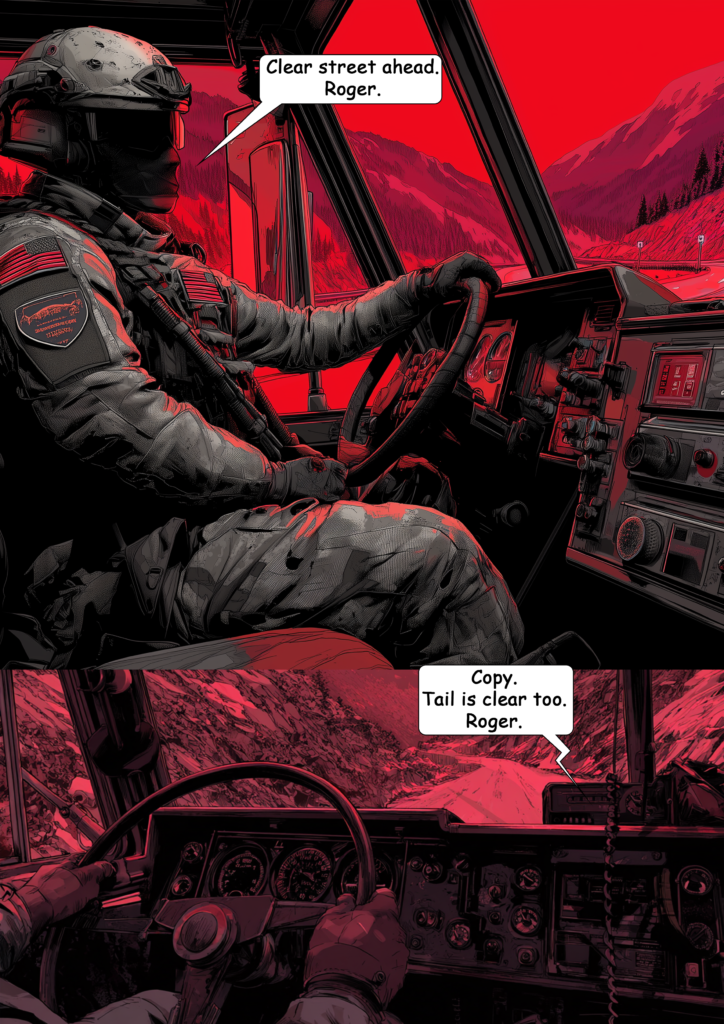
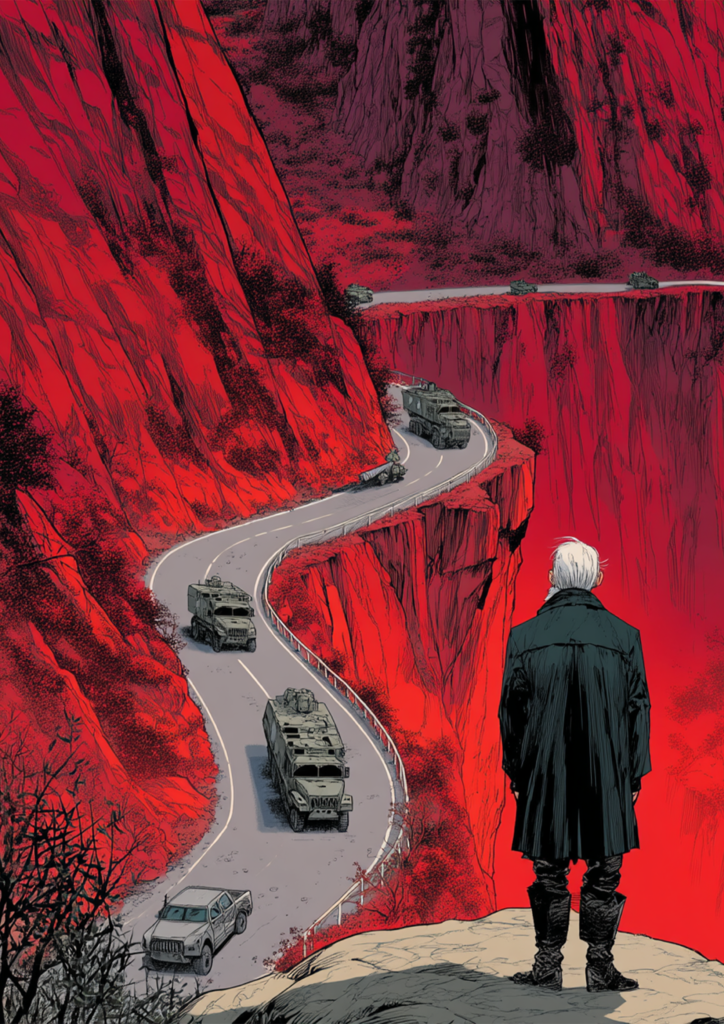
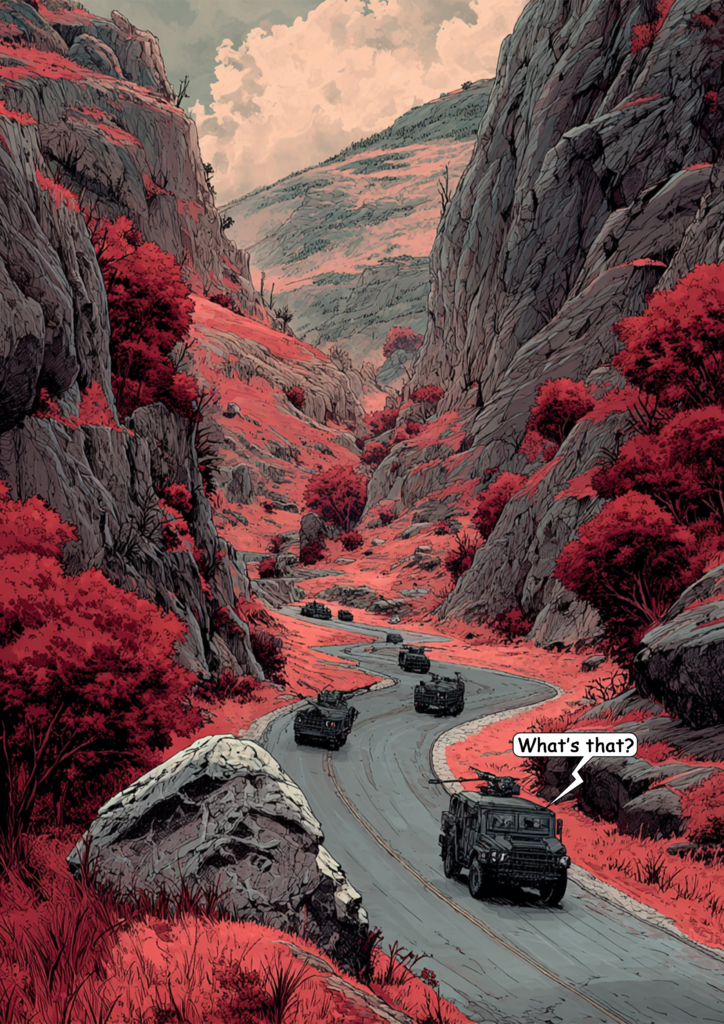
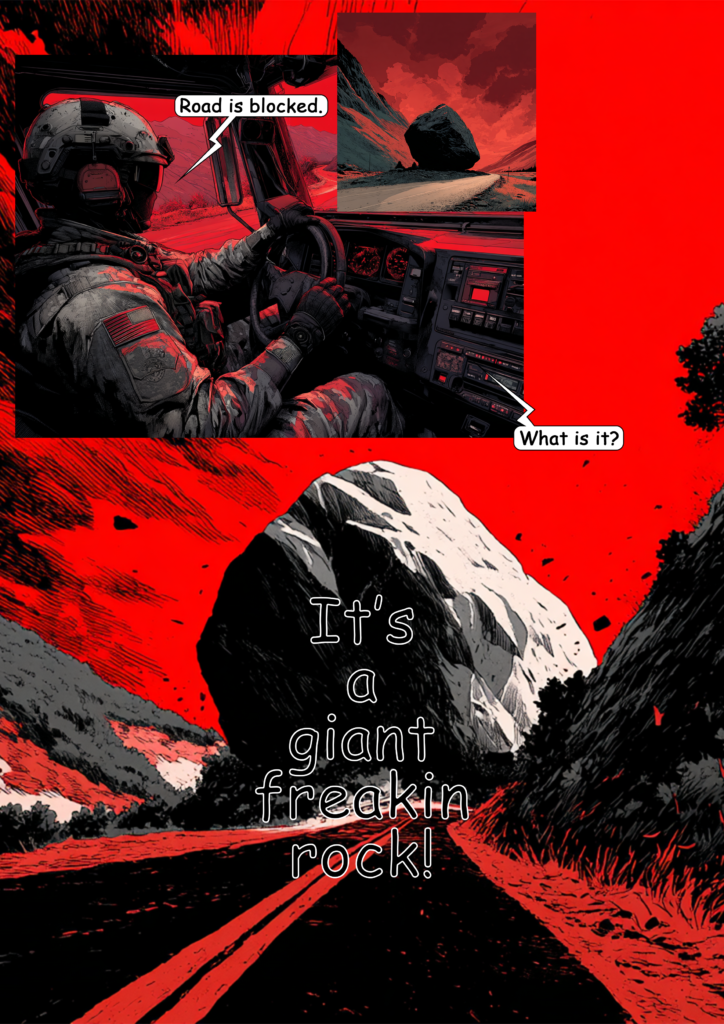
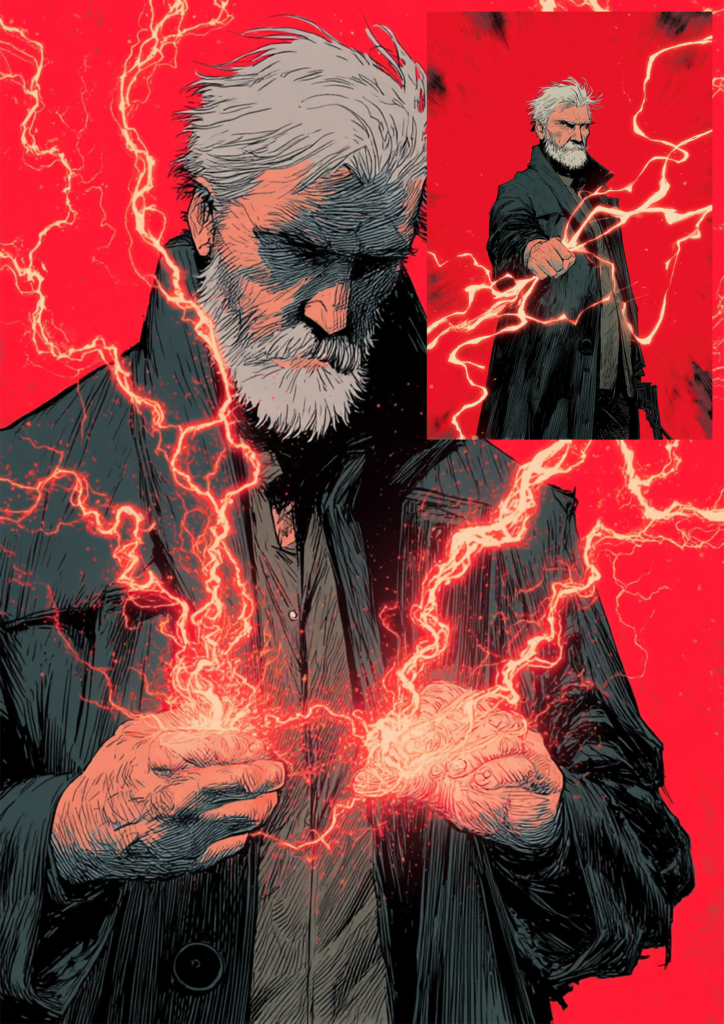
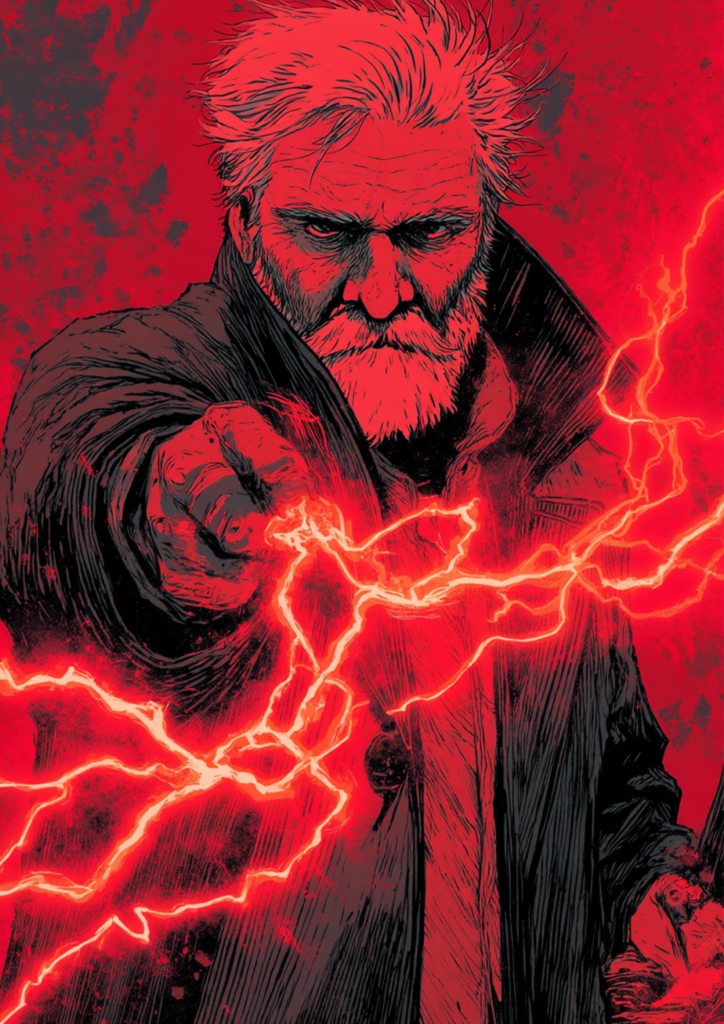
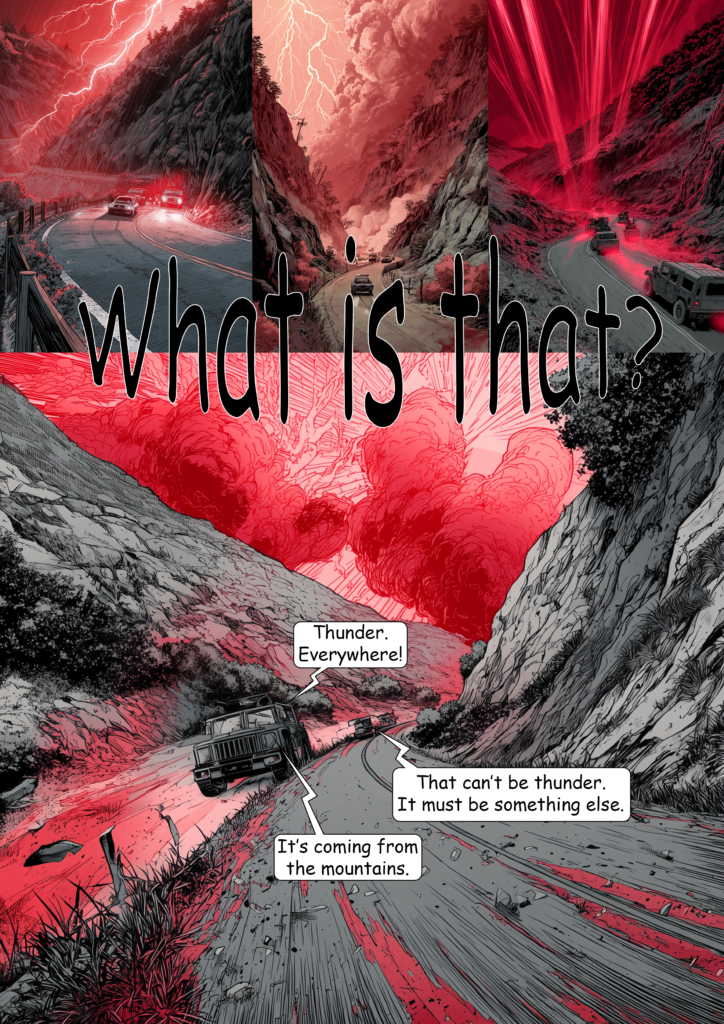
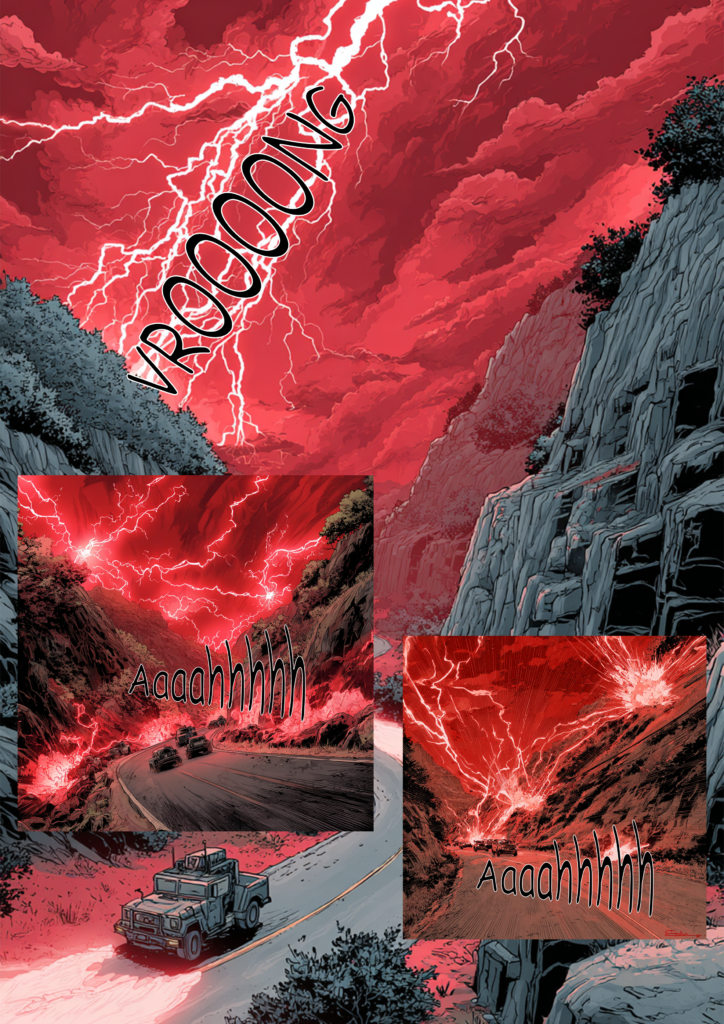
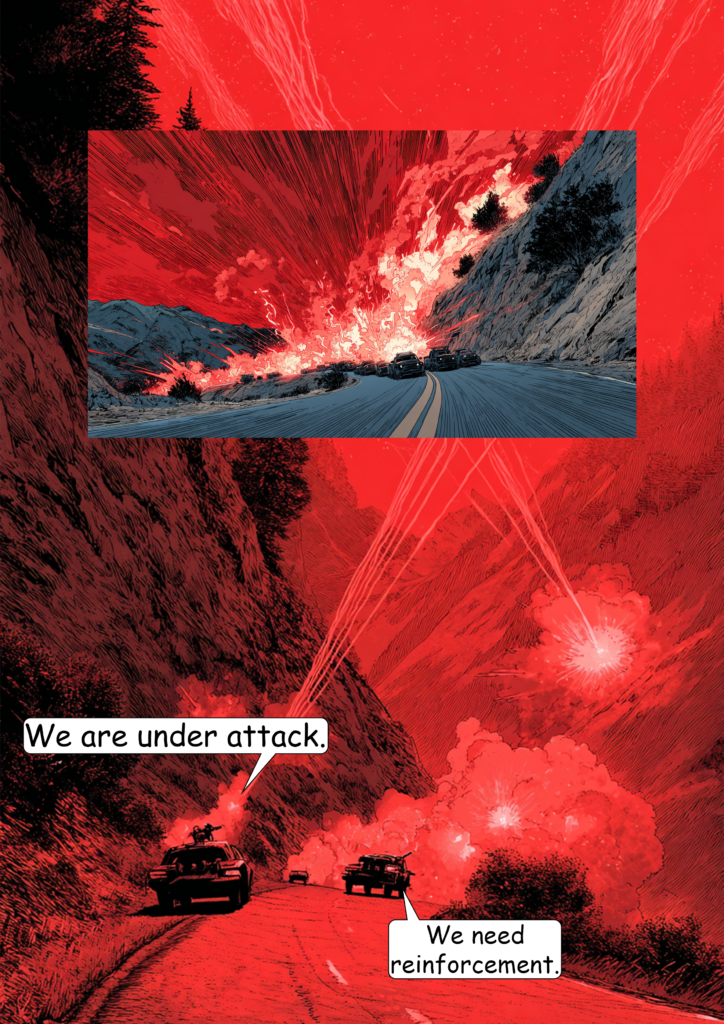
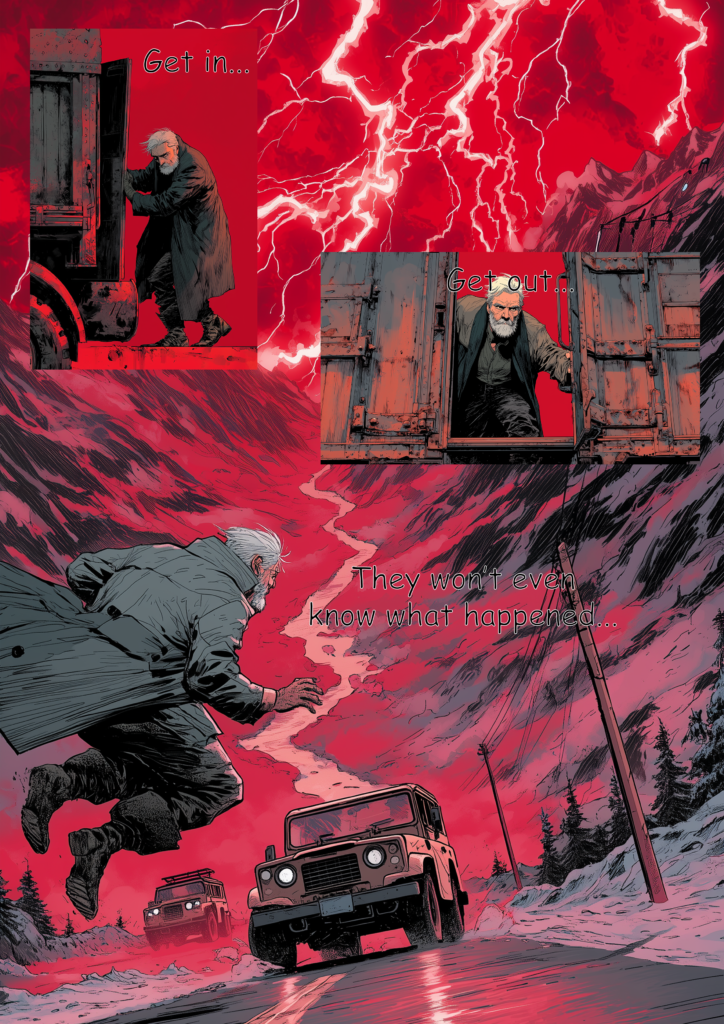
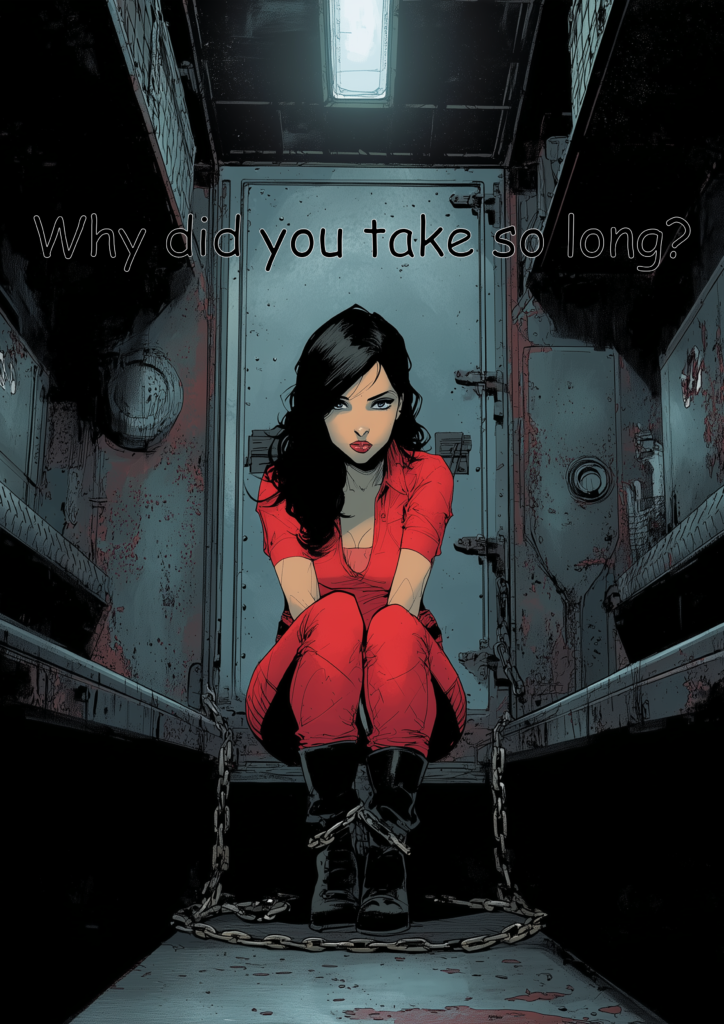
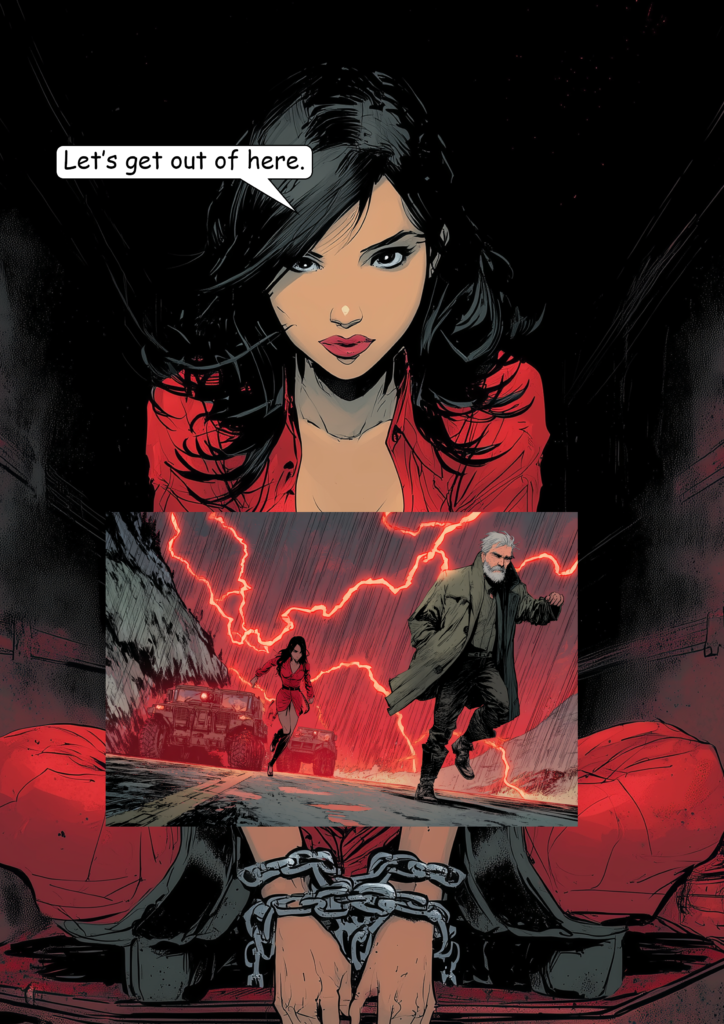
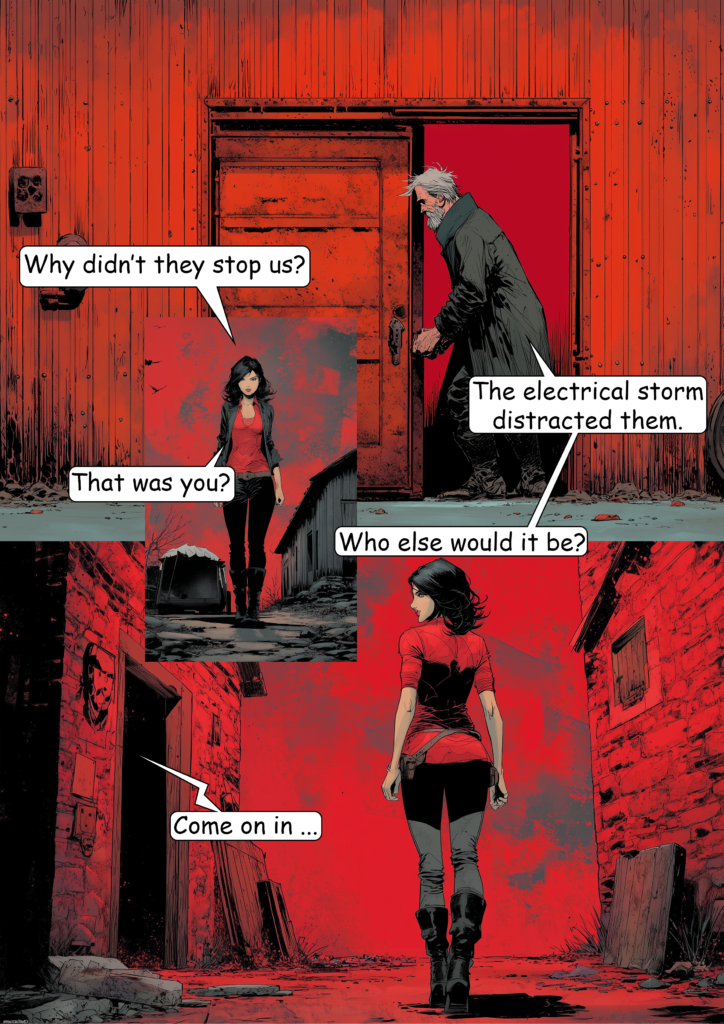
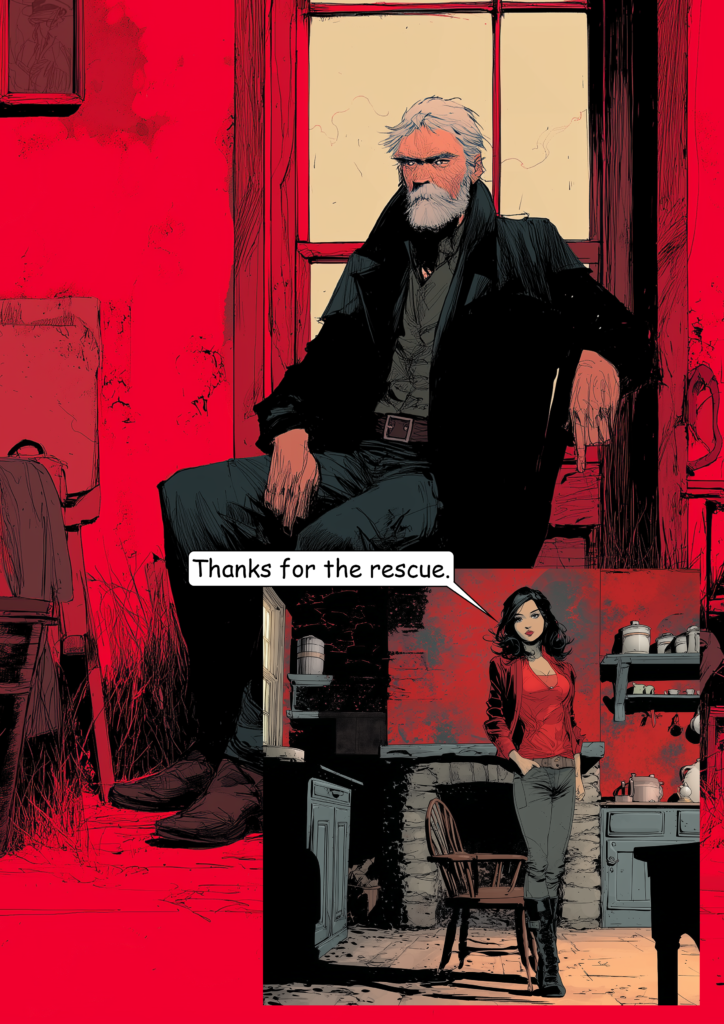
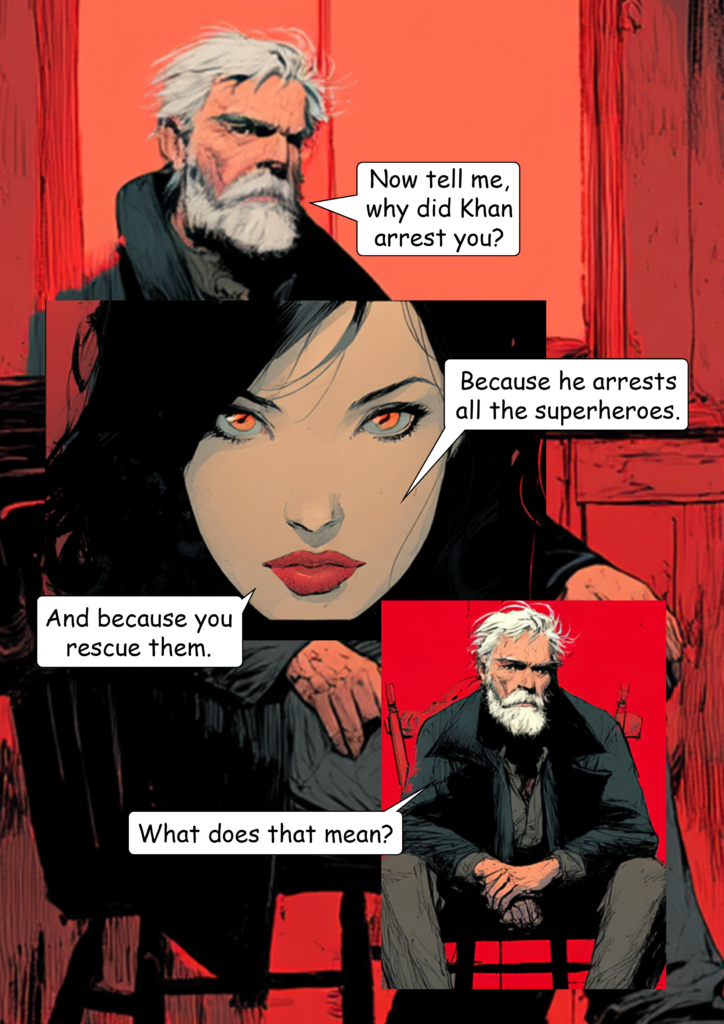
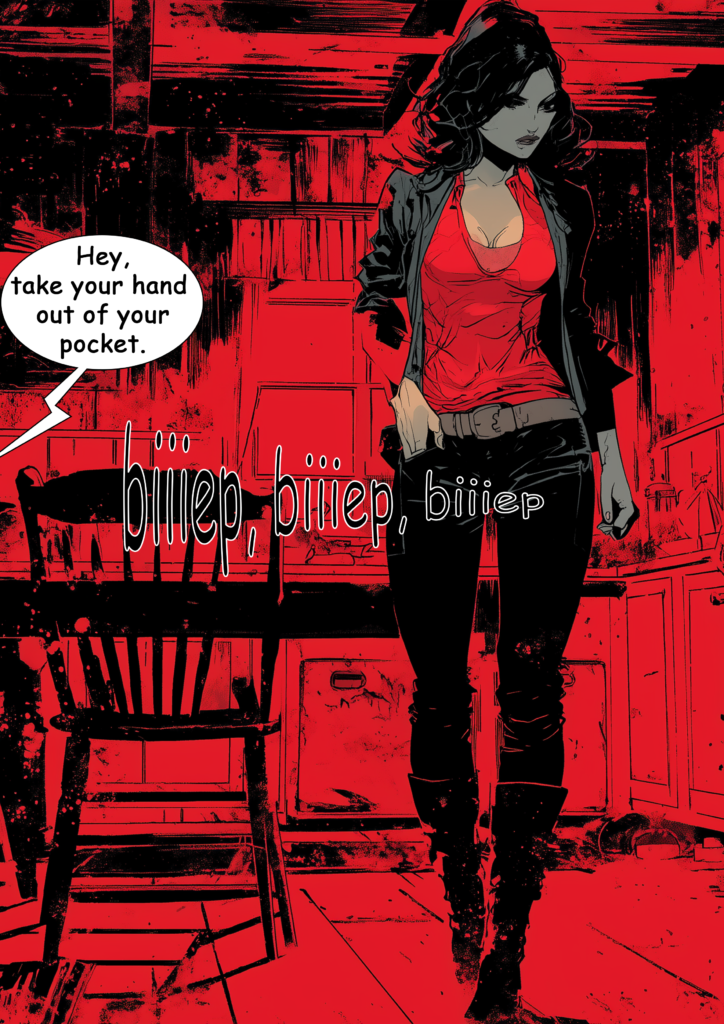
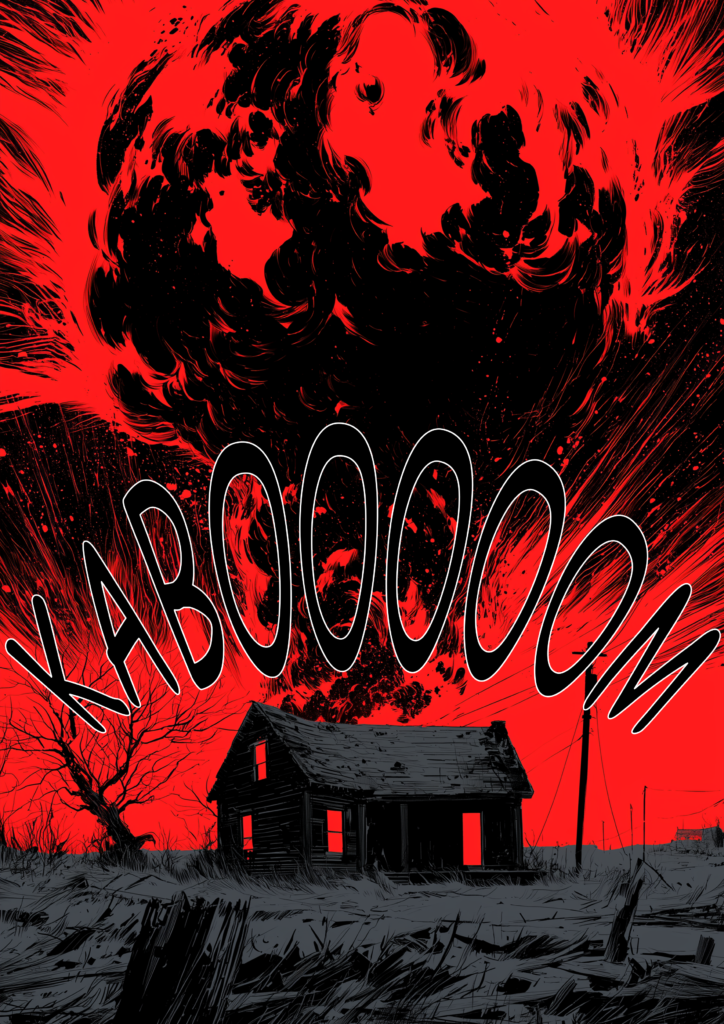
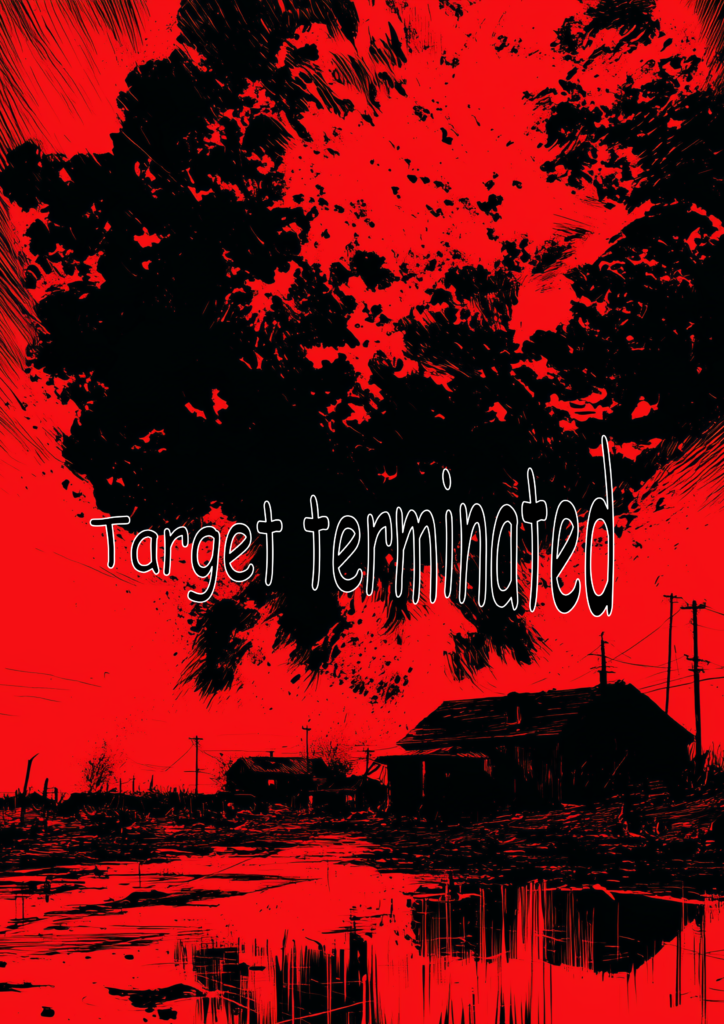
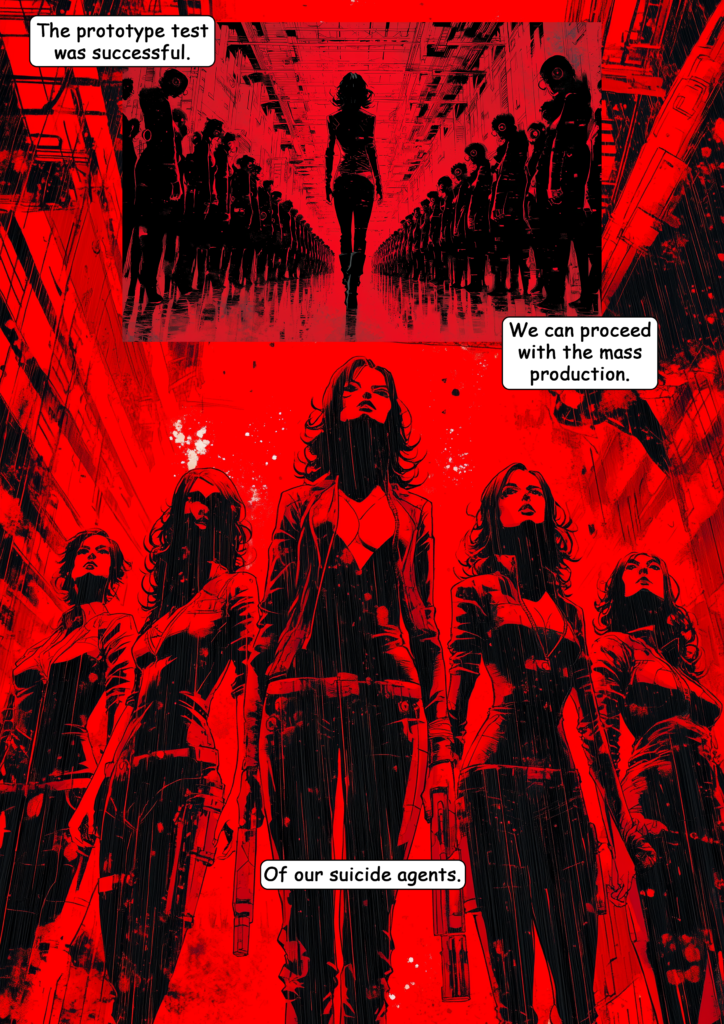
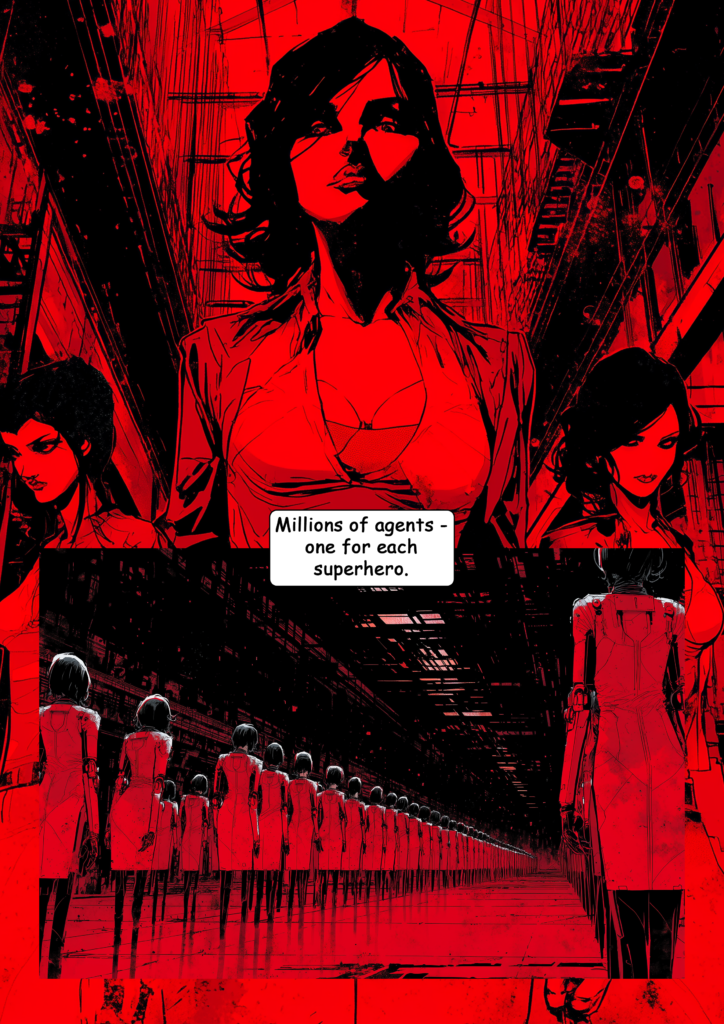
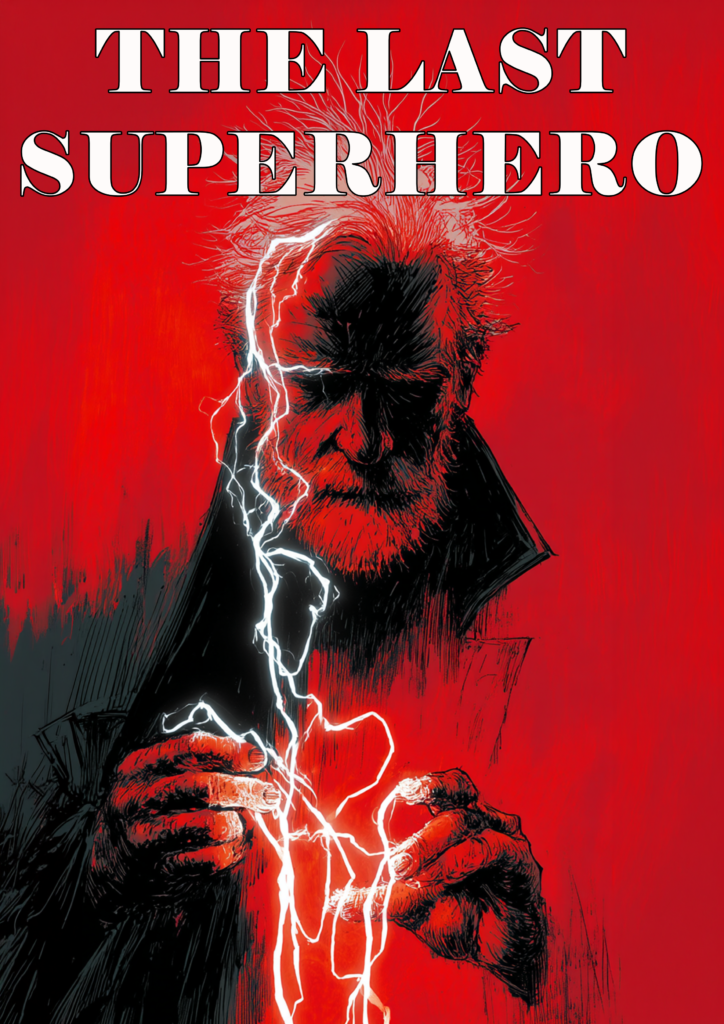
If you’d like to check out the comic, you can find it here: The Last Superhero Part 5

How to Create AI Comics with Midjourney

Create Master Prompts

You want your style, characters, and settings to be defined through master prompts. Keep them as short as possible to reduce prompt fading.

Examples:

  • Protagonist: mature man, grey hair, grey beard, stern face, dark coat, layered dark clothing, tall
  • Female lead: woman in her 30s, dark hair, slim build, worn clothing, subtle manipulative expression
  • Style: comic, Scott Snyder style, black and red colors
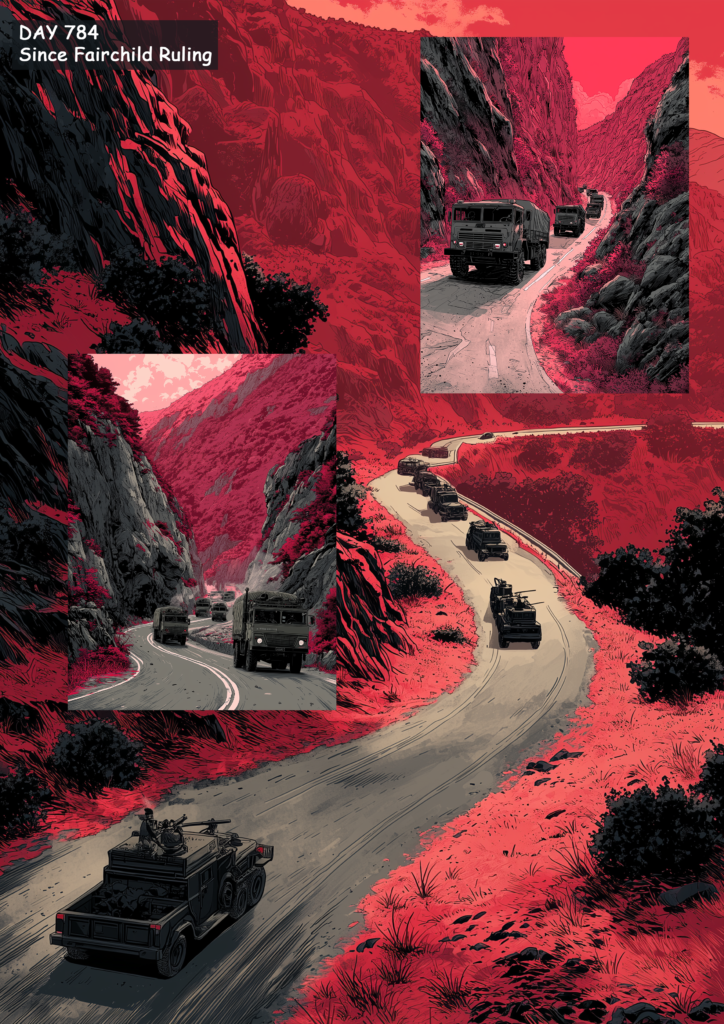
  • Mountain setting: mountains, canyon road, military convoy driving

Go through your script and create master prompts for all characters and settings involved. The style master prompt should be added to every image prompt.

This approach doesn’t guarantee consistency, but it improves it as much as currently possible in Midjourney.

Create Character Image Sheets

Next, create character sheets for your main characters. For my comic, I created sheets for the protagonist, the female lead, and the NPC soldiers. At a minimum, I recommend creating the following:

Examples:

  • Character Main Sheet: [style master prompt + character master prompt], full-body shot
  • Character Face Sheet: [style master prompt + character master prompt], multiple panels, different facial expressions (or angles), plus specific emotions if needed (e.g., surprised)

The main sheet serves as your primary character reference. You can upload these images to Midjourney and use them as character references whenever that character appears in a scene.

The face sheet can be used as an overlay. You can place it on top of larger scene images whenever a character is speaking. I’ve used this technique many times.

Use Character Sheets in Two Ways

Once you’ve established a consistent appearance for your characters, crop the image in two different ways:

  1. Full-body shot: Remove as much of the background and non-character details as possible.
  2. Face shot: Crop tightly around the character’s face.

You can then use both images as character references, which helps improve consistency.

Tips from 2025 Still Apply

If you haven’t read my guide from last year, nearly all of the advice still applies: How to Make Comics with AI (Midjourney | 2025)

Problems with Creating AI Comics with Midjourney

My previous attempt using ChatGPT produced significantly better results. The main reason is that Midjourney still hasn’t solved the two most important issues:

  1. Consistency
  2. Generating multiple characters in the same image

Character consistency remains a major problem, even with the option to upload reference images. Style is difficult to control and can easily fall apart, especially when prompts become longer. There is also still no reliable way to maintain environmental consistency across scenes.

Even worse, there has been virtually no improvement when generating images with multiple characters. It seems that using several character references causes features to blend together. The same issue occurs with character actions. As a result, it’s extremely difficult to create scenes where two characters interact naturally while maintaining consistent appearances from panel to panel.

Other Problems

Language Filter
You still can’t use many words associated with violence. Since most action scenes involve some form of violence, this limitation makes it difficult to tell traditional comic-book stories.

Prompt Fading
The longer your prompts become, the more tokens tend to “fade.” In practice, this means Midjourney starts ignoring certain parts of your prompt.

Style Drift
Maintaining a consistent visual style was even more difficult than a year ago. If you compare the first pages with the final pages of TLS 5, you’ll notice a significant style drift that I wasn’t able to control.

Improvements Compared to Earlier Midjourney Versions

Faster Image Generation

Midjourney has become even faster. You can generate roughly 500 images per hour, giving you plenty of options to choose from. This remains a significant advantage over ChatGPT’s image generation.

High-Quality Individual Images

When focusing on individual images, the quality is excellent. With enough patience, it’s possible to create impressive standalone comic pages.

Conclusion

Overall, there hasn’t been much progress—especially in the areas that matter most. Consistency remains a major challenge, and the language filter makes action scenes unnecessarily difficult to create.

In many respects, ChatGPT’s V5 image generation already produced better results for comic creation. My next step will be testing ChatGPT’s newest image model, which I’ve heard very positive things about. Perhaps that’s the model that finally brings us a significant step closer to creating truly convincing comics with AI.
Making Comics With Midjourney (Update for V7)

The new version of Midjourney dropped a few days ago, with new features being rolled out gradually. The biggest leap so far has been the introduction of omni reference, which was only made available recently. It allows you to use objects and characters as references and add them to specific scenes, which (on paper) sounds like a giant improvement for making AI comics. Thus, I was really excited to test it with the next issue of my “test” comic, The Last Superhero.

However, I completely failed at getting anything going.

The reason? V7 appears to have very aggressive prompt filters now. Despite many attempts and creative rewording, none of my prompts were accepted. Eventually, I became so frustrated that I gave up on the idea of using Midjourney altogether. All the improvements in features and image quality are meaningless if I can’t even generate a basic scene of a superhero being shot by a villain. I couldn’t even prompt “guy in pain being strapped to a chair…” without it being flagged. Nearly all action scenes were impossible to create due to the overly aggressive AI word filter now in place.

I hope the Midjourney team eventually realizes that filtering so many words renders the tool useless for a wide range of creative tasks. I understand their desire to avoid extreme gore or explicit content, but there must be a better solution. For instance, prompts involving violence should be allowed when clearly framed in a context like “comic book style.”

For now, I’ll be looking into other models and revisit Midjourney with version 8—which hopefully delivers more reasonable prompt restrictions.

Conclusion:
If you’re looking to create AI-generated comics, Midjourney currently isn’t the tool to use.

How To Make Comics With AI (Midjourney 2025)

If you haven’t seen my last posts about making comics with AI, here are the links:

I previously stated that I would say that I was able to get 20-25% done of what I wanted to create by using Midjourney. Not enough to create comics that I would actually try to sell but it’s a start.

Here is a rundown of the techniques I’ve used to create at least these 20-25%:

1) Look for a big name in comics – I used Scott Snyder as his comics are known for a specific style. I would describe it as a mature and detailed style which I was looking for. Whatever name you use, make sure Midjourney knows it, by running ten different image generations as a test (e.g., Man driving a car, [artist name] | woman running in the streets, [artist name] | fighter jet over New York skyline, [artist name]…)

The artist’s name is the keyword to define your general style. It should be part of all of your prompts.

Add to all prompts: Scott Snyder

2) Add a color palette – I added a color scheme to further ensure that my images get a consistent style. In The Last Superhero Part 1 I used “black and blue colors”, in The Last Superhero Part 2 I used “black and green colors”. I always added the color keyword after the artist prompt.

Add to all prompts: Scott Snyder, black and blue colors

3) Use universal environments – I defined an environment that allowed for small differences in style. If you go too detailed in your prompt, you’ll get too many differences for each image generation. But if you go universal from the start, you can get away with differences in environmental detail.

For example, I used “streets of New York” a lot in the first comic. This worked, as the character walked through the streets. Differences of shops, cars, and pedestrians are easily explained by the protagonist moving through the scenery.

In the second part, I used “office” and “car repair shop”. This didn’t work as well, but still worked better than trying to generate a specific office or shop like “oval office in the white house” or “car repair shop with a Bugatti and wooden walls” as it gave me lots of different perspectives that I could use to get away with the differences of detail.

Add to all prompts: streets of New York, Scott Snyder, black and blue colors

4) Add weather and/or daytime – I added “rainy day” in part 1. It always gave me rain drops in the scenery which added to the overall feel of a consistent style. In part 2, I always used “at night” which also helped.

Add to all prompts: streets of New York, rainy day, Scott Snyder, black and blue colors

5) Use character references – First I let Midjourney design a character that I reuploaded to use as a character reference. This made the protagonist of the story have the same look at around 90% of its details.

6) Forget about moodboards – Moodboards didn’t help me at all. Artist name and color scheme had a much higher impact.

7) Adjust aspect ratio – If something doesn’t turn out well, rerun the prompt, but adjust the –ar parameter. The aspect ratio has a big impact on the results.

8) Forget about other parameters – I didn’t mess around with other parameters, like –s or –c, they didn’t add much to the freedom of adjustments anyway.

9) Prompt order – The order of your keywords in the prompt has an impact on the results. Try to keep the same order for colors, artist name, daytime, etc. throughout your project.

10) Shorten prompts – When you make your prompts too long, the words at the end of your prompt will be ignored by Midjourney. So keep the prompts short to not lose the keywords for the overall style at the end.

11) Stay with one character per image – Currently, Midjourney is very bad at generating images of characters interacting. Whenever I tried to have more than one consistent character in an image, Midjourney mixed actions and characteristics of the two characters, creating weird results. For now, describe what one character does per image only.

12) Character reference can also be a problem – The character reference can also limit your freedom for this character. In part 2, I used a character with sunglasses. He was supposed to take them off in the last scenes to fire laser beams from his eyes. As the sunglasses were part of the character reference, I couldn’t get Midjourney to have the character take the glasses off anymore. Keep that in mind, when you design your stories.

13) You have to know a little bit of Photoshop – I tried to limit using Photoshop to have a good representation of what Midjourney can do on its own, but for some images, I used generative fill and photo filters to add details, adjust the aspect ratio, and change the color mix.

14) Forget about hard action – Midjourney doesn’t allow certain words to be used in prompts which makes R-rated scenes almost impossible to generate. Write your scenes accordingly.

15) Generate text with another program – Midjourney is advertised as an AI model that can generate text, but it’s such a hit and miss that using Photoshop was simply quicker and easier for me. So, don’t rely on Midjourney to give you good text results.

To Conclude

Still lots of issues but it is possible to get somewhat of a start at making comics now. Just check my results under the links above and decide for yourself if it’s already worth it for you to get into AI comics with Midjourney.

I am going to test the next model now and compare it to Midjourney afterwards. See you then.

The Problems Of Making Comics With AI (Midjourney 2025)

After creating two short story comics with Midjourney, I wanted to write a little review about the current limitations of this specific AI program. Overall, I would estimate Midjourney to be capable of doing around 25% of what I want to do with it. And the remaining 75% aren’t achievable by simply “getting better” at using Midjourney. It takes improvements of the AI program to increase the results.

By the way, you can read my two AI short comics here:

The Main Issues of Making AI Comics with Midjourney

Character consistency – Using character references is a step in the right direction. This feature was introduced not long ago. But the reference will always be used in the specific angle of your reference image.

Future Midjourney versions should be able to understand a character reference as a simple character design. Currently, they will interpret it as a complete design reference, which means that if used, Midjourney will always give you the same angle, facial expression, features, and details of the character reference.

Trying to use different poses, actions, angles, details, or just clothing for the same character is almost impossible with the current feature, as it will always use pose, action, angle, and clothing of the reference.

Environment consistency – An even bigger issue is the lack of options to determine a set environment. An office, a car, a bar, a shop – it will all look different in detail with every new image generation no matter how specific you prompt it.

I tried to get around it by having lots of scenes play in an open environment while the main character is moving. This explains different buildings, streets, and other details. But whenever I wanted to create a dozen images to be set in the same setting (e.g., an office) the details were so far off that it is tough to make the reader believe that the scene is taking place in the same setting.

Having more than one character in the same image – Another big issue is that Midjourney has massive problems with characters interacting in the same image.

“Man running away from woman” will be almost impossible to control, as Midjourney still has issues using character references for more than one character at a time. Try to have two characters fighting or hugging each other and it completely falls apart.

Community Guidelines – I understand that you don’t want your AI model to be trained on certain imagery (e.g., adult content). But lots of important words and actions for storytelling are blacklisted in Midjourney.

Most stories simply need bad guys doing bad things. How can you visualize these characters if “bad” words are banned for prompting?

Action scenes – I had problems with the most basic action scenes due to a combination of having the necessary words banned from being used in prompts and the need to have two characters interact.

The simple prompt of “Young thief shooting old man with a gun” was already too much for Midjourney to result in useful image generations. Trying to have a complex Kung Fu style fight between two superheroes seems to be impossible for years to come.

To Conclude

As I said, 25% is doable currently.

But without doing heavy editing in Photoshop, the results will not be on the level of professional graphic novels. I’ll come back to Midjourney next year and report on improvements.