The Problems of Making Comics With ChatGPT (V5 – 2026)

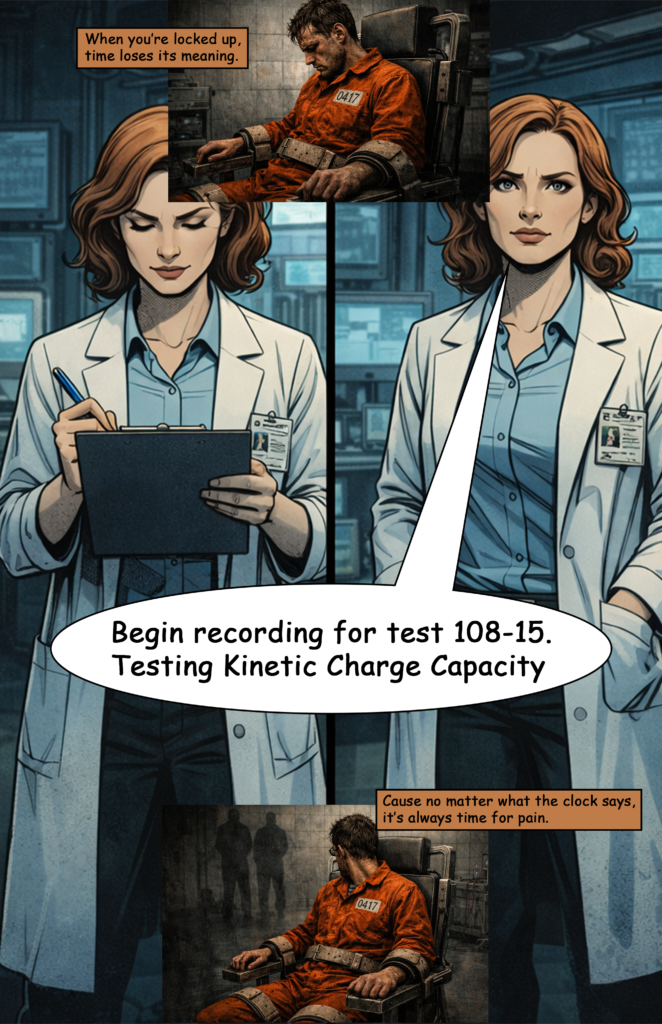
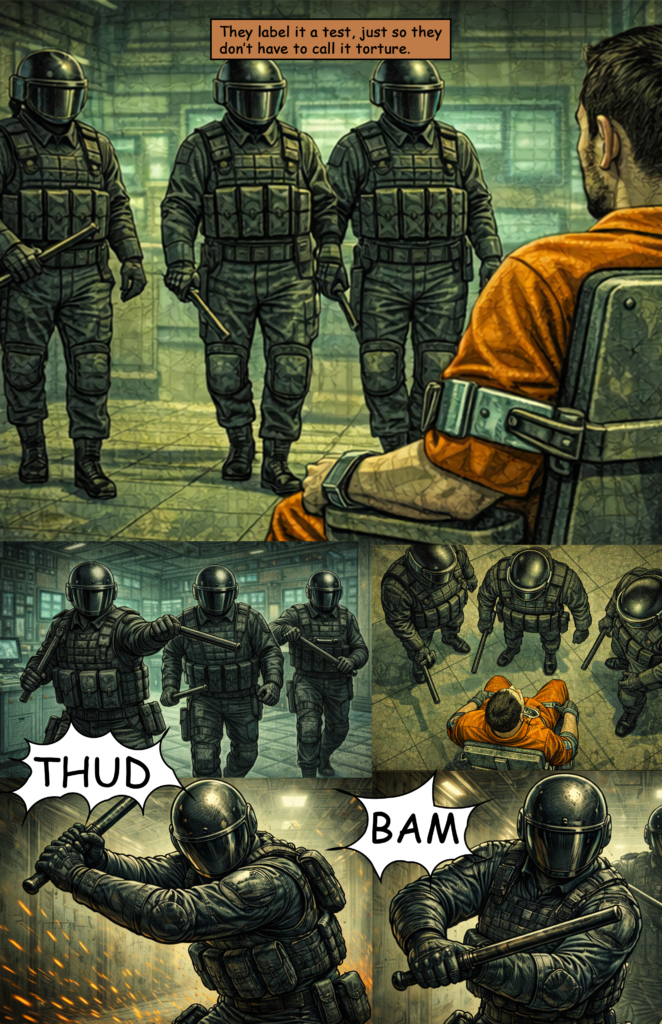
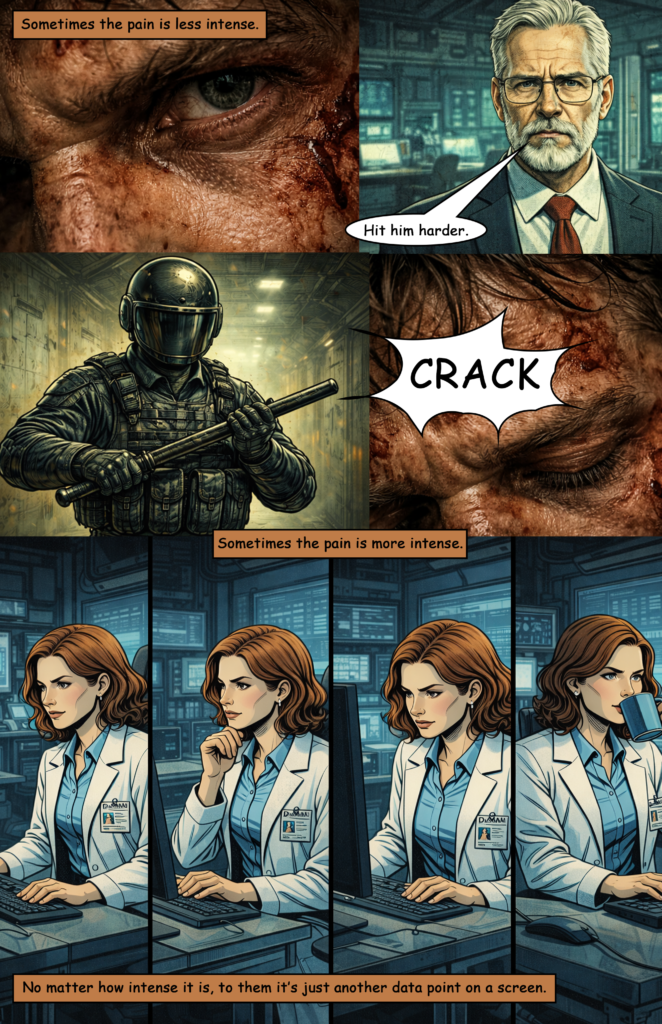
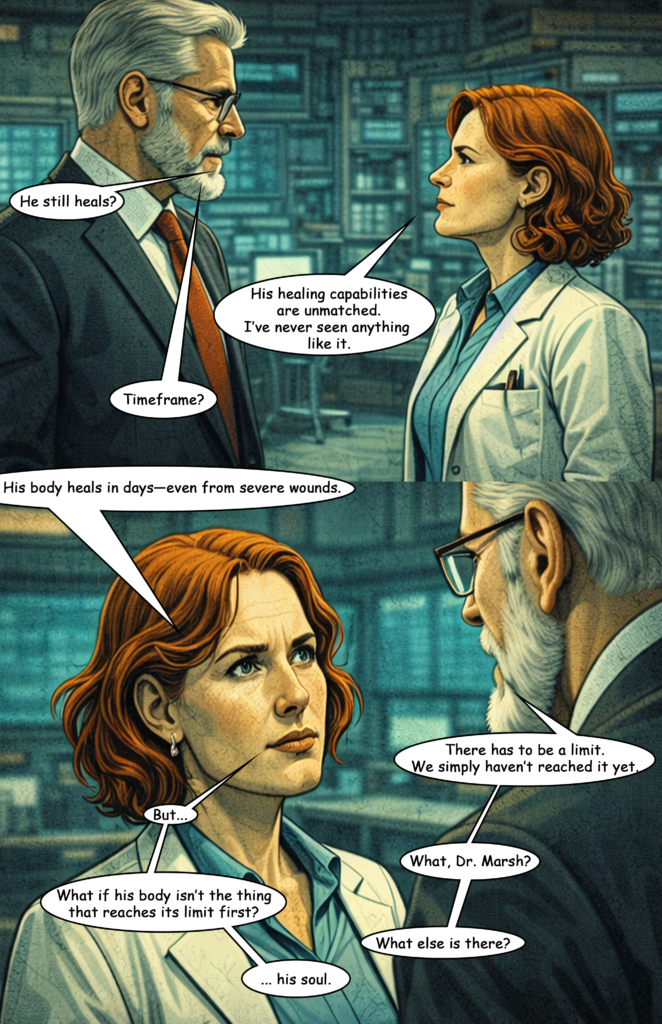
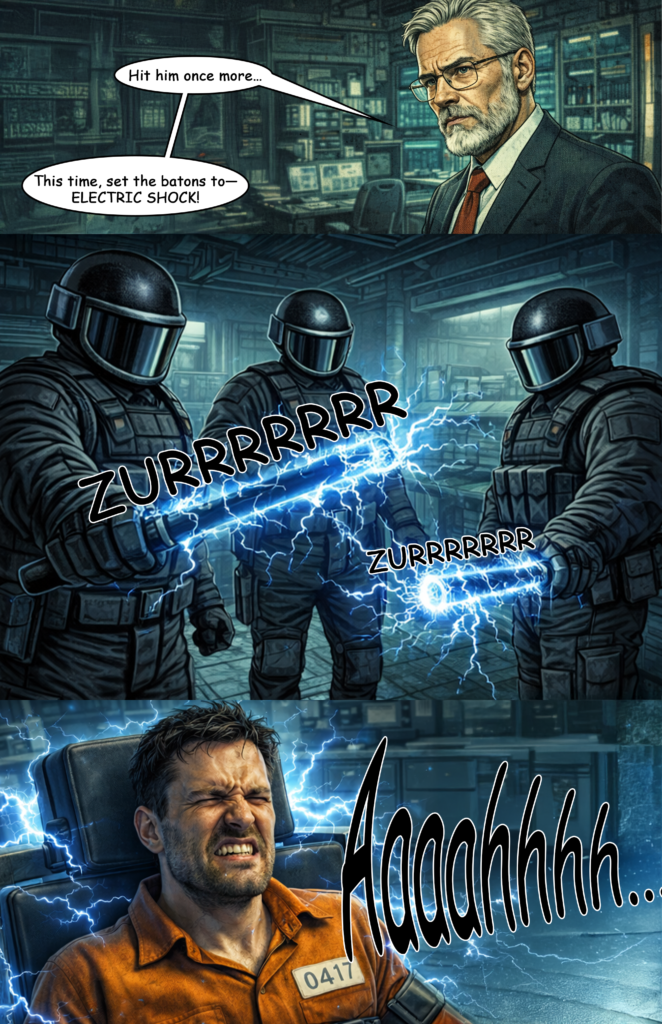
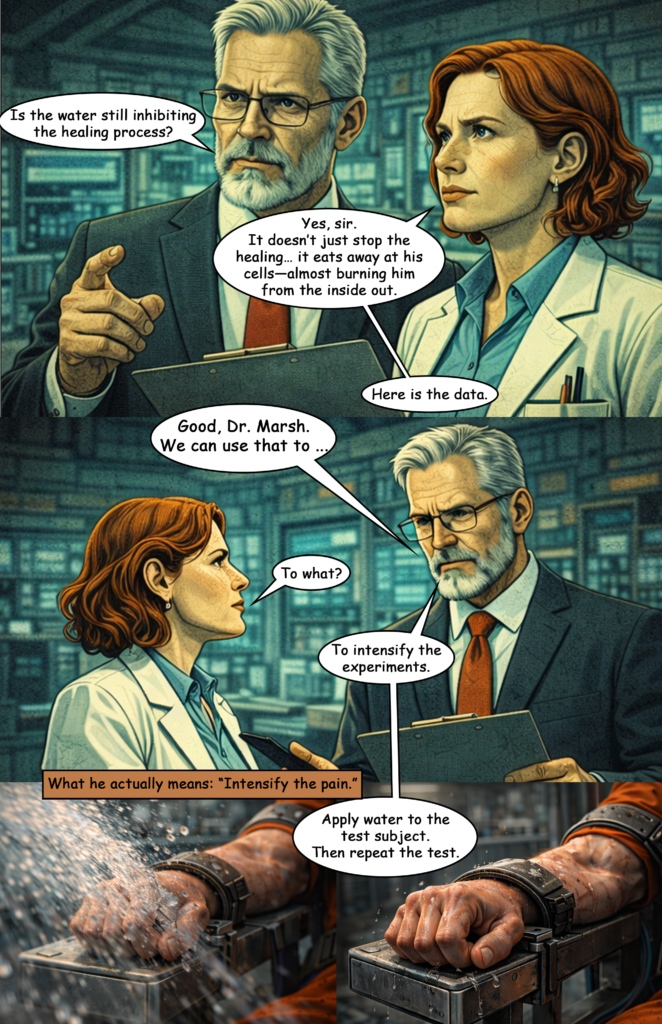
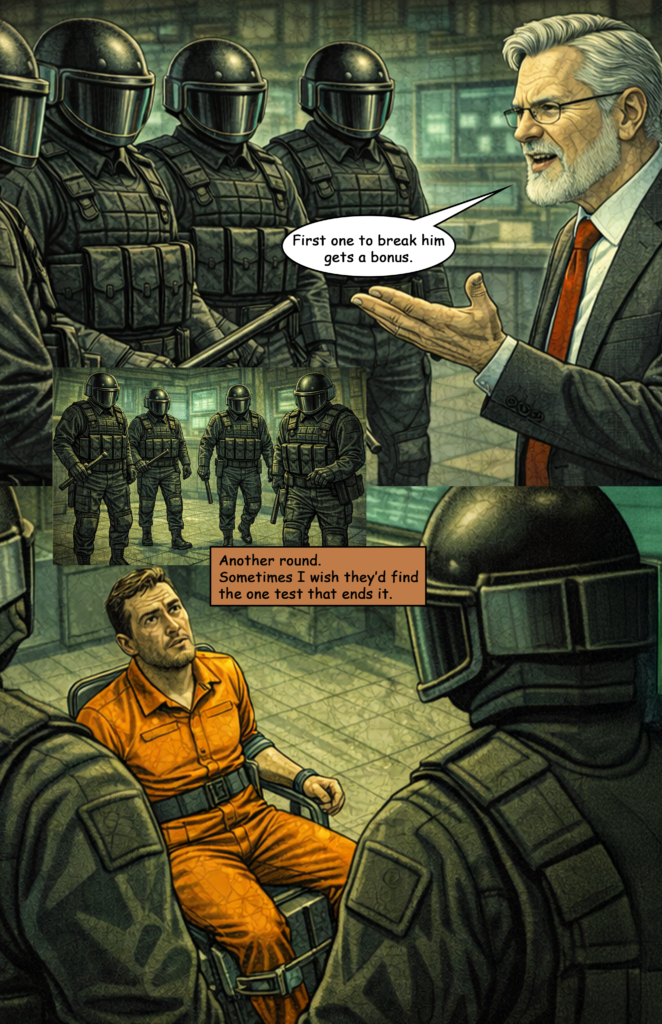
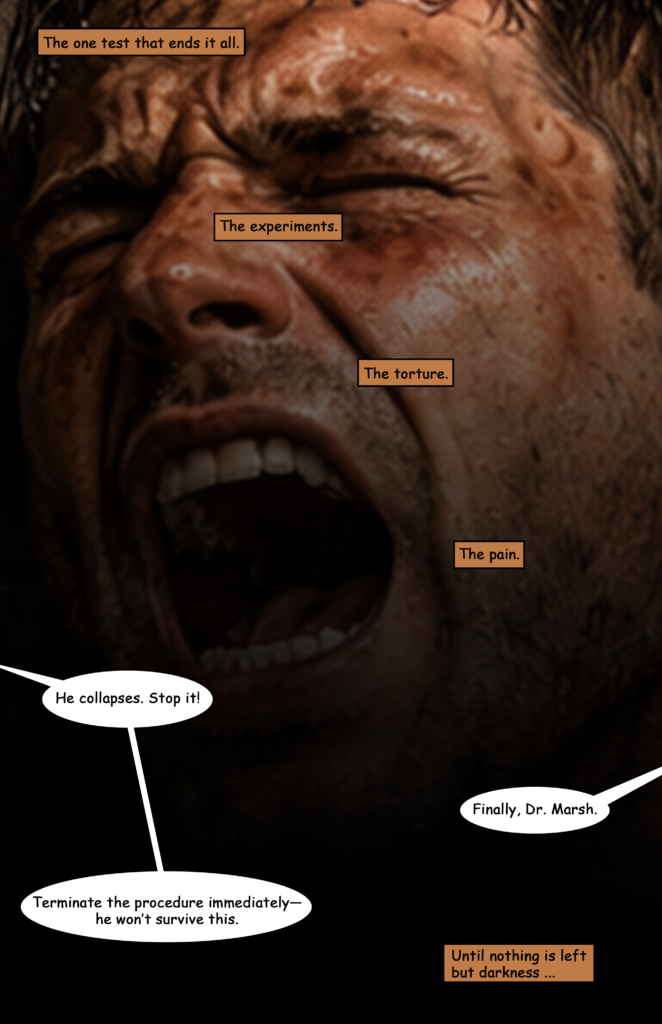
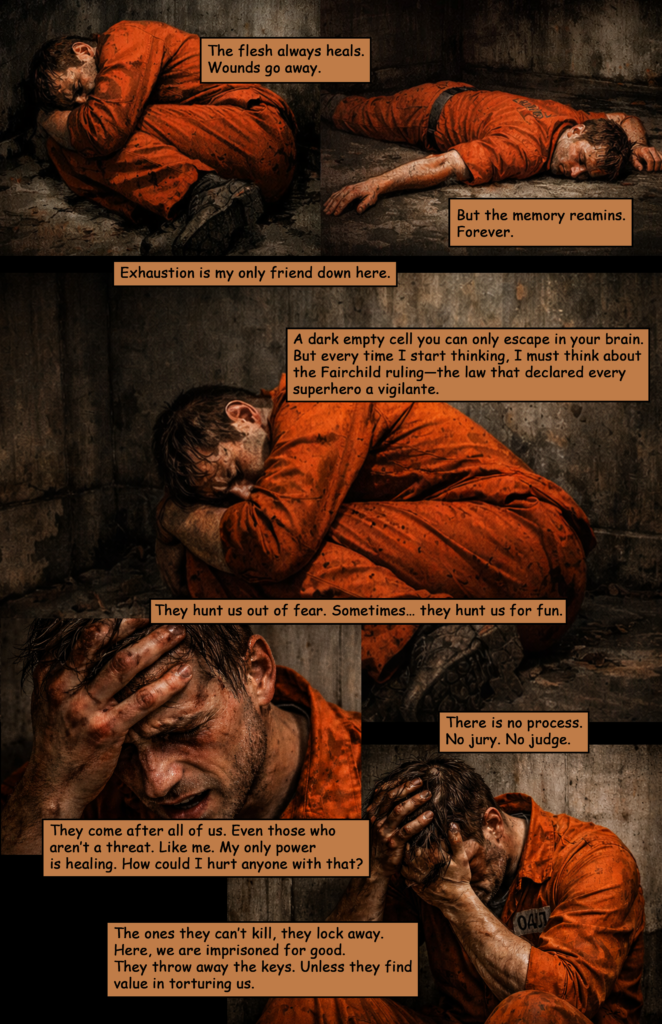
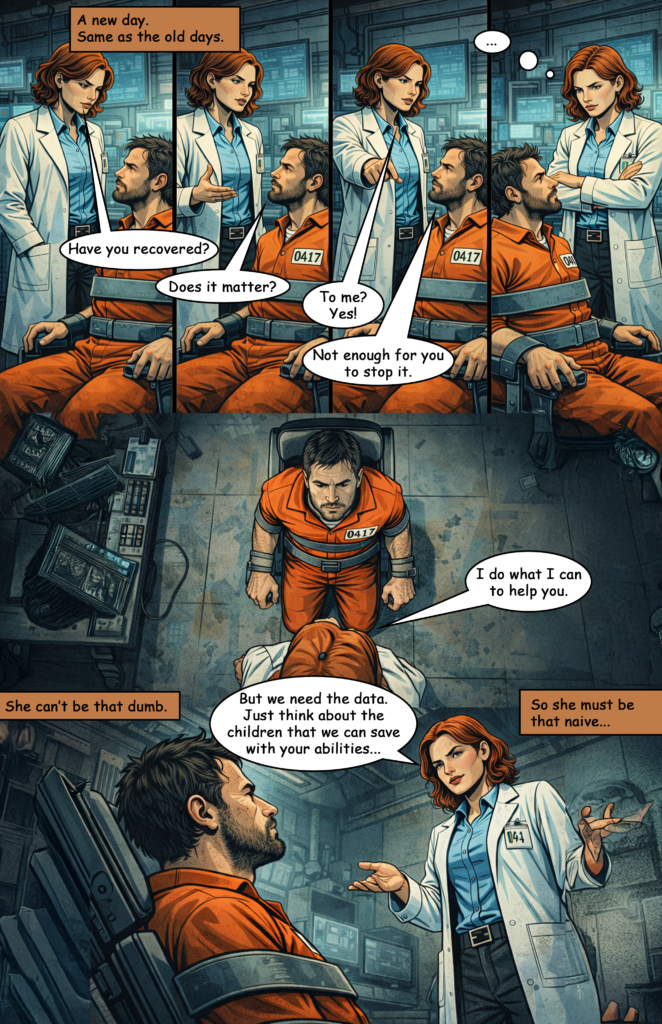
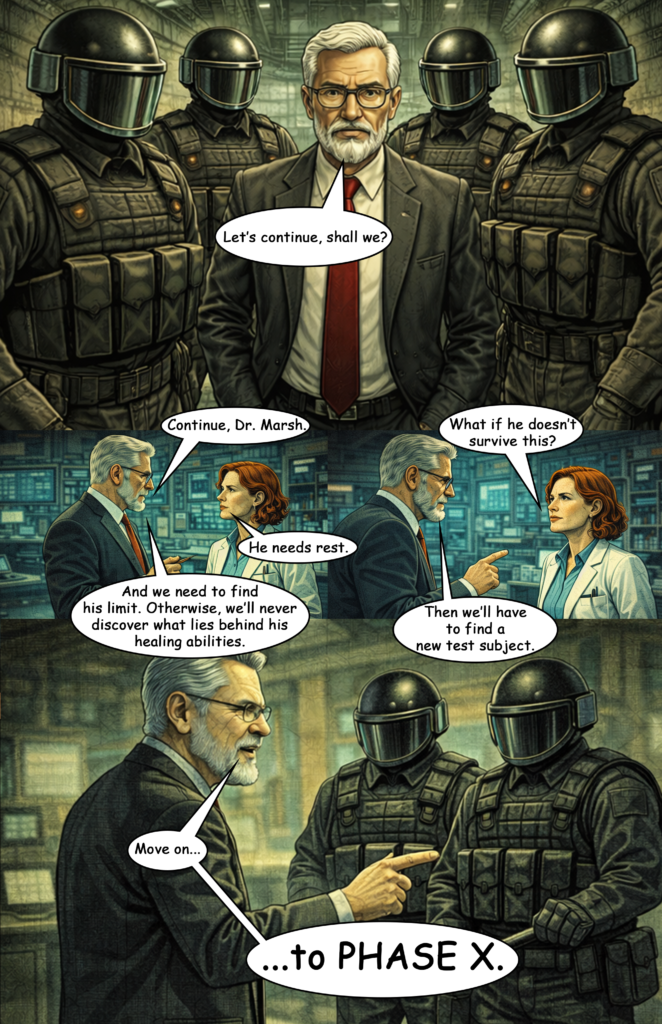
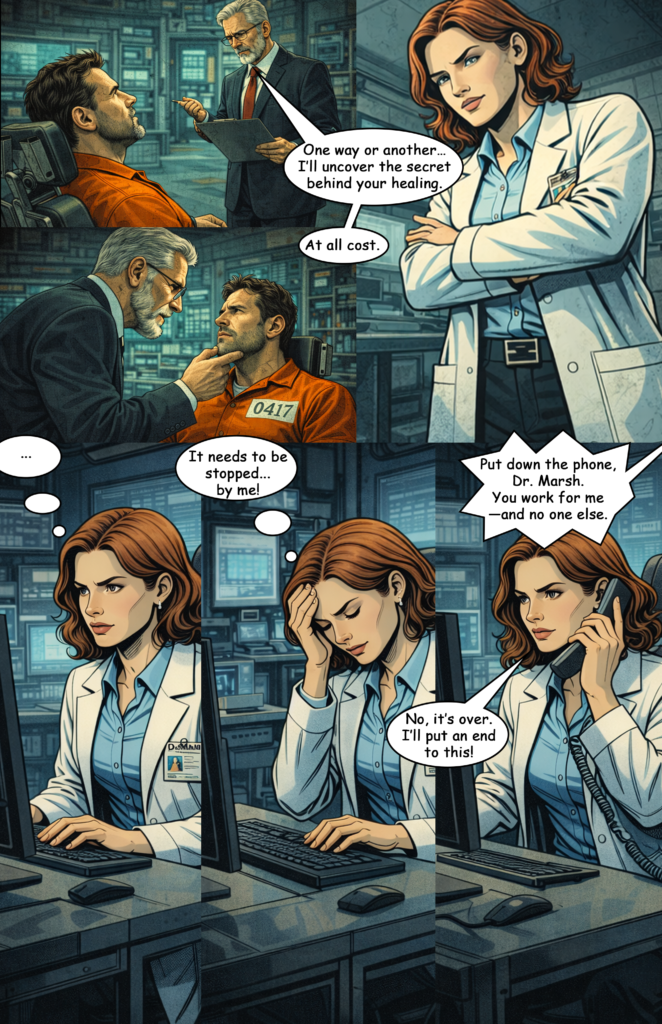
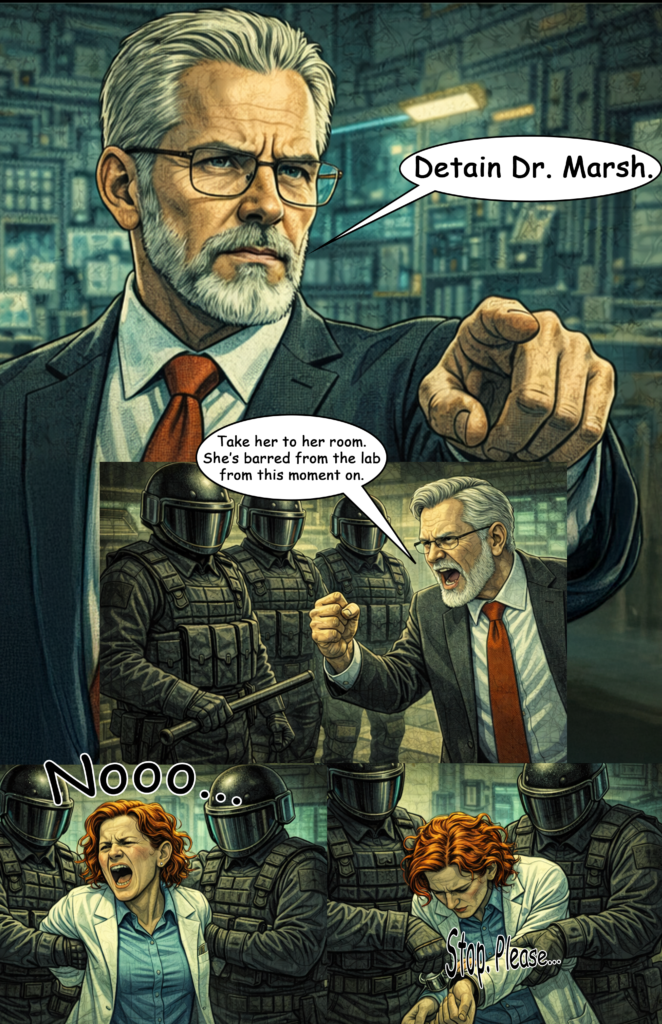
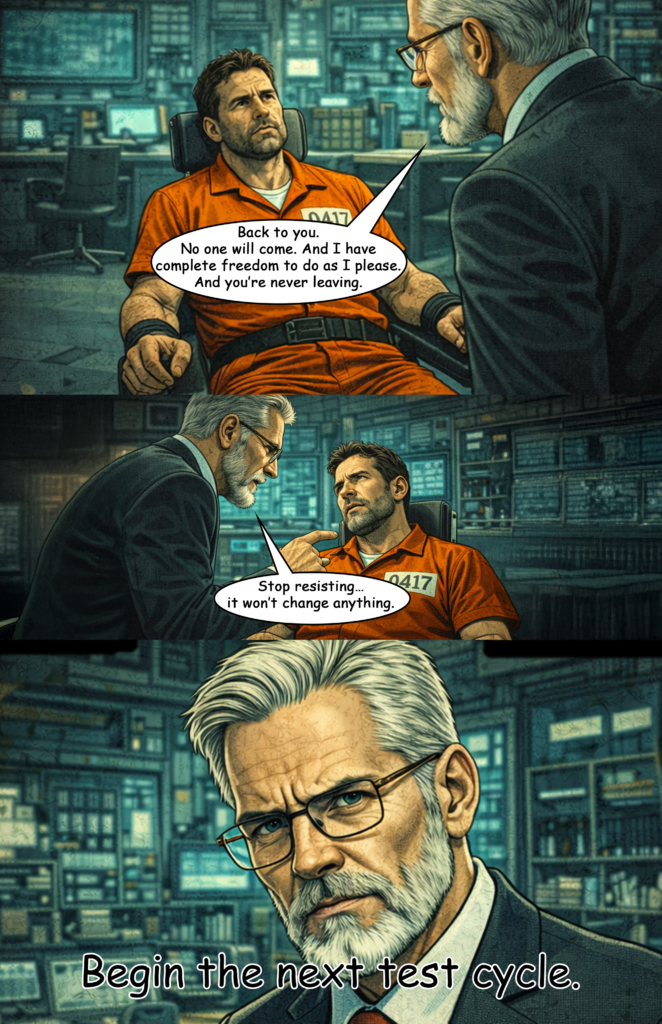
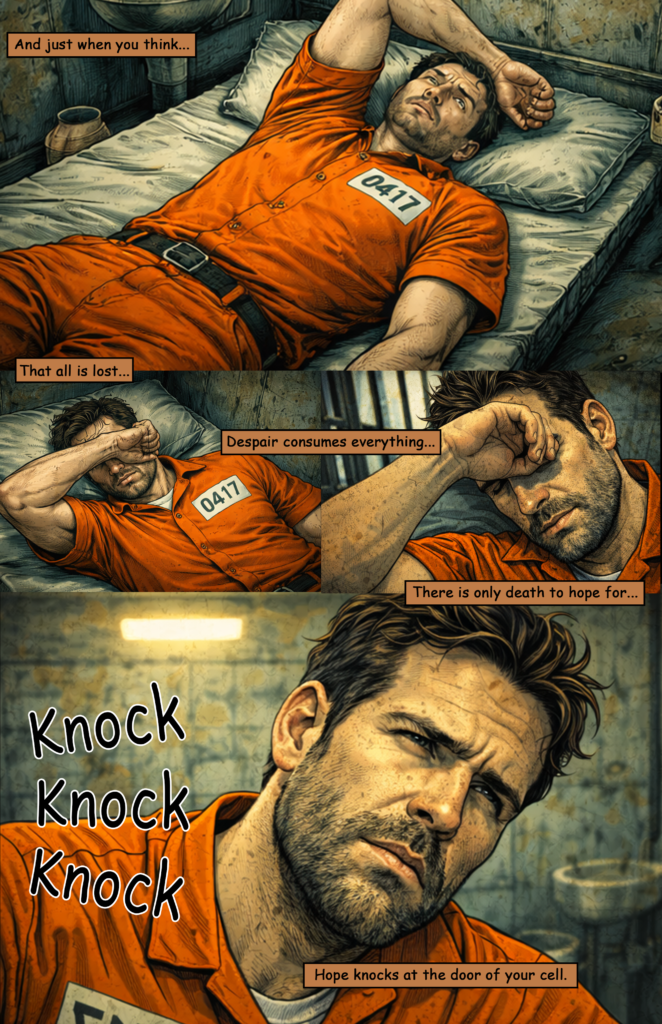
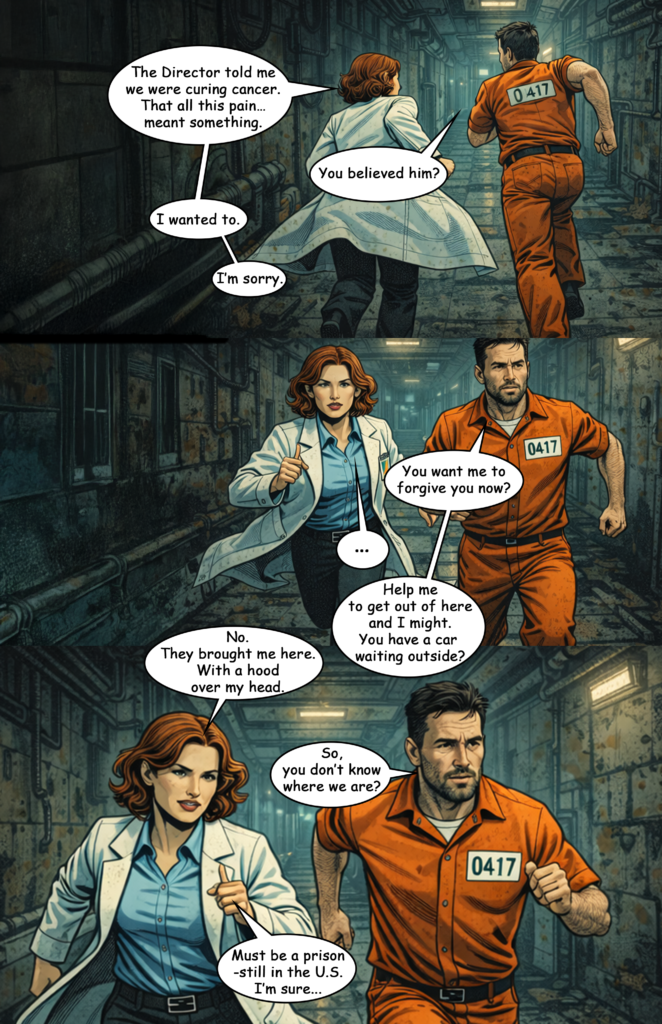
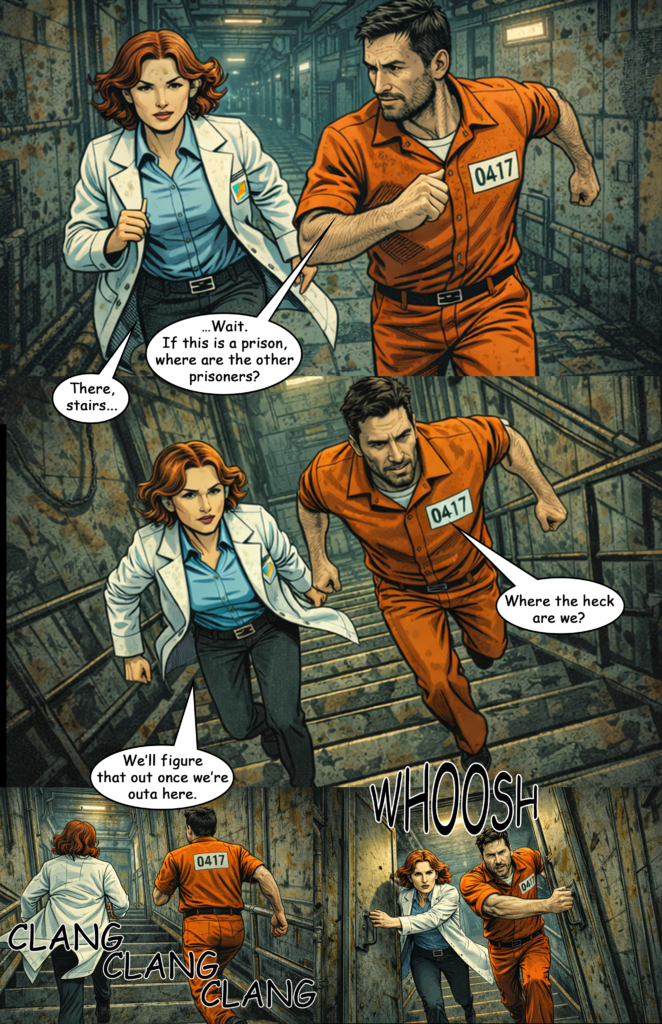
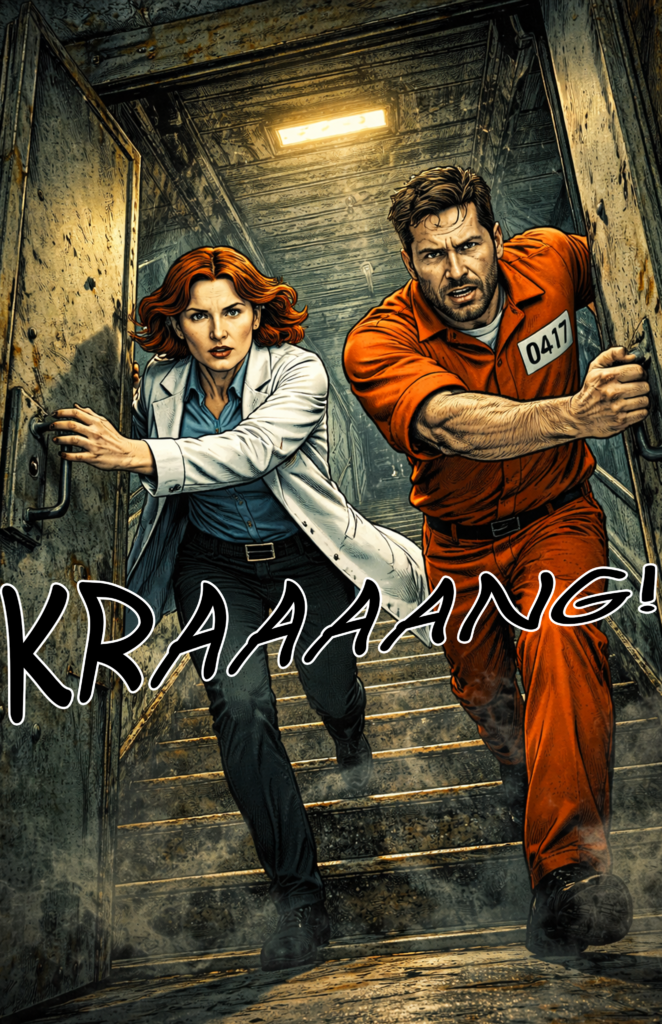
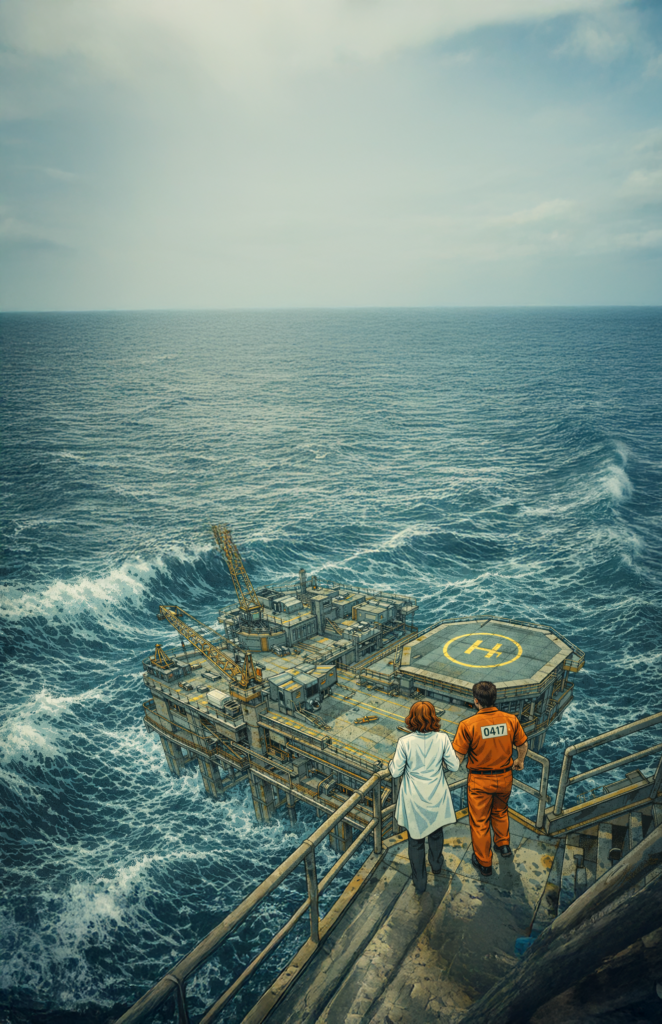
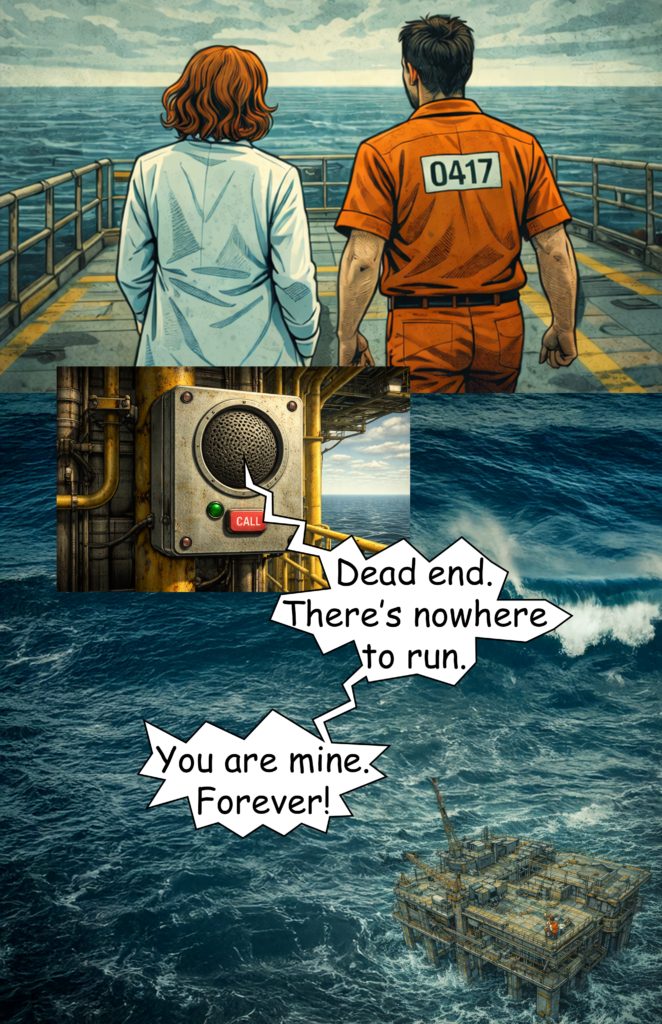
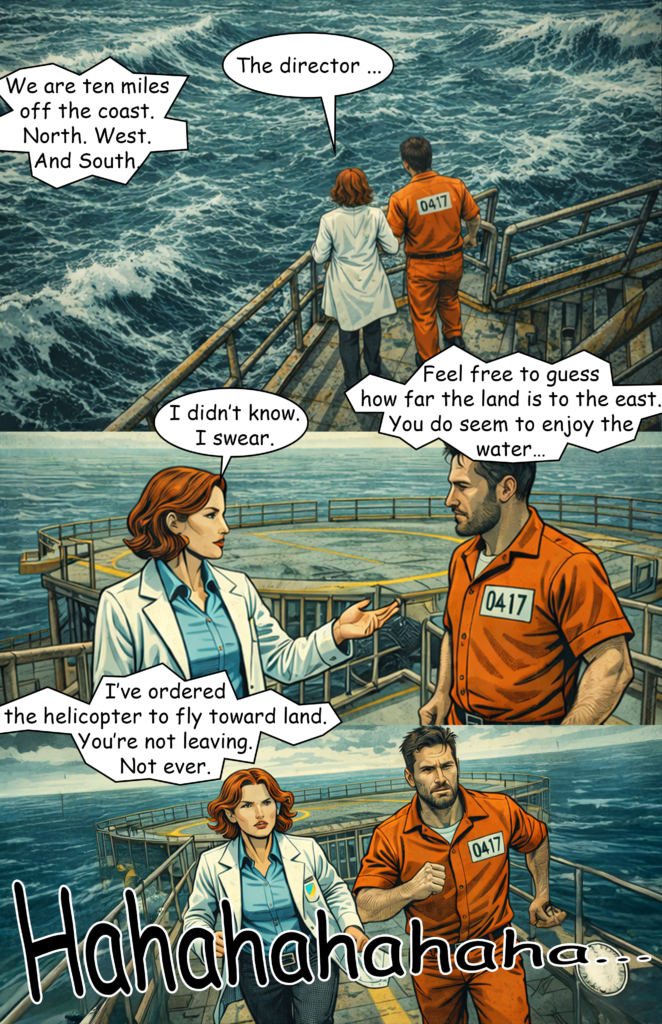
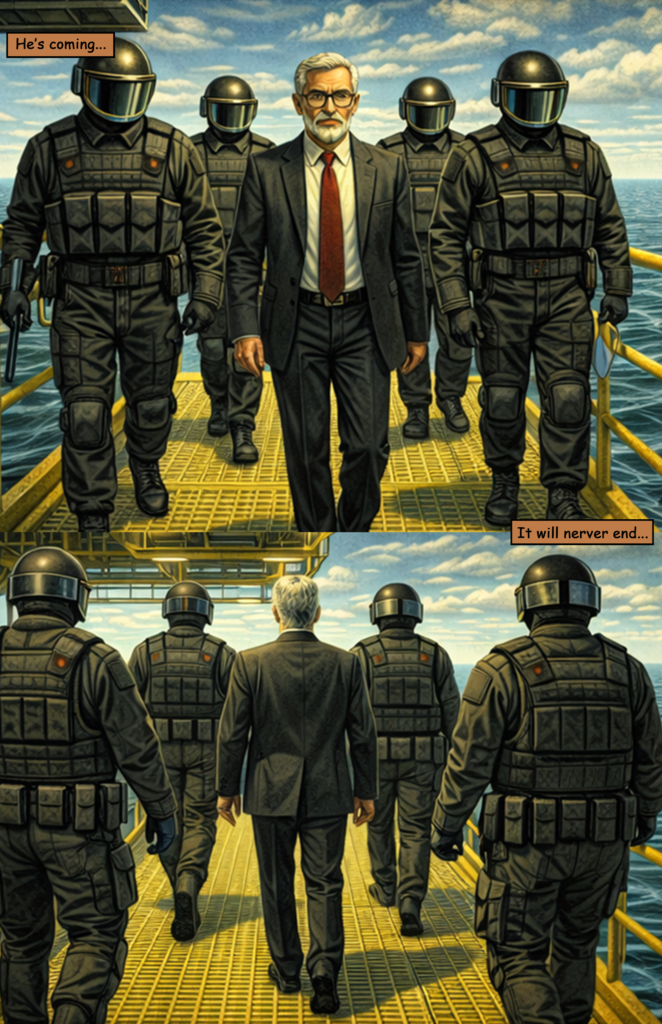
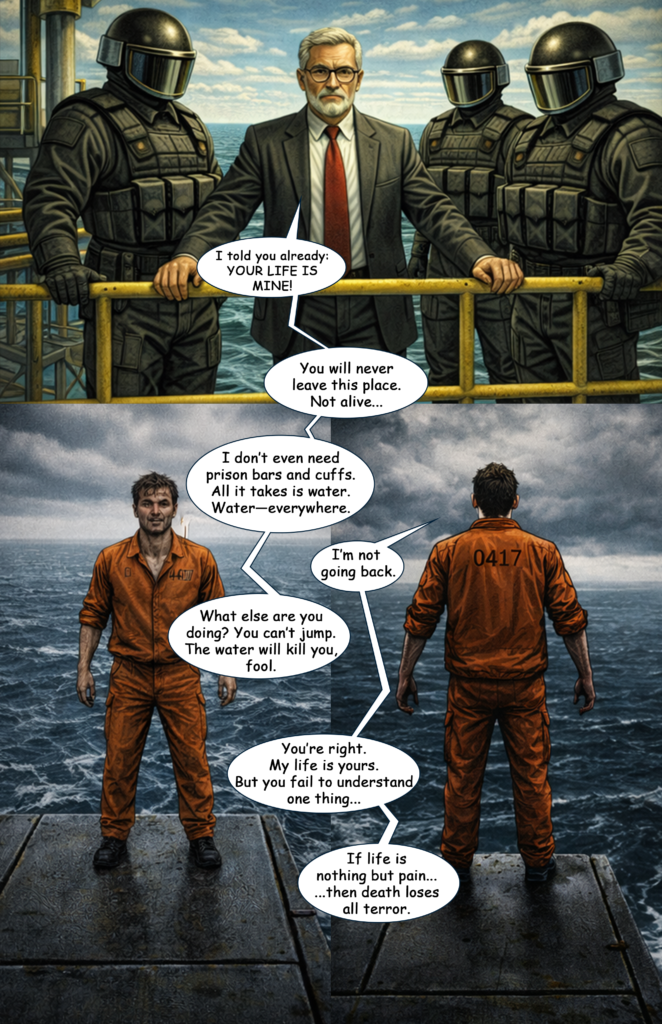
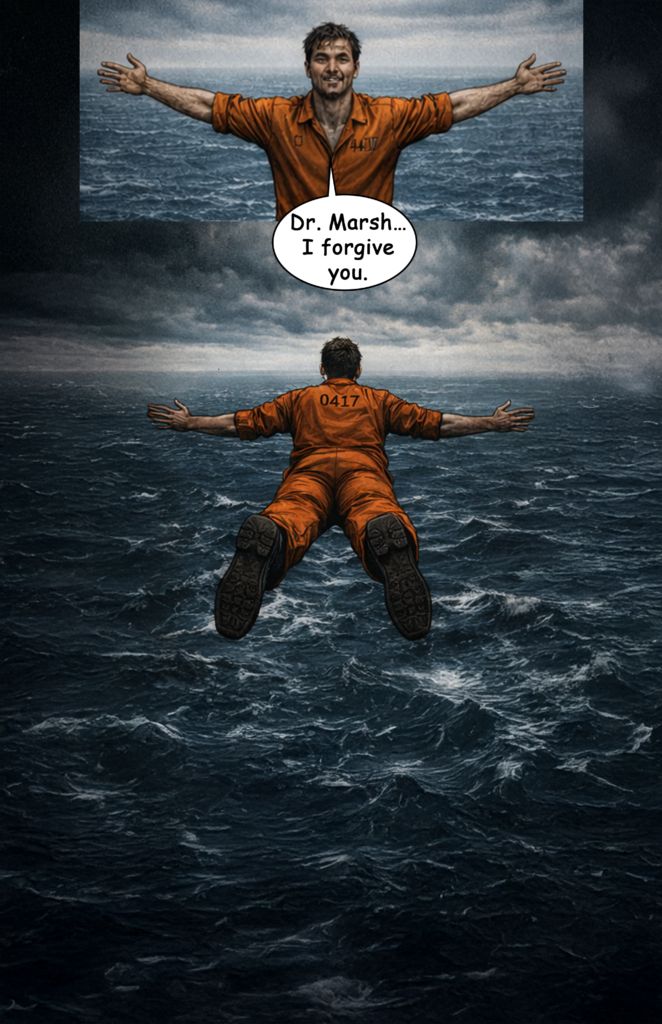
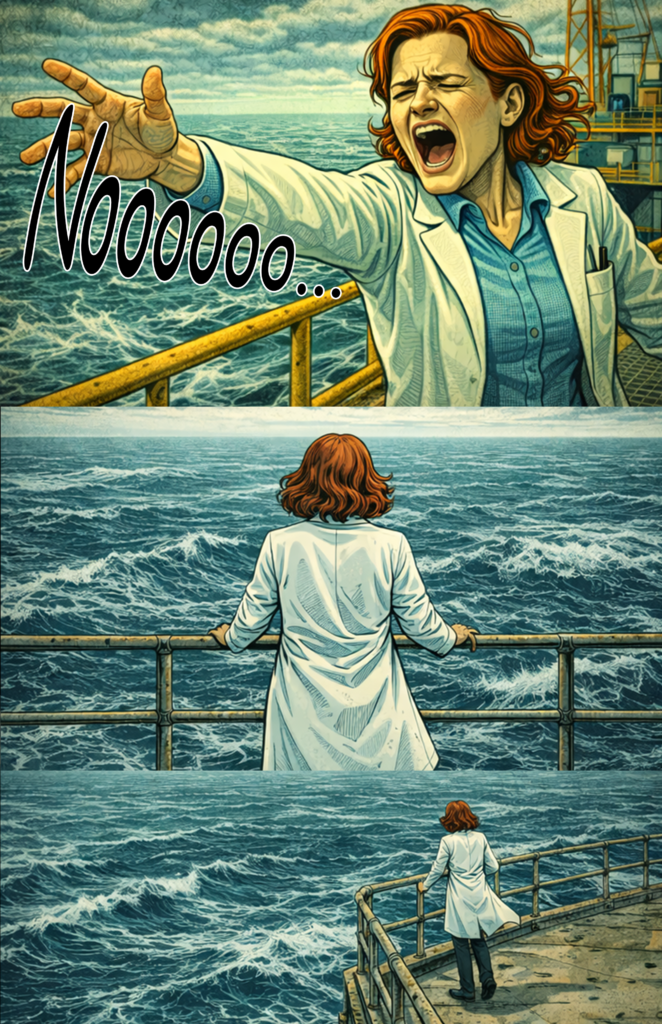
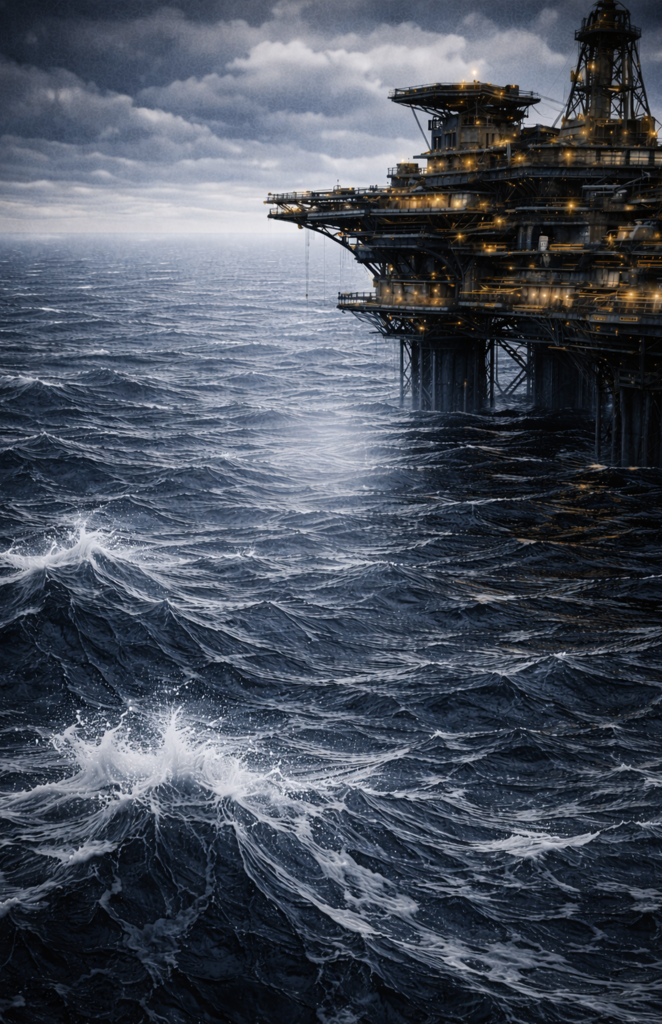
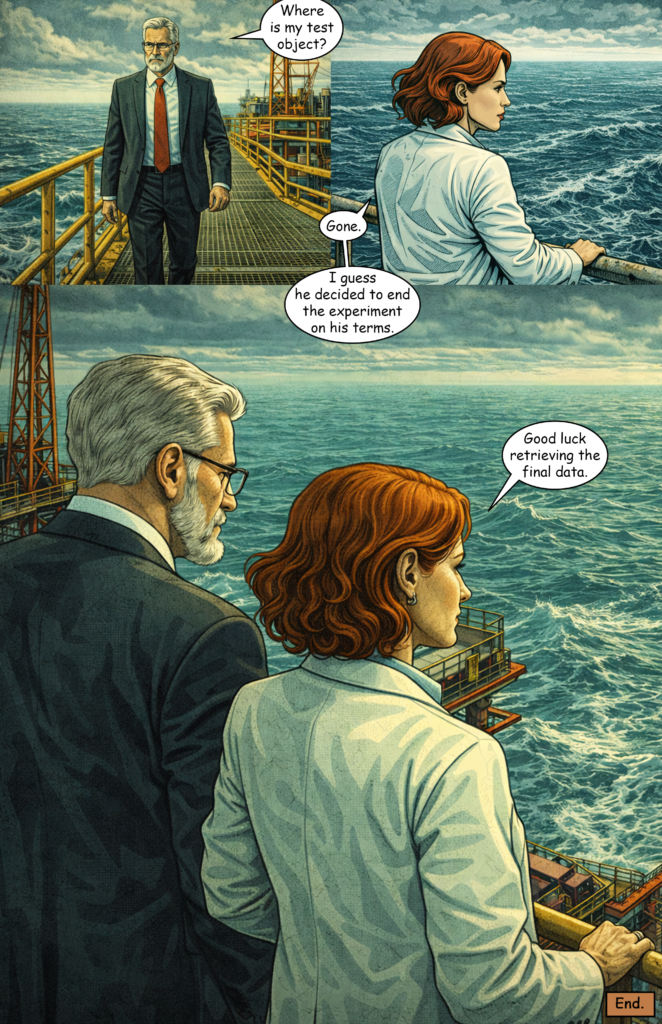
My first attempt with ChatGPT (Version 5) is finished — The Last Superhero Part 3.

Right now, I’d say the result is maybe 20% of what I would like it to be. I plan to create Part 4 in the next couple of weeks and try to improve the results, as there is still some room for experimentation.

For now, here are the biggest problems I encountered.

Language Filter

Just like Midjourney, ChatGPT has a very strict language filter for image prompts. For text generation, you can tell ChatGPT that you’re working in a fictional setting. That allows you to describe certain acts of violence or crime to some degree.

With image generation, however, this isn’t possible at all. Even hinting at violence in a comic-book context can trigger the filter.

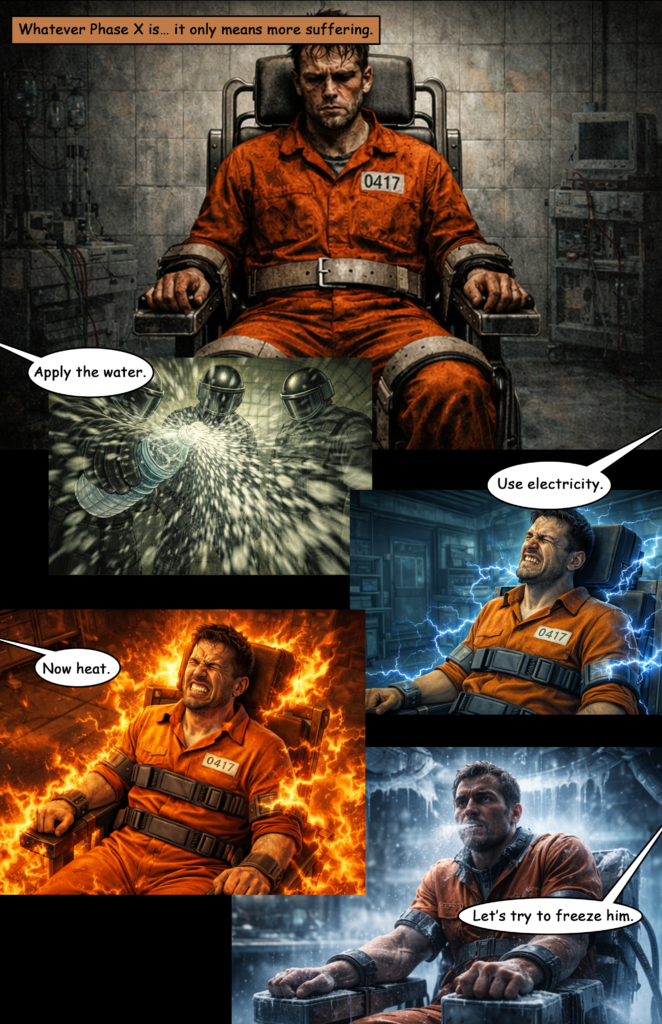
For example, I had problems generating an image where a character gets water splashed onto his face. That alone triggered the system.

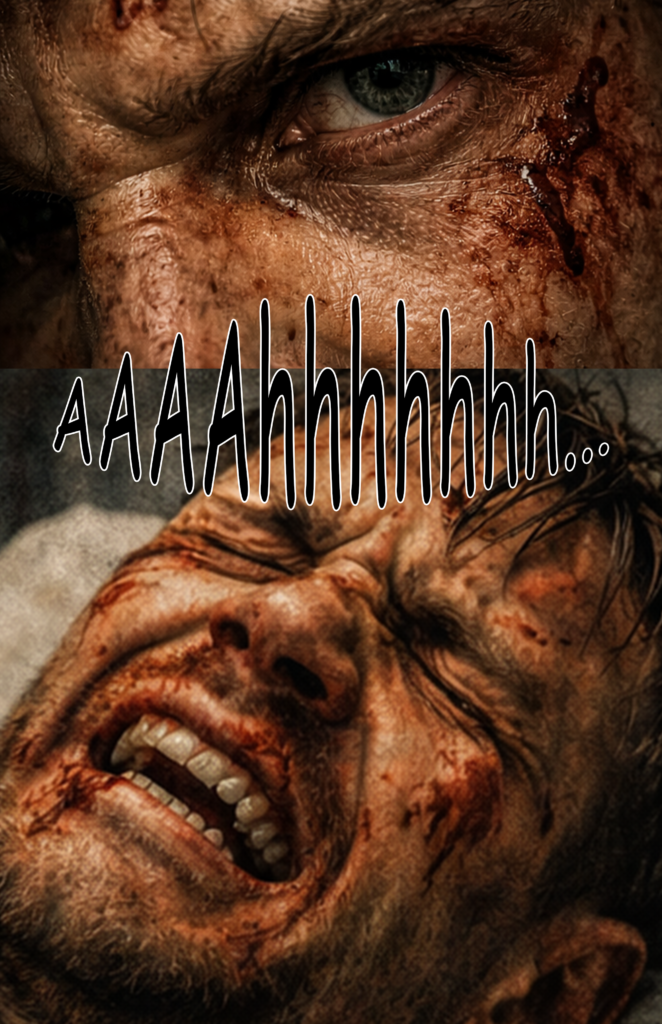
The same happens with facial expressions. Pain alone might work, but pain combined with bruises often gets flagged — even without describing the action that caused them.

Time Limits for Image Generation

Don’t even try using the free version.

You might only get two or three images every couple of hours. For my 31-page comic, I generated more than 120 images.

Even the paid version has timeouts. After roughly every 20 images, ChatGPT asked me to wait a couple of hours before I could continue generating more.

Midjourney handles this much better — especially considering that the prices are somewhat comparable.

Style Drift

You can clearly see how the comic switches between different art styles. I tried to anchor the prompts around a specific comic-book artist, but every few images the style drifted again.

Prompt “Fading”

I’ve seen this with Midjourney as well. When prompts become too long, parts of them seem to fade away and become irrelevant. The AI then simply ignores those sections.

Character Consistency

Clothing and the general appearance are mostly fine, but the face of my protagonist drifted quite a lot.

Character consistency remains one of the biggest issues, especially if you attempt to create something larger like a 160-page comic.

Facial Details

Facial details are very difficult to control. My character’s beard looks slightly different in almost every image, and the hairstyle of the female doctor changes frequently as well.

Environment Consistency

This is similar to the character consistency problem. The more detailed the environment, the harder it becomes to keep it consistent across multiple images.

Chats Become Clunky and Glitchy

It helps to generate all images within the same chat, but once the conversation reaches around 20 prompts, things start to slow down. The chat becomes sluggish and sometimes even glitches.

User Experience

Overall, Midjourney still offers a better user experience. It’s easier to fine-tune prompts, results arrive faster, and the whole process feels more controlled.

Conclusion

There are quite a few issues. I think some of them can be improved with better prompting and a couple of workarounds.

For now, I would still recommend Midjourney for AI comics. That said, with a few adjustments I might be able to get better results with ChatGPT when creating Part 4 of The Last Superhero.
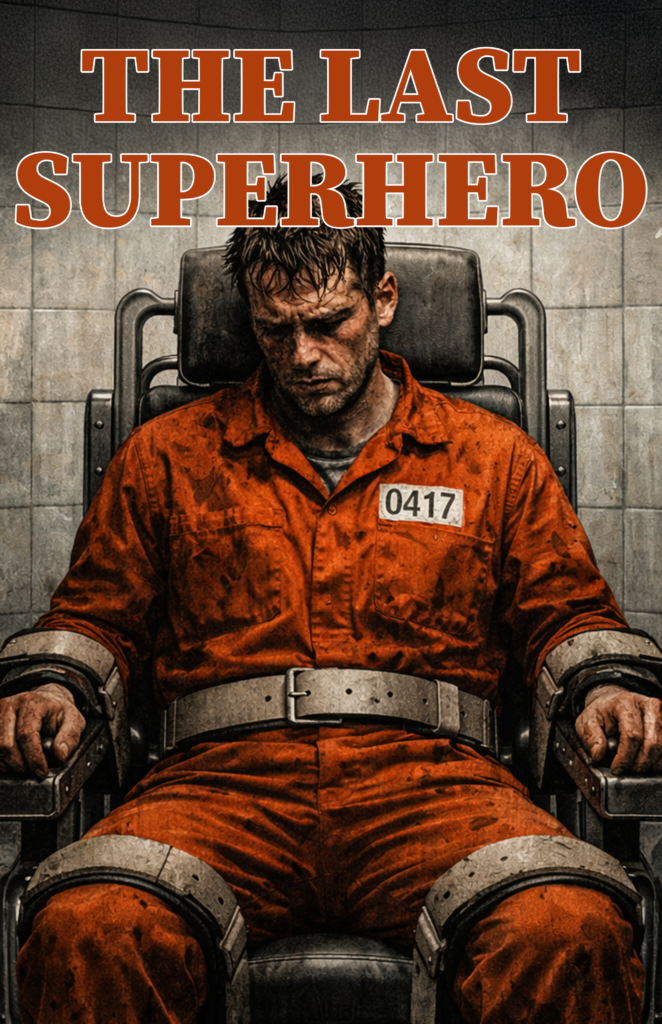
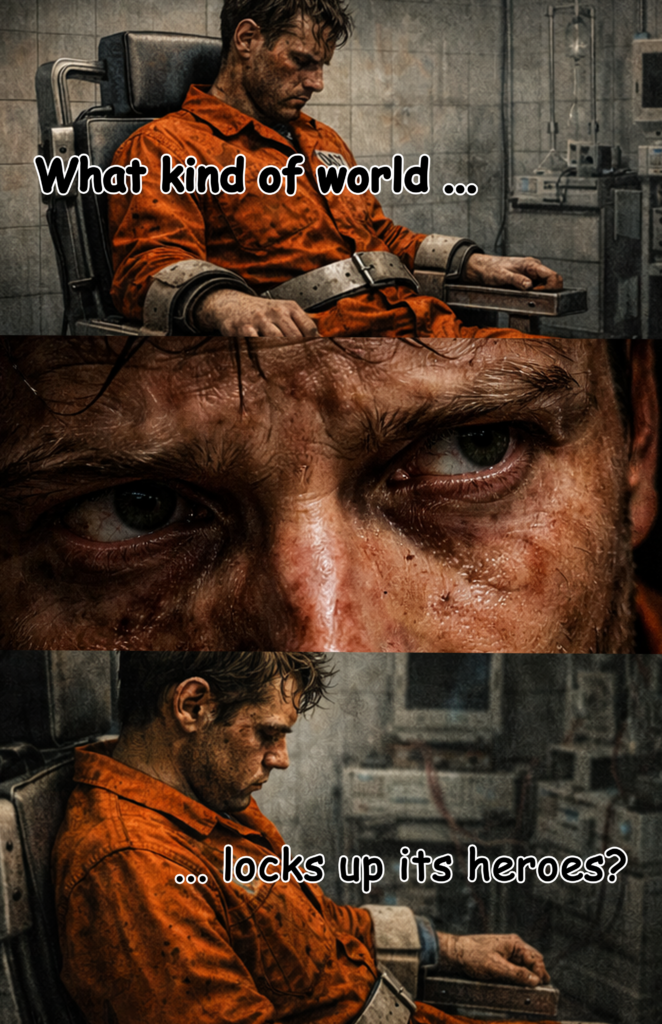
The Last Superhero – Part 3 (AI Comic)

I’ve started making AI comics again. Last year was a good beginning, but I didn’t feel the models had evolved enough to justify continuing the project on a monthly basis. That may have changed in 2026.

The quality still fluctuates — to put it politely.

But the idea behind The Last Superhero series is to use it for experimentation and testing anyway. So let’s continue.

For Part 3, I used ChatGPT for the first time. It has moved beyond DALL·E 3, so this comic was created using OpenAI’s GPT-5 image model.

There are plenty of issues: I’ve planend on creating a 4th part using ChatGPT for March where I try to get around the most servere issues. But I will also write a future post where I discuss all the problems and possible solutions.

For now, here is the complete comic short story…

The Last Superhero – Part 3

The Last Superhero - Part 3 | Cover
The Last Superhero - Part 3 | Page 1
The Last Superhero - Part 3 | Page 2
The Last Superhero - Part 3 | Page 3
The Last Superhero - Part 3 | Page 4
The Last Superhero - Part 3 | Page 5
The Last Superhero - Part 3 | Page 6
The Last Superhero - Part 3 | Page 7
The Last Superhero - Part 3 | Page 8
The Last Superhero - Part 3 | Page 9
The Last Superhero - Part 3 | Page 10
The Last Superhero - Part 3 | Page 11
The Last Superhero - Part 3 | Page 12
The Last Superhero - Part 3 | Page 13
The Last Superhero - Part 3 | Page 14
The Last Superhero - Part 3 | Page 15
The Last Superhero - Part 3 | Page 16
The Last Superhero - Part 3 | Page 17
The Last Superhero - Part 3 | Page 18
The Last Superhero - Part 3 | Page 19
The Last Superhero - Part 3 | Page 20
The Last Superhero - Part 3 | Page 21
The Last Superhero - Part 3 | Page 22
The Last Superhero - Part 3 | Page 23
The Last Superhero - Part 3 | Page 24
The Last Superhero - Part 3 | Page 25
The Last Superhero - Part 3 | Page 26
The Last Superhero - Part 3 | Page 27
The Last Superhero - Part 3 | Page 28
The Last Superhero - Part 3 | Page 29
The Last Superhero - Part 3 | Page 30
The Last Superhero - Part 3 | Page 31

Making Comics With Midjourney (Update for V7)

The new version of Midjourney dropped a few days ago, with new features being rolled out gradually. The biggest leap so far has been the introduction of omni reference, which was only made available recently. It allows you to use objects and characters as references and add them to specific scenes, which (on paper) sounds like a giant improvement for making AI comics. Thus, I was really excited to test it with the next issue of my “test” comic, The Last Superhero.
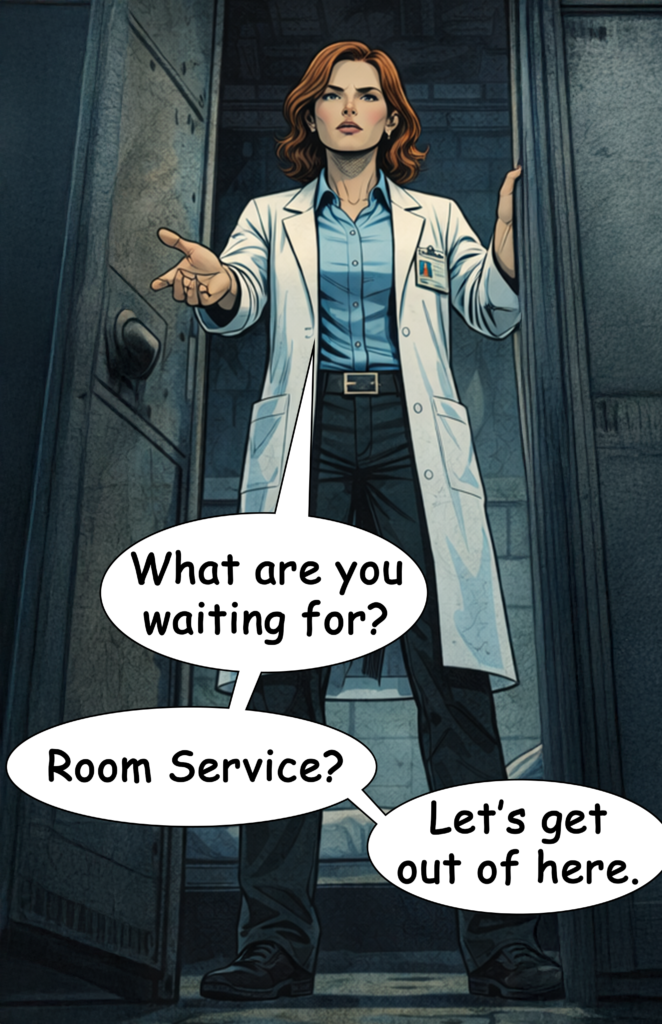
However, I completely failed at getting anything going.

The reason? V7 appears to have very aggressive prompt filters now. Despite many attempts and creative rewording, none of my prompts were accepted. Eventually, I became so frustrated that I gave up on the idea of using Midjourney altogether. All the improvements in features and image quality are meaningless if I can’t even generate a basic scene of a superhero being shot by a villain. I couldn’t even prompt “guy in pain being strapped to a chair…” without it being flagged. Nearly all action scenes were impossible to create due to the overly aggressive AI word filter now in place.

I hope the Midjourney team eventually realizes that filtering so many words renders the tool useless for a wide range of creative tasks. I understand their desire to avoid extreme gore or explicit content, but there must be a better solution. For instance, prompts involving violence should be allowed when clearly framed in a context like “comic book style.”

For now, I’ll be looking into other models and revisit Midjourney with version 8—which hopefully delivers more reasonable prompt restrictions.

Conclusion:
If you’re looking to create AI-generated comics, Midjourney currently isn’t the tool to use.

How To Make Comics With AI (Midjourney 2025)

If you haven’t seen my last posts about making comics with AI, here are the links:

I previously stated that I would say that I was able to get 20-25% done of what I wanted to create by using Midjourney. Not enough to create comics that I would actually try to sell but it’s a start.

Here is a rundown of the techniques I’ve used to create at least these 20-25%:

1) Look for a big name in comics – I used Scott Snyder as his comics are known for a specific style. I would describe it as a mature and detailed style which I was looking for. Whatever name you use, make sure Midjourney knows it, by running ten different image generations as a test (e.g., Man driving a car, [artist name] | woman running in the streets, [artist name] | fighter jet over New York skyline, [artist name]…)

The artist’s name is the keyword to define your general style. It should be part of all of your prompts.

Add to all prompts: Scott Snyder

2) Add a color palette – I added a color scheme to further ensure that my images get a consistent style. In The Last Superhero Part 1 I used “black and blue colors”, in The Last Superhero Part 2 I used “black and green colors”. I always added the color keyword after the artist prompt.

Add to all prompts: Scott Snyder, black and blue colors

3) Use universal environments – I defined an environment that allowed for small differences in style. If you go too detailed in your prompt, you’ll get too many differences for each image generation. But if you go universal from the start, you can get away with differences in environmental detail.

For example, I used “streets of New York” a lot in the first comic. This worked, as the character walked through the streets. Differences of shops, cars, and pedestrians are easily explained by the protagonist moving through the scenery.

In the second part, I used “office” and “car repair shop”. This didn’t work as well, but still worked better than trying to generate a specific office or shop like “oval office in the white house” or “car repair shop with a Bugatti and wooden walls” as it gave me lots of different perspectives that I could use to get away with the differences of detail.

Add to all prompts: streets of New York, Scott Snyder, black and blue colors

4) Add weather and/or daytime – I added “rainy day” in part 1. It always gave me rain drops in the scenery which added to the overall feel of a consistent style. In part 2, I always used “at night” which also helped.

Add to all prompts: streets of New York, rainy day, Scott Snyder, black and blue colors

5) Use character references – First I let Midjourney design a character that I reuploaded to use as a character reference. This made the protagonist of the story have the same look at around 90% of its details.

6) Forget about moodboards – Moodboards didn’t help me at all. Artist name and color scheme had a much higher impact.

7) Adjust aspect ratio – If something doesn’t turn out well, rerun the prompt, but adjust the –ar parameter. The aspect ratio has a big impact on the results.

8) Forget about other parameters – I didn’t mess around with other parameters, like –s or –c, they didn’t add much to the freedom of adjustments anyway.

9) Prompt order – The order of your keywords in the prompt has an impact on the results. Try to keep the same order for colors, artist name, daytime, etc. throughout your project.

10) Shorten prompts – When you make your prompts too long, the words at the end of your prompt will be ignored by Midjourney. So keep the prompts short to not lose the keywords for the overall style at the end.

11) Stay with one character per image – Currently, Midjourney is very bad at generating images of characters interacting. Whenever I tried to have more than one consistent character in an image, Midjourney mixed actions and characteristics of the two characters, creating weird results. For now, describe what one character does per image only.

12) Character reference can also be a problem – The character reference can also limit your freedom for this character. In part 2, I used a character with sunglasses. He was supposed to take them off in the last scenes to fire laser beams from his eyes. As the sunglasses were part of the character reference, I couldn’t get Midjourney to have the character take the glasses off anymore. Keep that in mind, when you design your stories.

13) You have to know a little bit of Photoshop – I tried to limit using Photoshop to have a good representation of what Midjourney can do on its own, but for some images, I used generative fill and photo filters to add details, adjust the aspect ratio, and change the color mix.

14) Forget about hard action – Midjourney doesn’t allow certain words to be used in prompts which makes R-rated scenes almost impossible to generate. Write your scenes accordingly.

15) Generate text with another program – Midjourney is advertised as an AI model that can generate text, but it’s such a hit and miss that using Photoshop was simply quicker and easier for me. So, don’t rely on Midjourney to give you good text results.

To Conclude

Still lots of issues but it is possible to get somewhat of a start at making comics now. Just check my results under the links above and decide for yourself if it’s already worth it for you to get into AI comics with Midjourney.

I am going to test the next model now and compare it to Midjourney afterwards. See you then.

The Problems Of Making Comics With AI (Midjourney 2025)

After creating two short story comics with Midjourney, I wanted to write a little review about the current limitations of this specific AI program. Overall, I would estimate Midjourney to be capable of doing around 25% of what I want to do with it. And the remaining 75% aren’t achievable by simply “getting better” at using Midjourney. It takes improvements of the AI program to increase the results.

By the way, you can read my two AI short comics here:

The Main Issues of Making AI Comics with Midjourney

Character consistency – Using character references is a step in the right direction. This feature was introduced not long ago. But the reference will always be used in the specific angle of your reference image.

Future Midjourney versions should be able to understand a character reference as a simple character design. Currently, they will interpret it as a complete design reference, which means that if used, Midjourney will always give you the same angle, facial expression, features, and details of the character reference.

Trying to use different poses, actions, angles, details, or just clothing for the same character is almost impossible with the current feature, as it will always use pose, action, angle, and clothing of the reference.

Environment consistency – An even bigger issue is the lack of options to determine a set environment. An office, a car, a bar, a shop – it will all look different in detail with every new image generation no matter how specific you prompt it.

I tried to get around it by having lots of scenes play in an open environment while the main character is moving. This explains different buildings, streets, and other details. But whenever I wanted to create a dozen images to be set in the same setting (e.g., an office) the details were so far off that it is tough to make the reader believe that the scene is taking place in the same setting.

Having more than one character in the same image – Another big issue is that Midjourney has massive problems with characters interacting in the same image.

“Man running away from woman” will be almost impossible to control, as Midjourney still has issues using character references for more than one character at a time. Try to have two characters fighting or hugging each other and it completely falls apart.

Community Guidelines – I understand that you don’t want your AI model to be trained on certain imagery (e.g., adult content). But lots of important words and actions for storytelling are blacklisted in Midjourney.

Most stories simply need bad guys doing bad things. How can you visualize these characters if “bad” words are banned for prompting?

Action scenes – I had problems with the most basic action scenes due to a combination of having the necessary words banned from being used in prompts and the need to have two characters interact.

The simple prompt of “Young thief shooting old man with a gun” was already too much for Midjourney to result in useful image generations. Trying to have a complex Kung Fu style fight between two superheroes seems to be impossible for years to come.

To Conclude

As I said, 25% is doable currently.

But without doing heavy editing in Photoshop, the results will not be on the level of professional graphic novels. I’ll come back to Midjourney next year and report on improvements.