How to Make Comics With ChatGPT (2026 – Image Model V5)

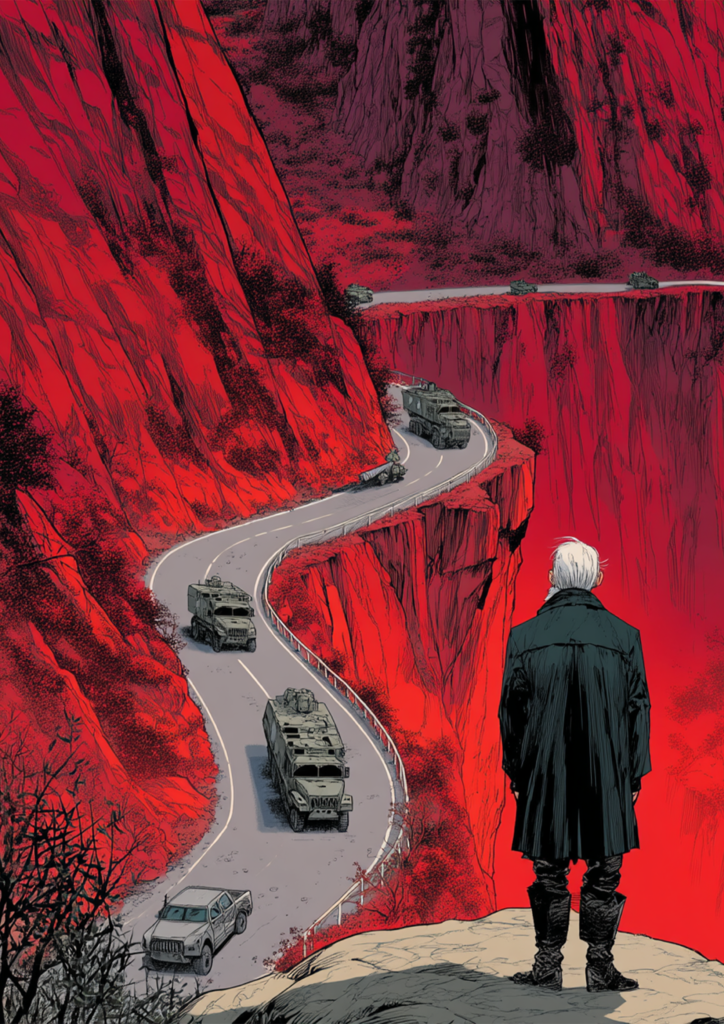
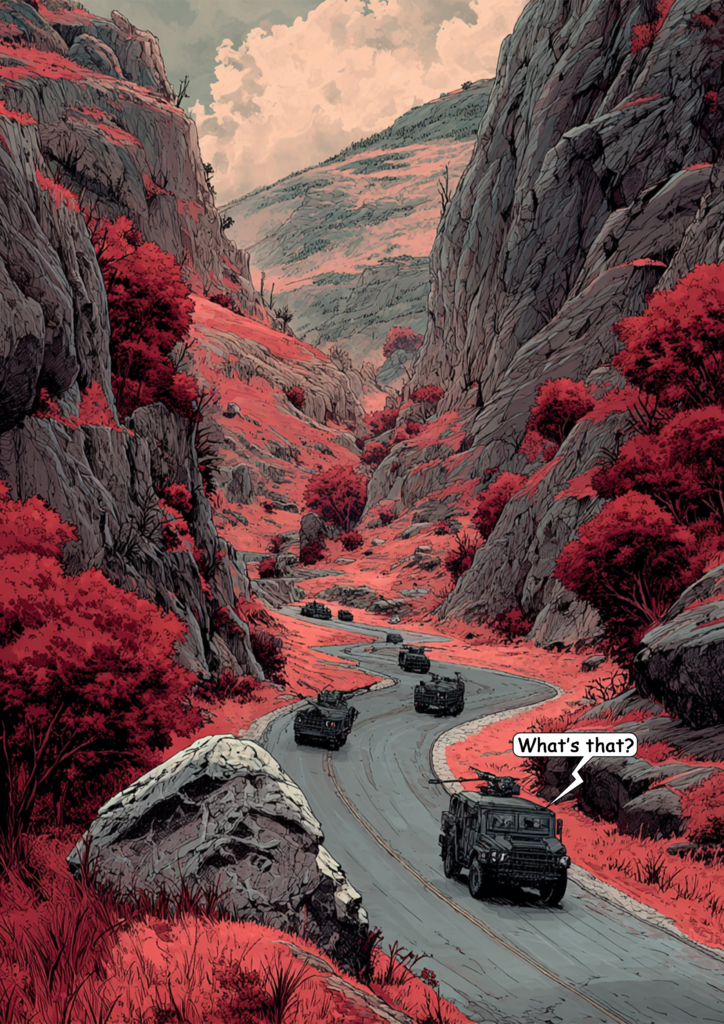
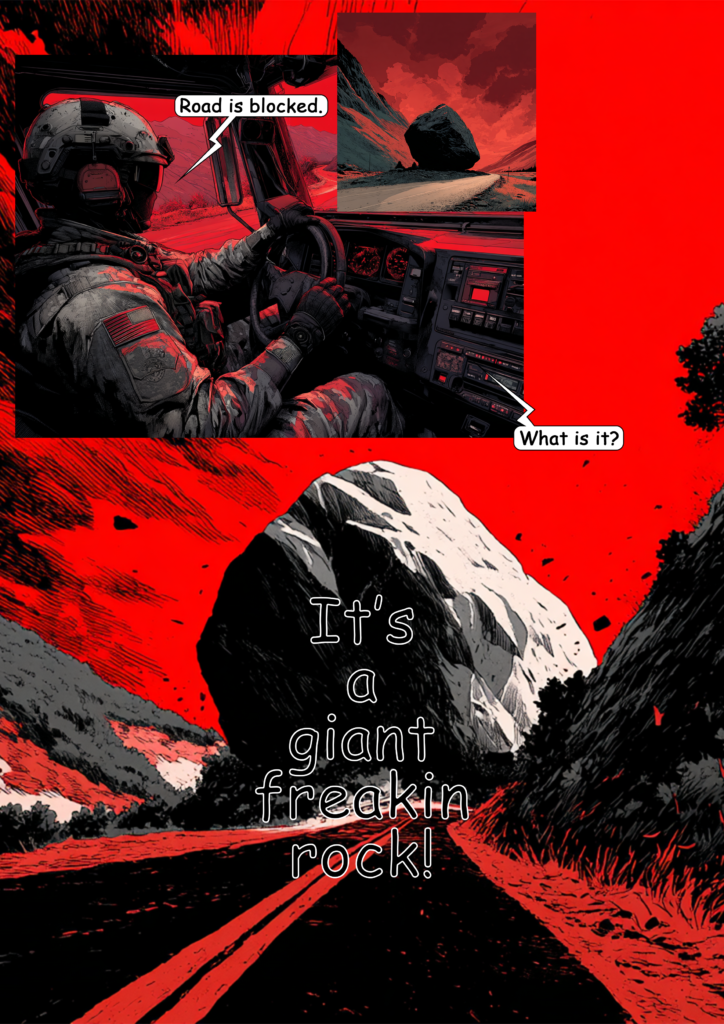
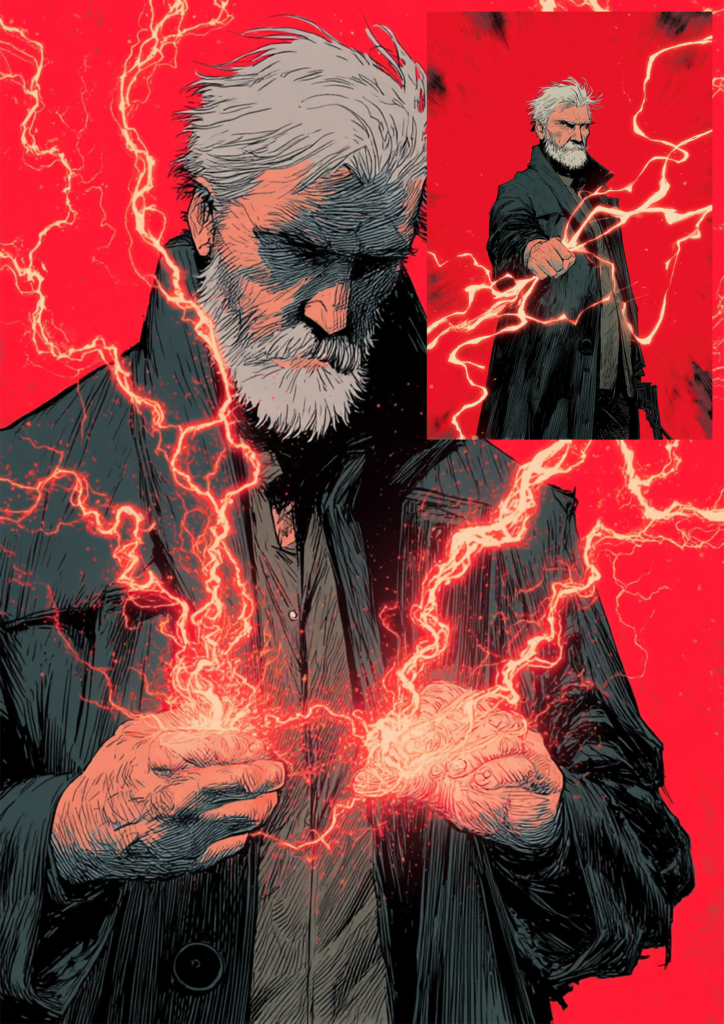
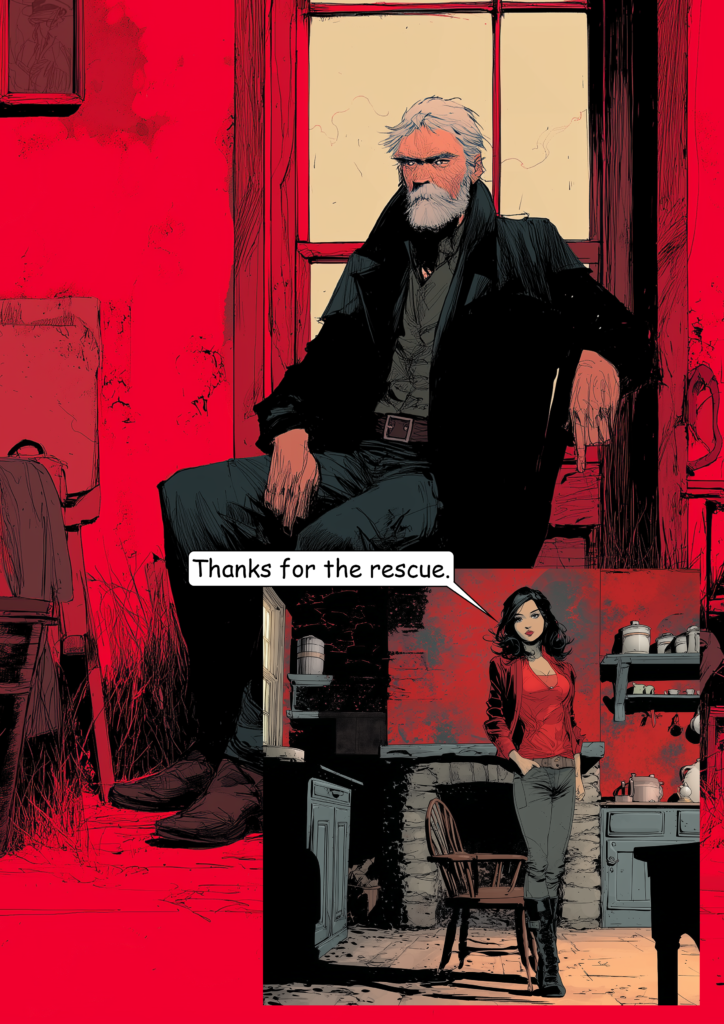
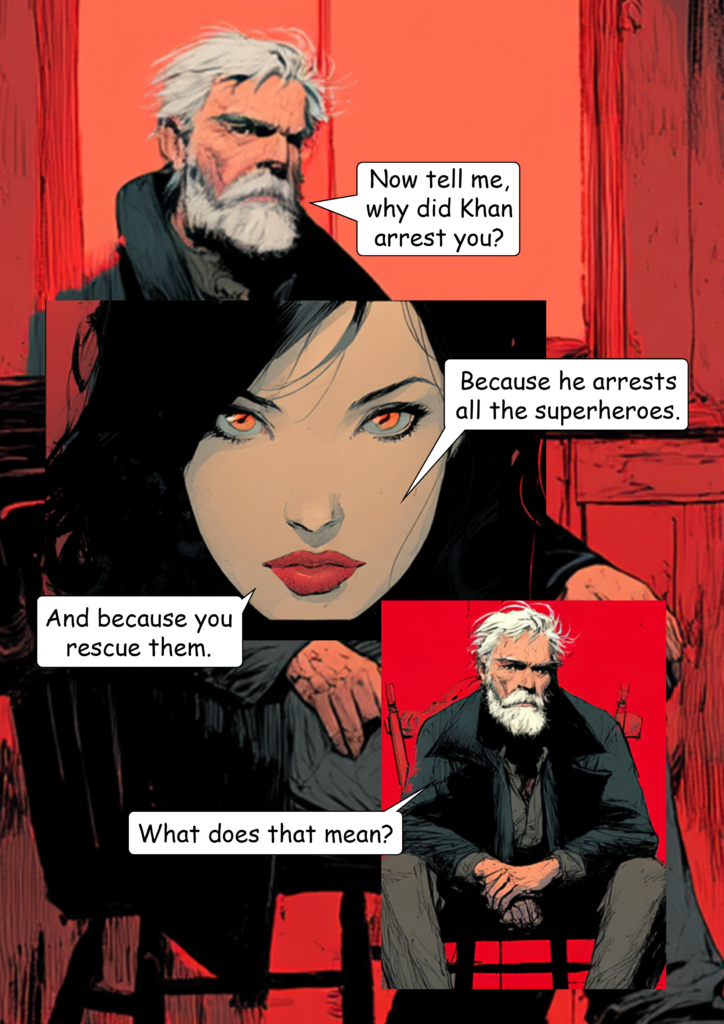
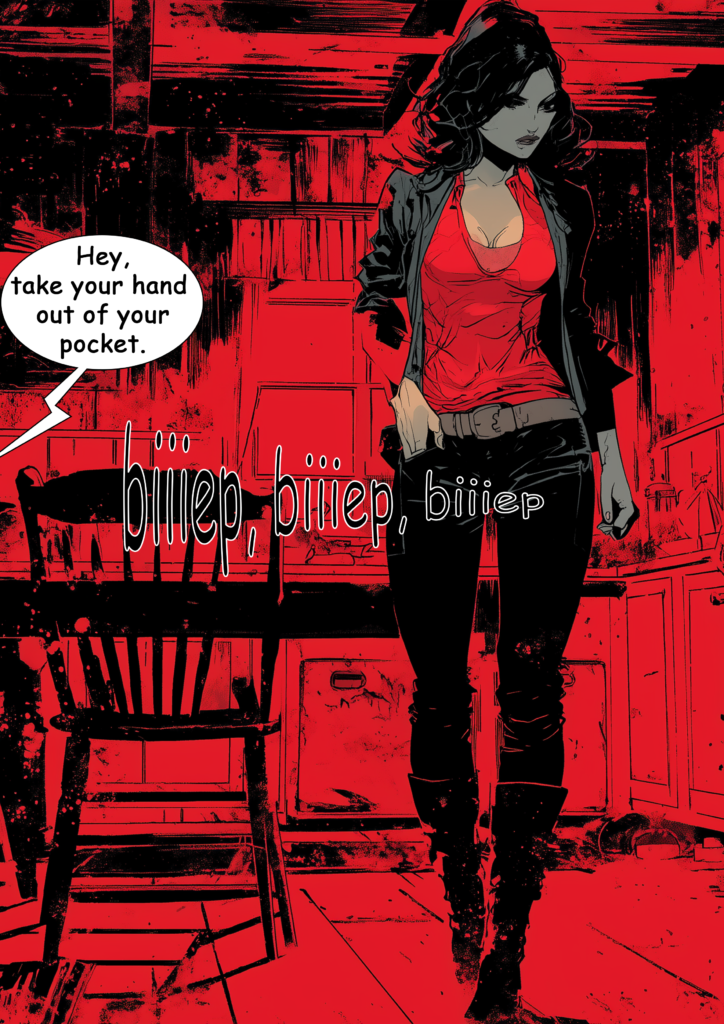
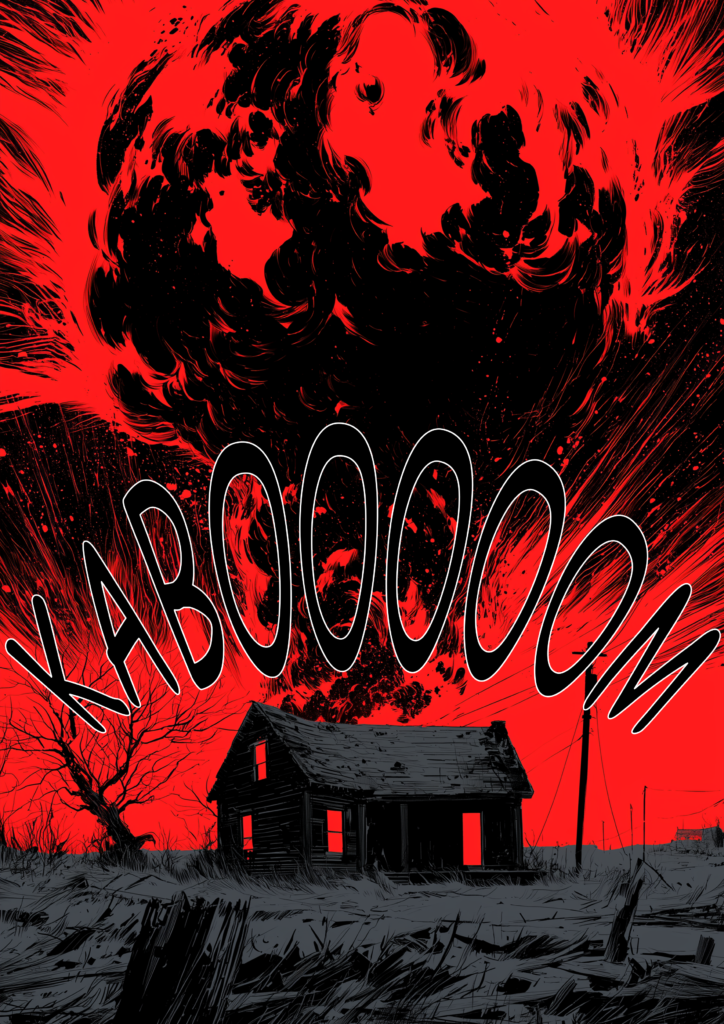
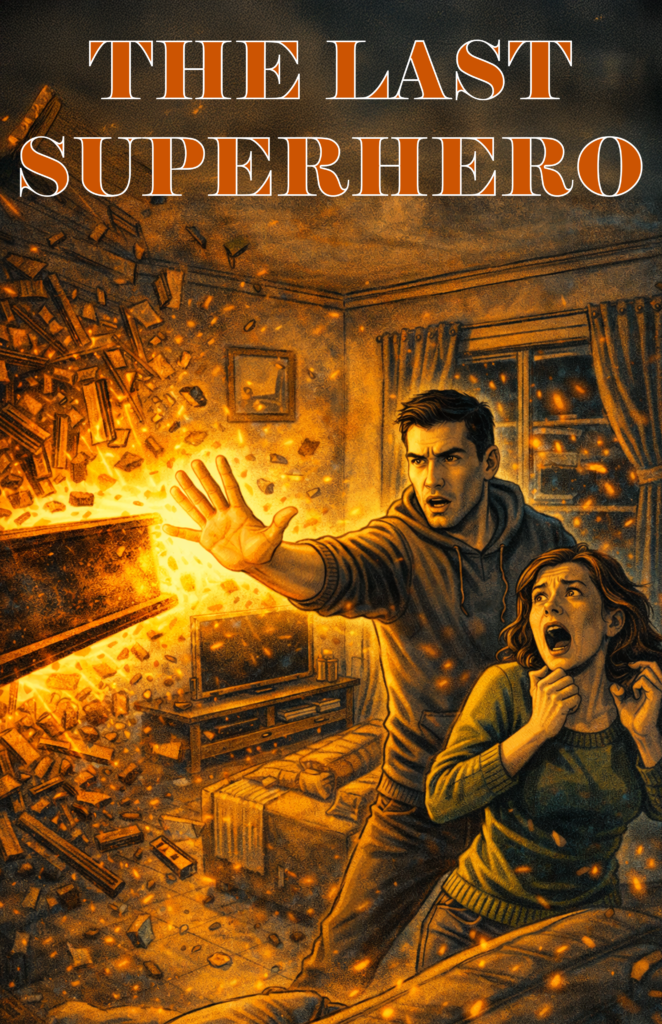
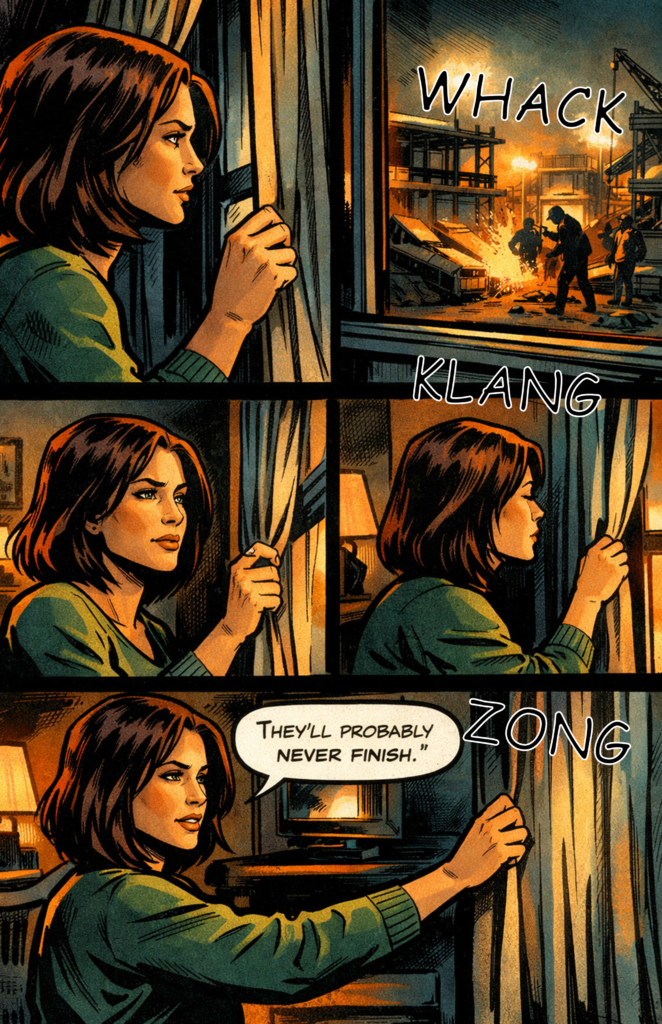
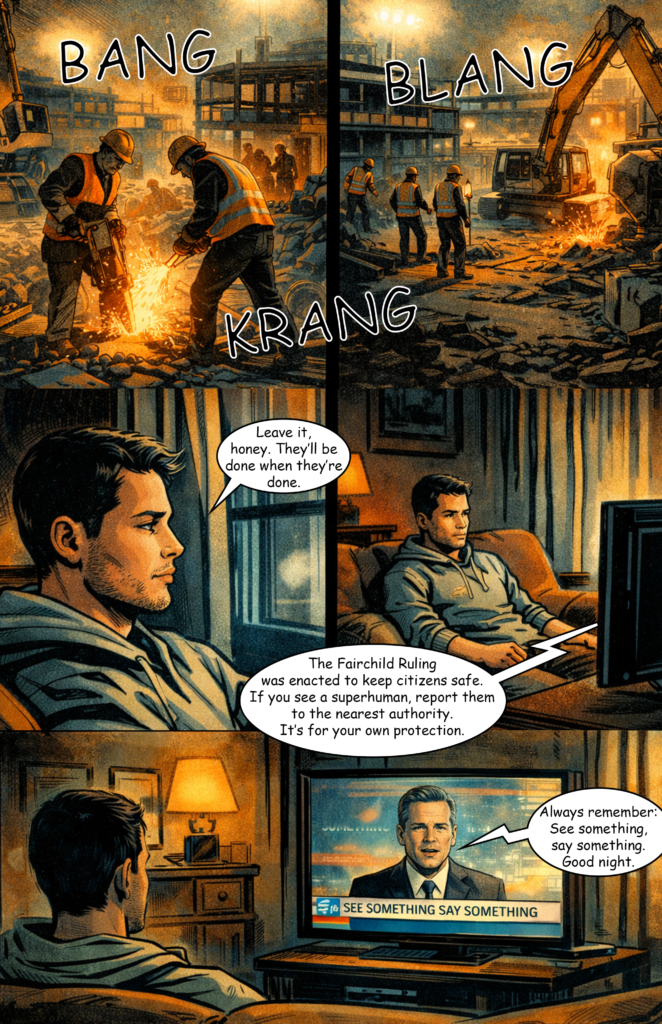
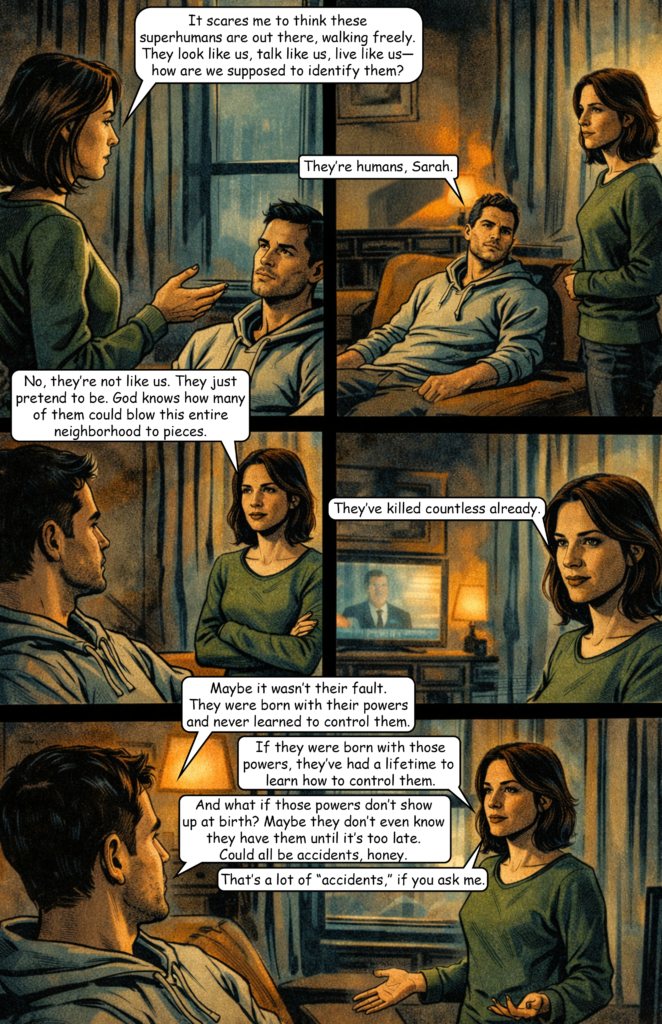
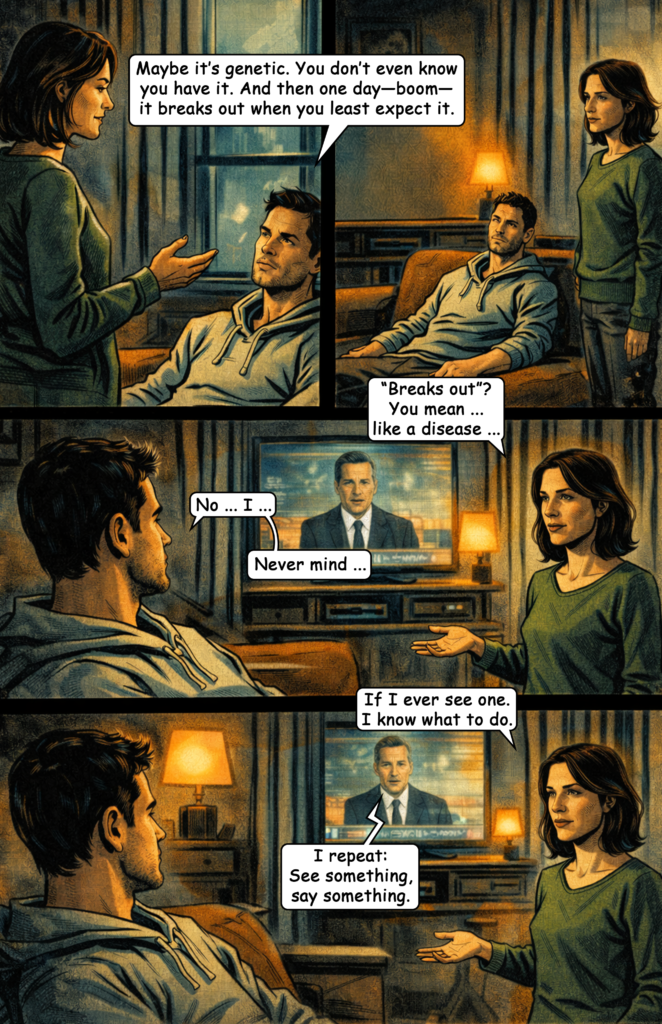
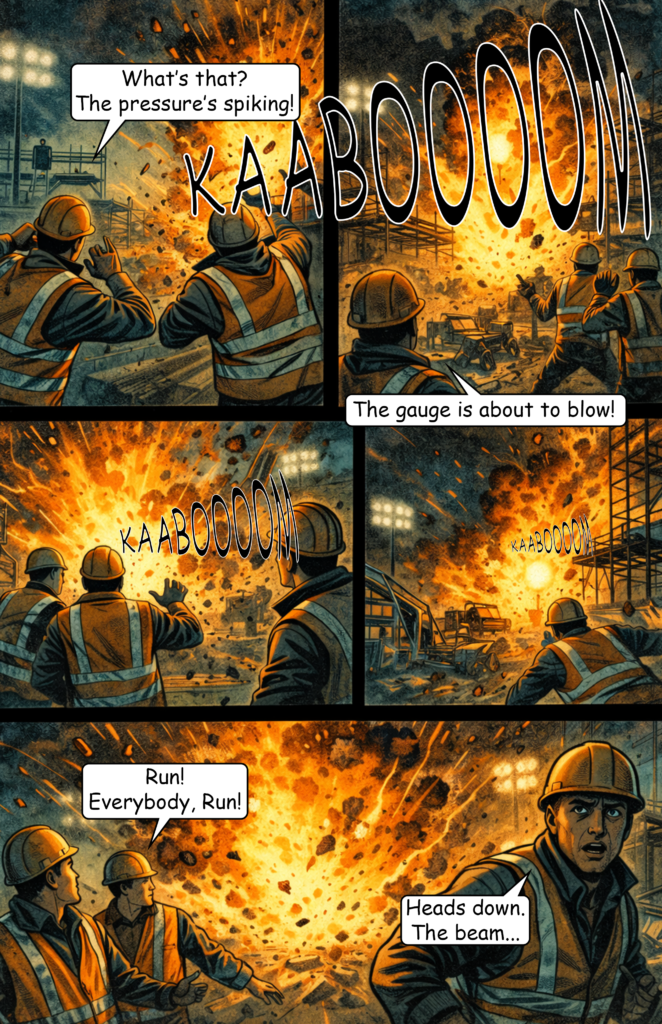
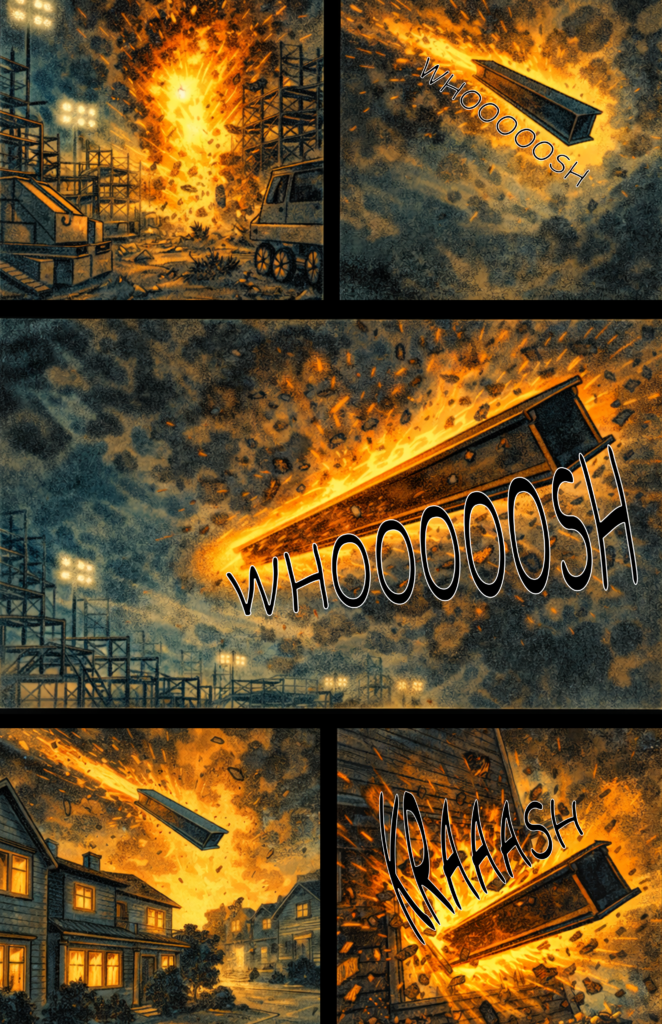
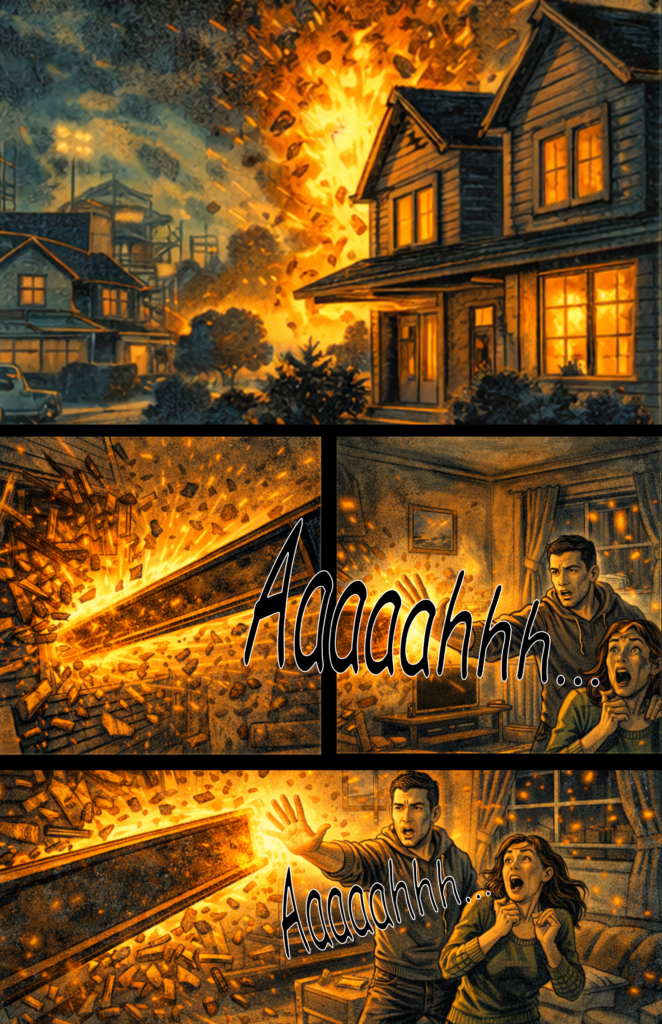
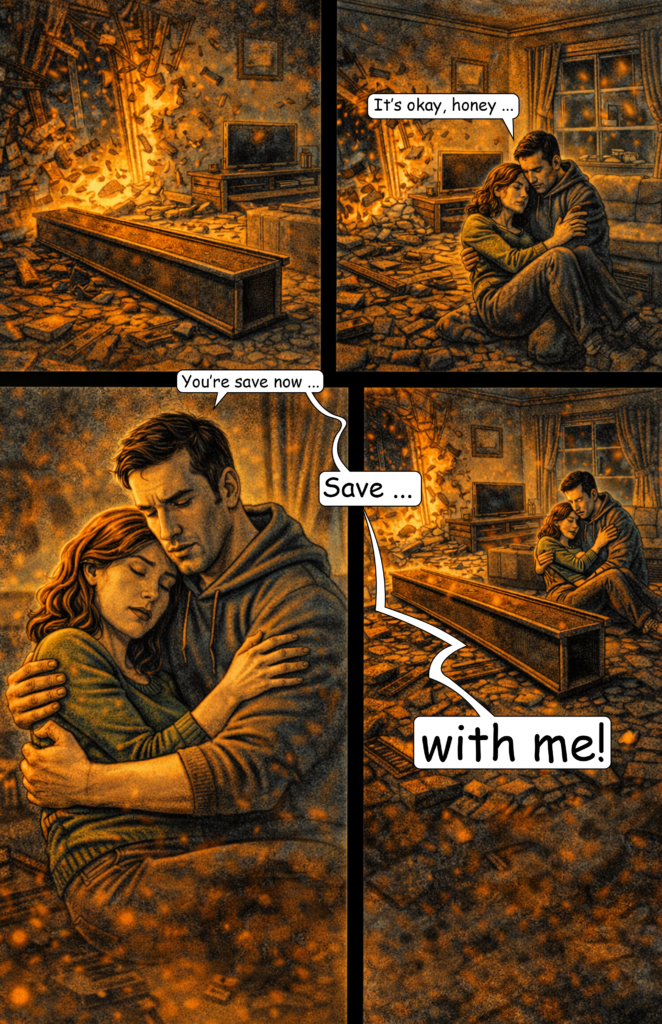
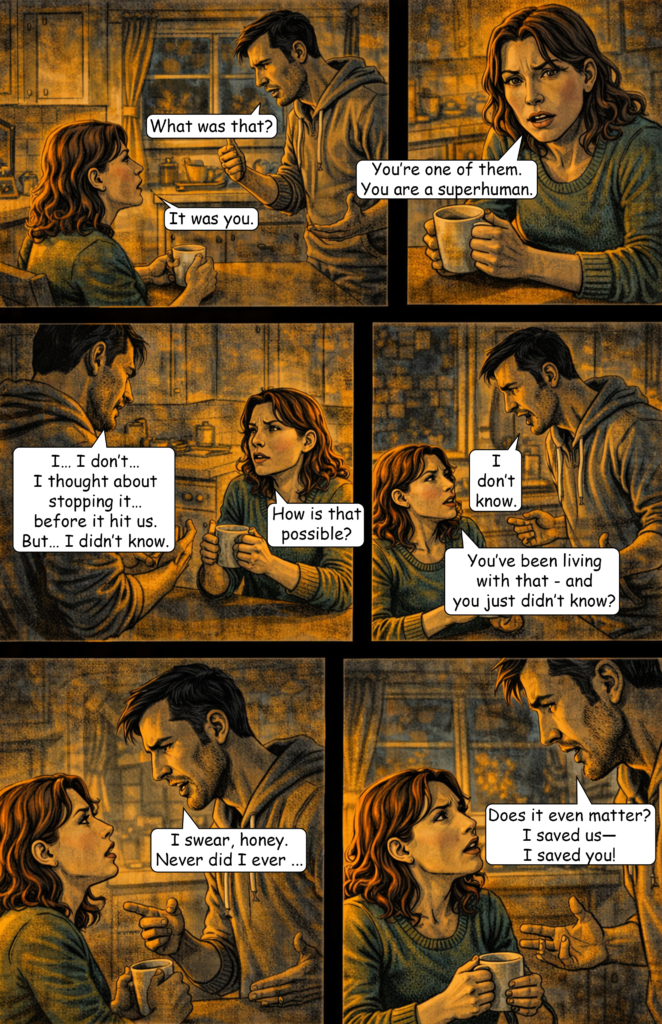
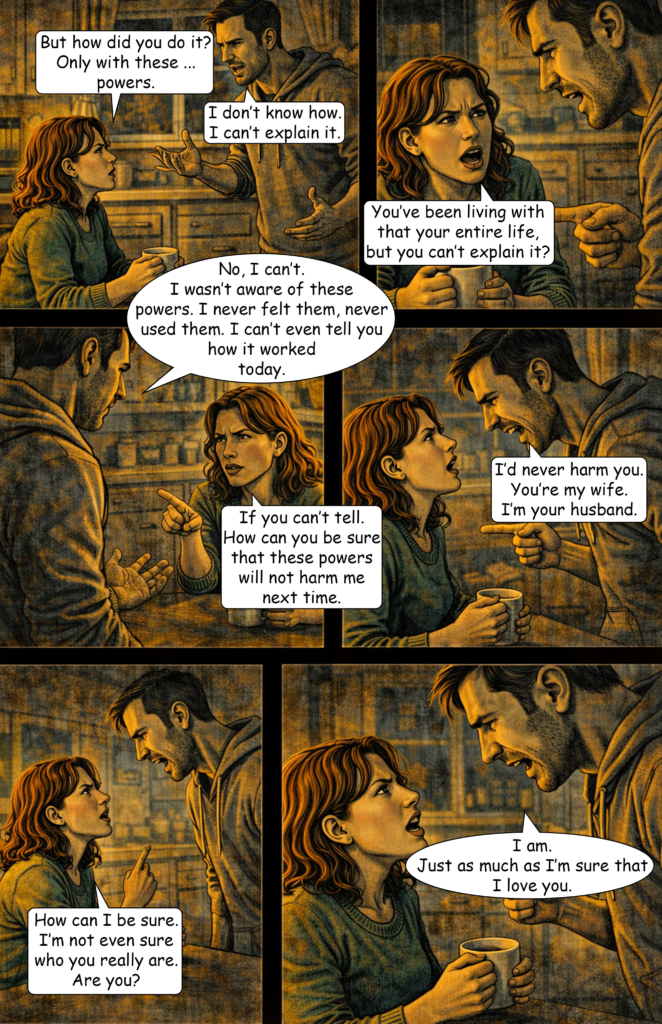
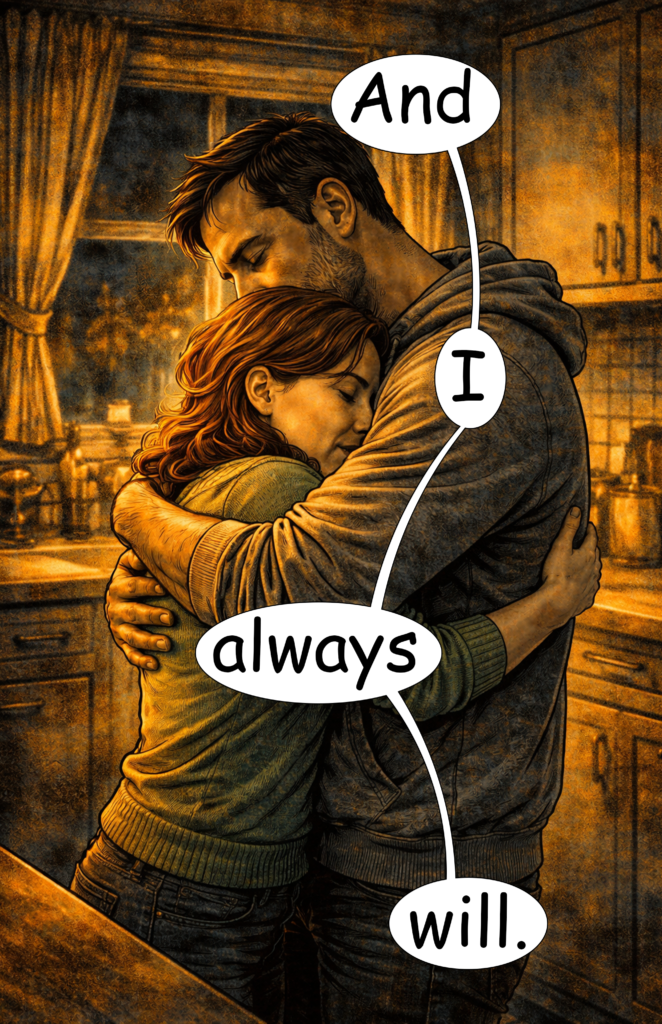
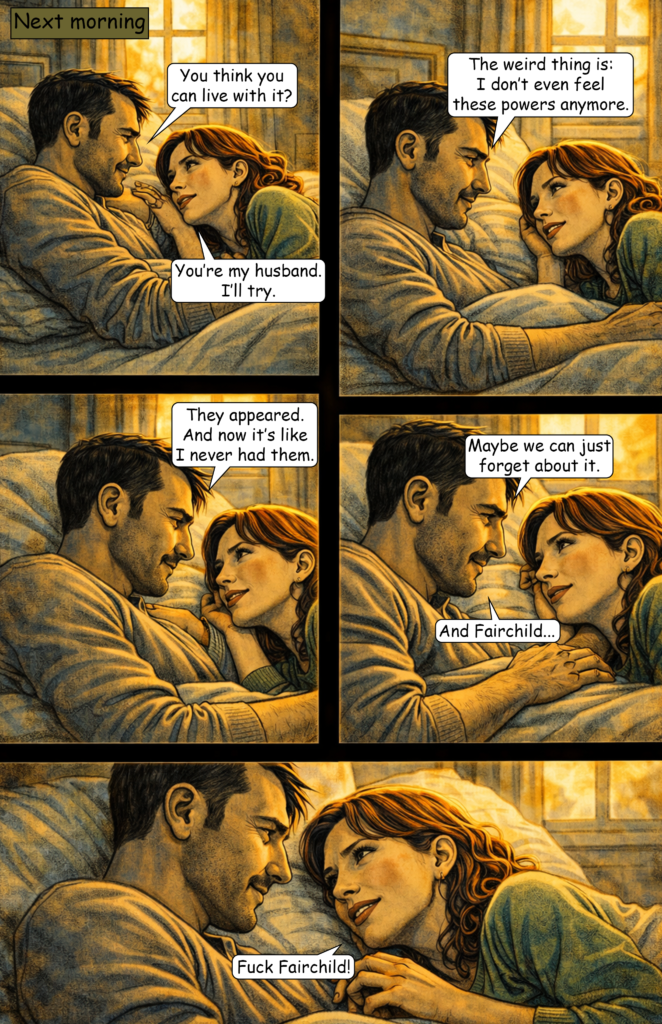
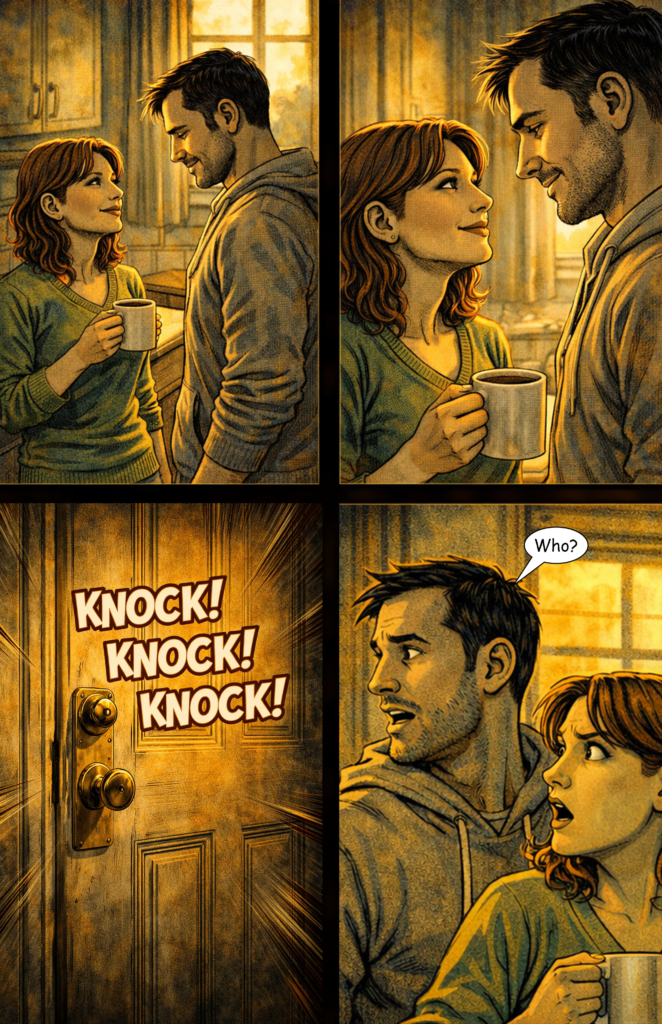
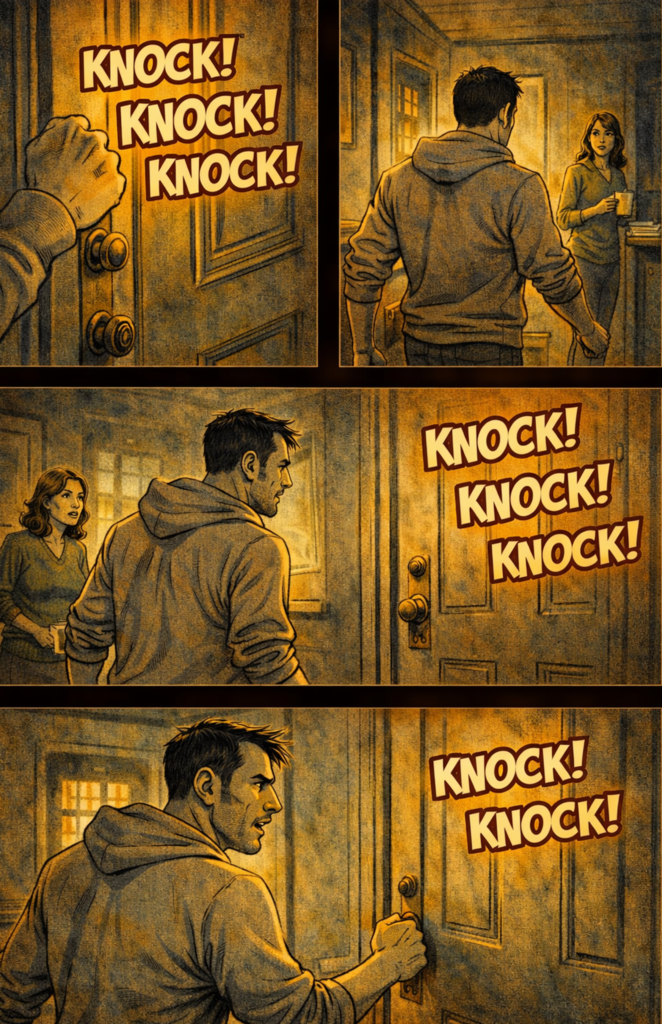
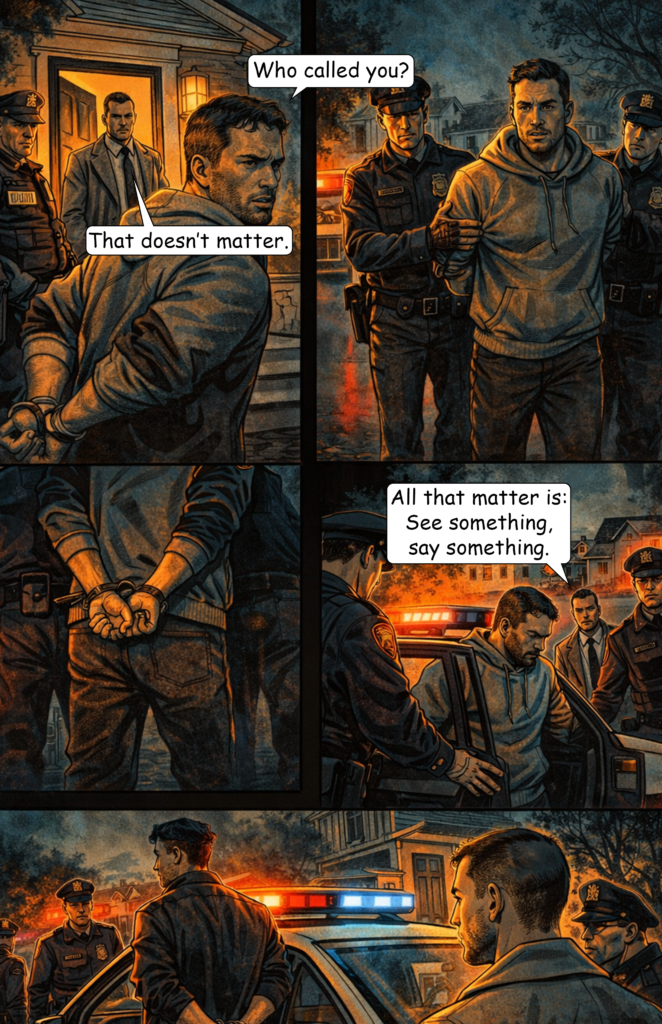
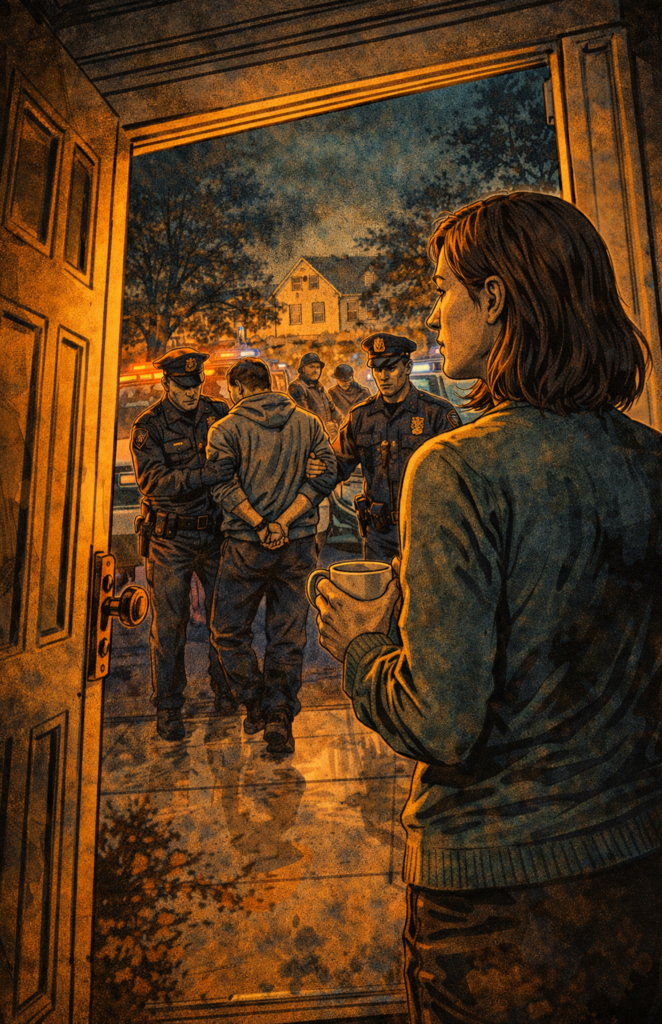
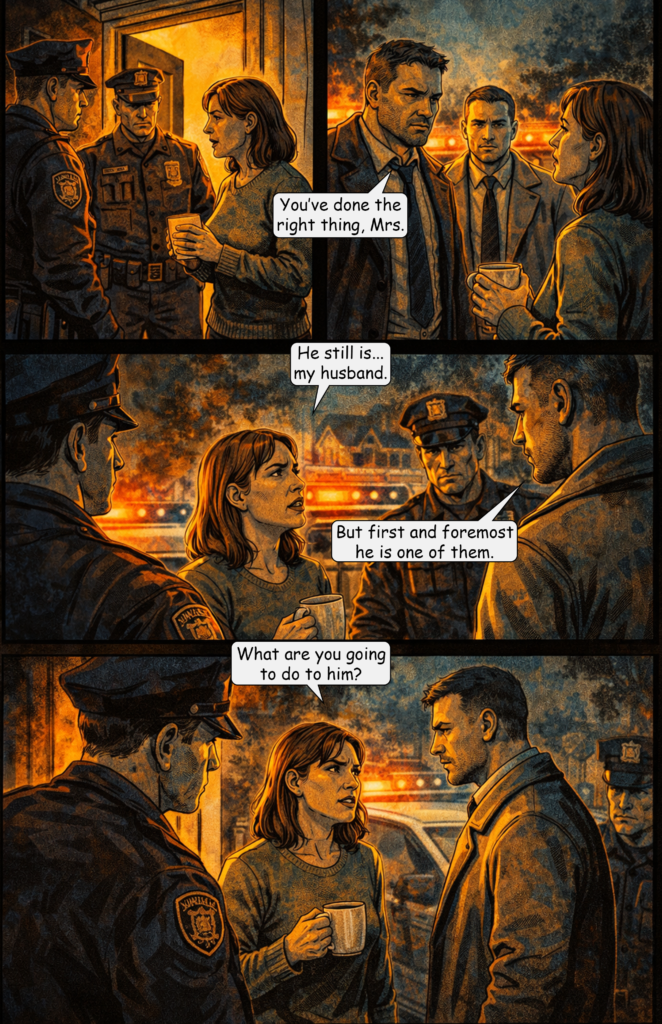
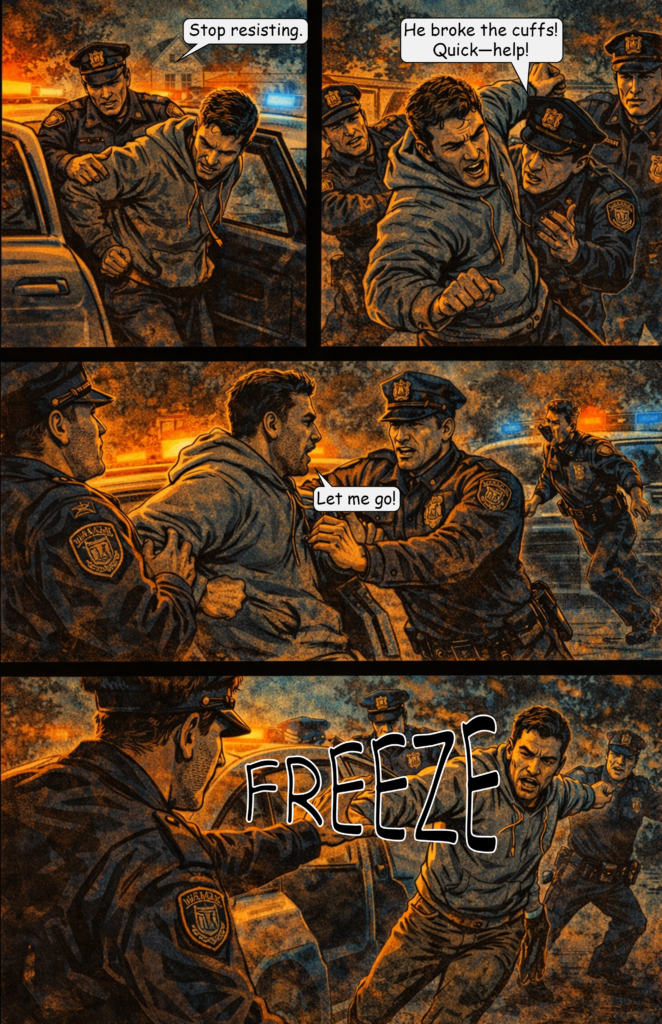
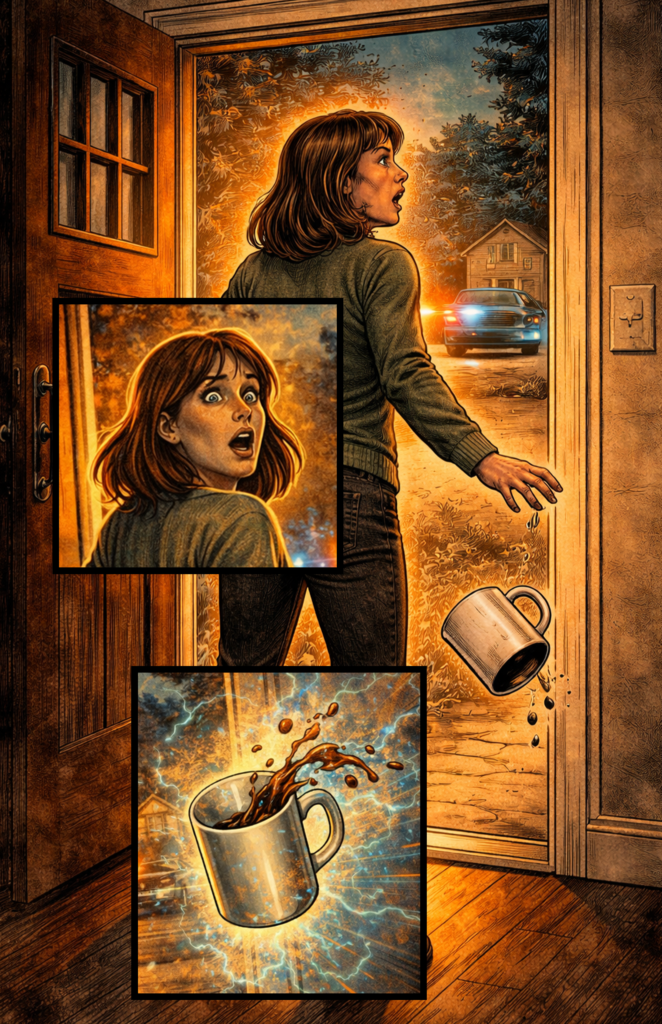
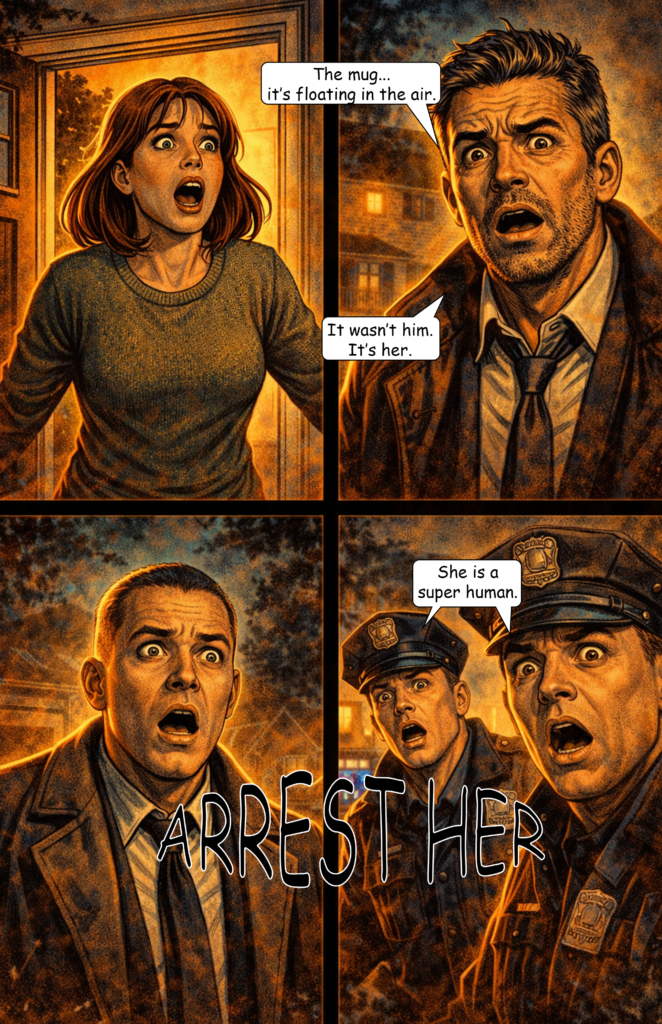
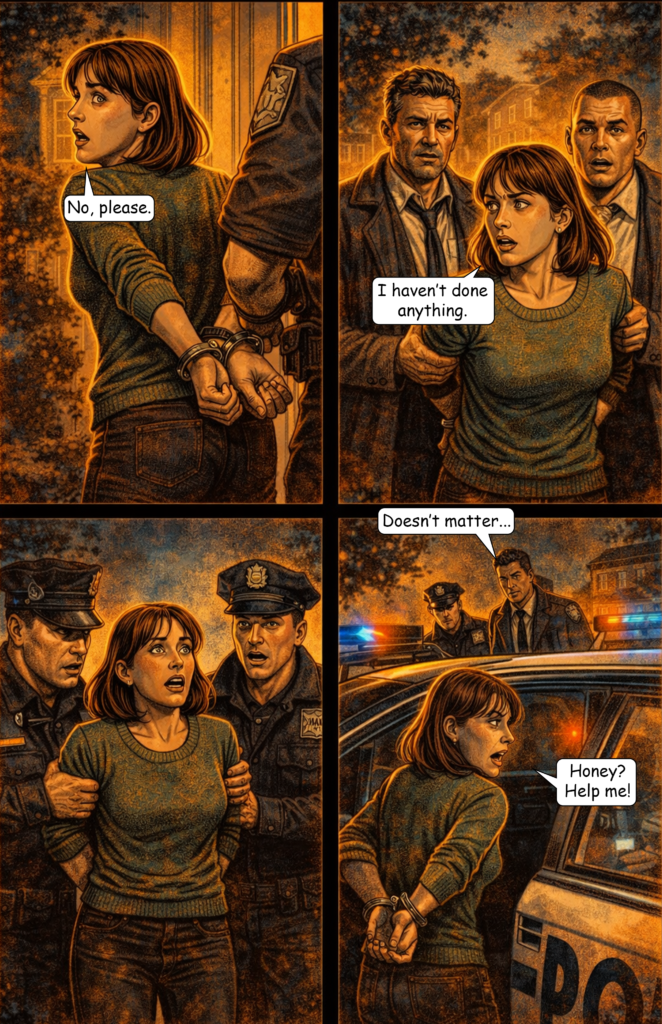
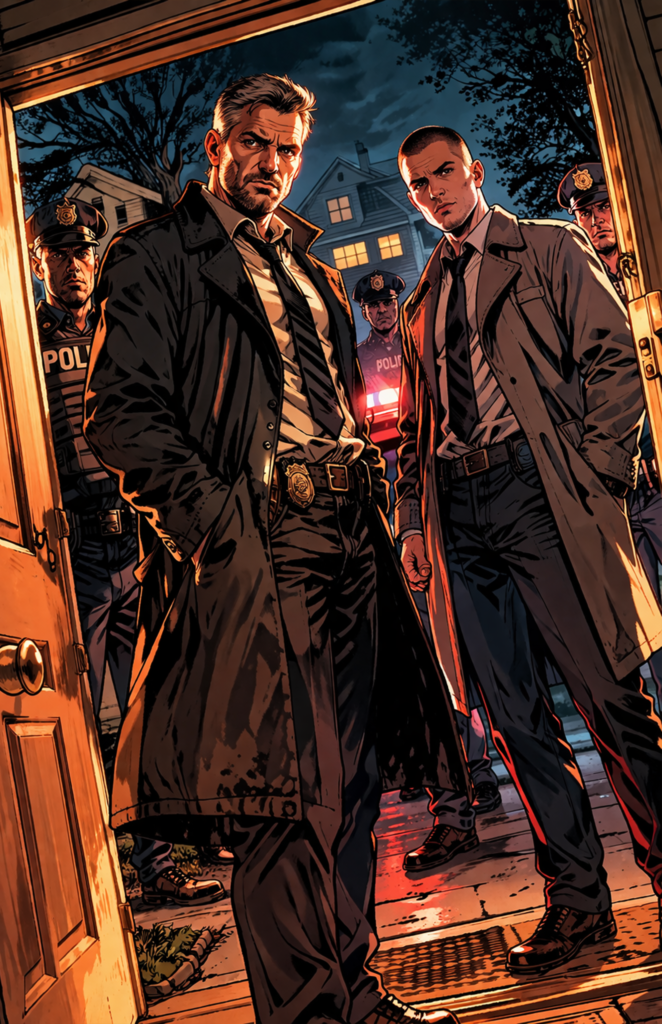
I got back into creating AI comics this year, starting with tests using ChatGPT’s latest image model, V5. You can read both generated comic stories here:
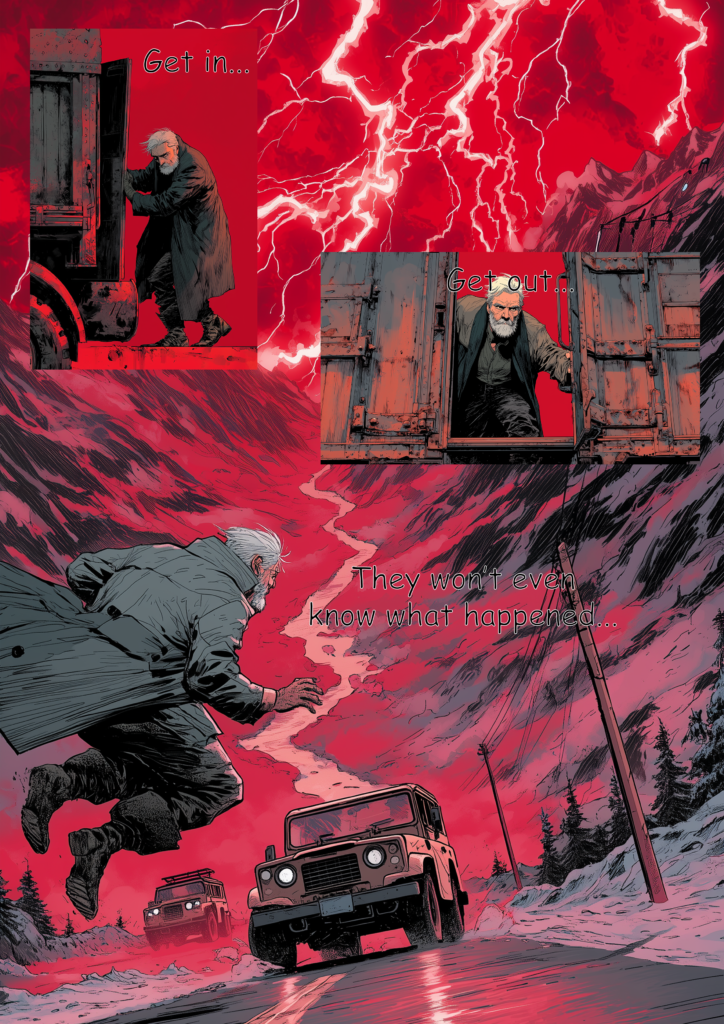
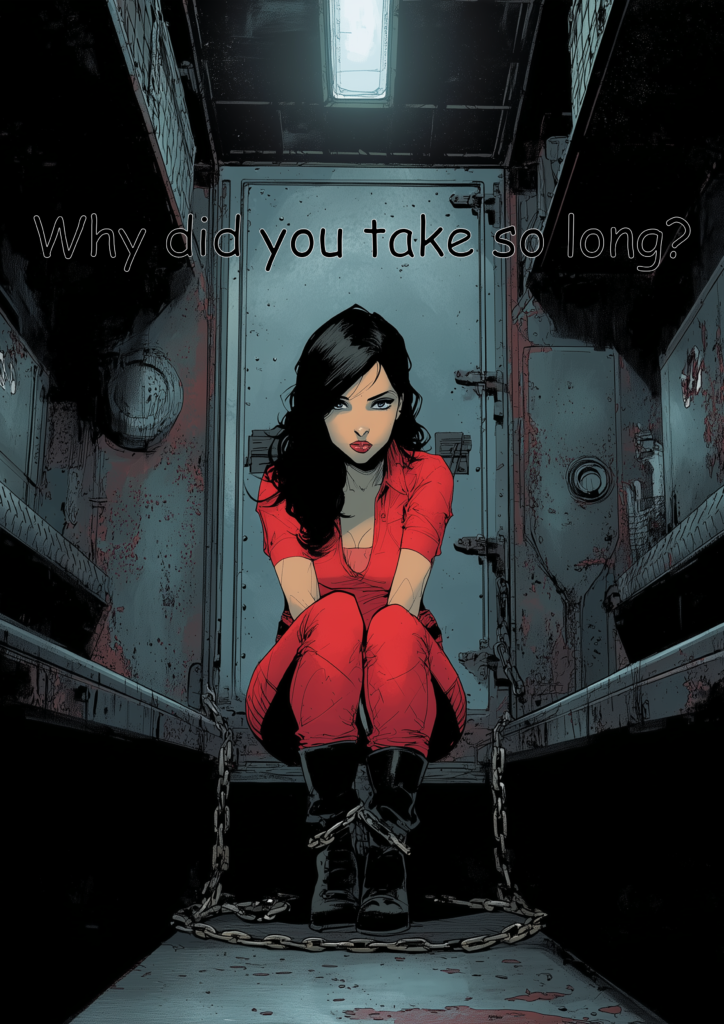
  1. The Last Superhero 3
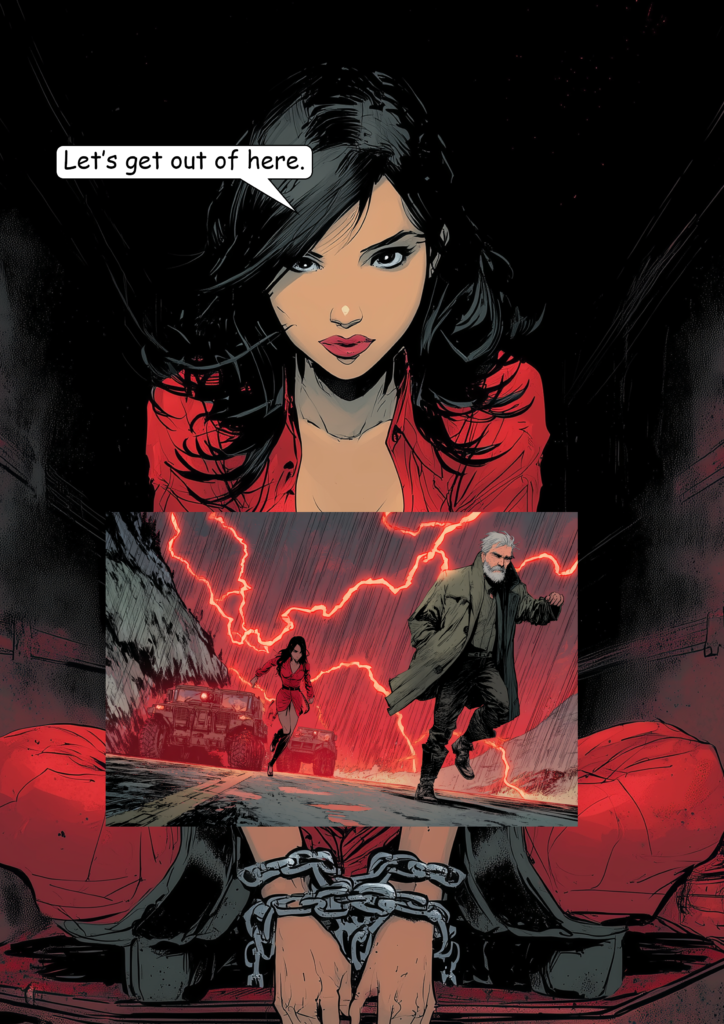
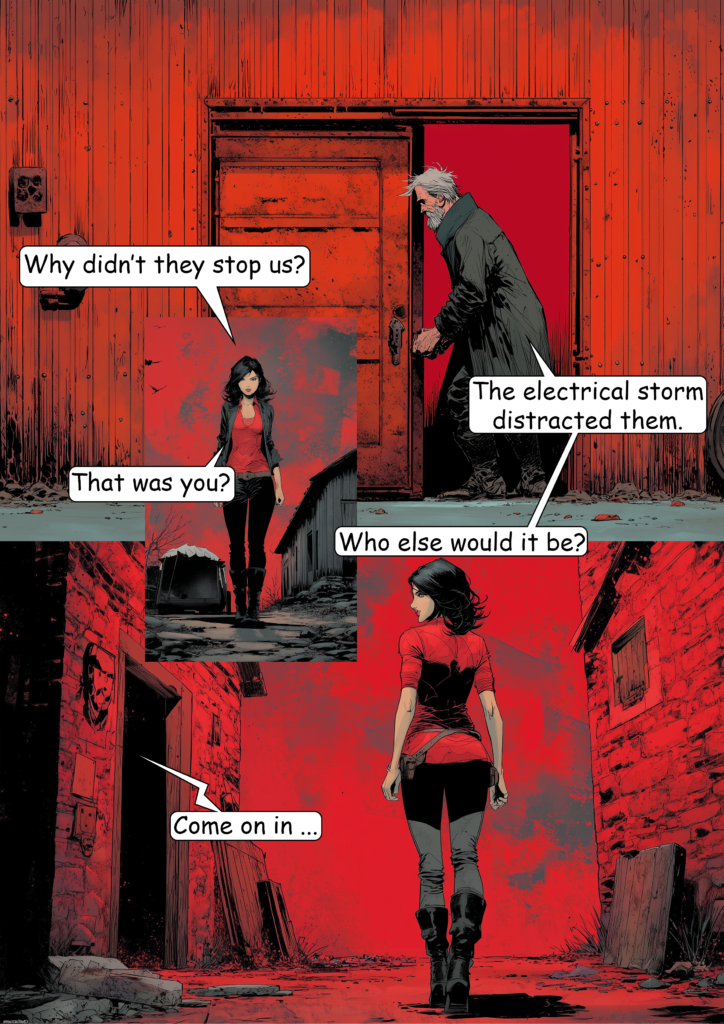
  2. The Last Superhero 4

Part 3 was mainly a first test to see what the image model is capable of. In Part 4, I applied what I learned and aimed for better results. I’d say Part 3 delivered about 20% of what I had in mind, while Part 4 got closer to 60%.


What I Did to Improve the Results

Time Limits

There is a daily limit on how many images you can generate, even with a paid subscription. The free version gives you fewer than a handful of generations a day, making it unusable for a project like this.

To work around this, I focused on one or two pages per day and generated only the images needed for those pages. This way, I never hit the limit before finishing my daily work.


Generate More Images Per Prompt

I recommend adding token like “comic page layout” or “4 images in one with different perspectives” to every prompt. This gives you multiple images in a single generation.

Yes, the resolution drops, but if that matters to you, upscale the images afterwards.


Use Master Prompts

I created general “master prompts” for style and main characters, and even experimented with settings.

For example, “modern noir comic style” helps keep the visual style consistent and reduces style drift. The same applies to characters: “man in his 30s, short brown hair, grey hoodie”

Using these consistently improves overall coherence—although perfect consistency is still not possible.


Avoid Prompt Fading

If you add too many tokens to a prompt, the AI starts ignoring some of them—what I call “prompt fading.”

To avoid this, keep prompts short and focused. Use your master prompts, but limit scene descriptions to about 4–5 key elements and around 10 token max.


Let ChatGPT Refine Your Prompts

Describe your scene roughly and include your master prompts, then ask ChatGPT to generate a clean, concise version.

Most of the time, you can copy and paste that result directly for better outcomes than writing prompts manually.


Stay in the Same Chat

ChatGPT seems to retain context within a conversation, which can help with consistency if you generate all images in the same chat.

The downside is that long chats become slow and can glitch. This is something OpenAI should improve.


Accept Imperfection

Tools like Midjourney offer more control through adjustable parameters. ChatGPT doesn’t yet provide that level of precision.

Perfection isn’t achievable right now—so aim for “good enough” currently.


Work Around Slow Generation

Image generation is noticeably slower than with Midjourney.

A simple solution is to multitask: edit existing images in Photoshop (or another tool) while new ones are being generated.


Create Reference Sheets

Before starting, I generated text-based sheets for characters, settings, style, and actions.

Whenever ChatGPT lost consistency, I re-uploaded the relevant sheet to get it back on track (especially for characters).


Use a Color Token

Adding a consistent color theme helps unify the look.

For example, I used “orange-teal palette” in every prompt, which made the entire comic feel visually cohesive.


Generate Facial Close-Ups

Start by generating close-up facial expressions for each character. For example:
“man in his 30s, short brown hair, grey hoodie, angry, 4 images from different perspectives in one”

Do this for different emotions and characters. These images are useful for transitions between action scenes and as overlays.


Avoid Violence

Violence gets flagged very easily. Prompts involving fighting, injury, or killing often won’t render.

This is a major limitation—at the moment, you’re restricted to stories with minimal physical conflict.


Specify Aspect Ratio

Aspect ratio instructions are sometimes ignored, especially when using multi-image prompts.

Still, using terms like “horizontal shot” or “vertical shot” can help guide composition.


Handle Text Carefully

You can generate text within images, but results are inconsistent.

Sometimes the image looks good but the text is unusable—and sometimes the opposite. Because of this, I added dialogue later in Photoshop myself for better control.

Interestingly, simple text elements within scenes (like “police” on a car or a number like “0417” on clothing) worked surprisingly well and reliable.


Prompt Example

Here’s an example of a prompt I used:

  • Style prompt: modern noir comic style, cinematic lighting, orange-teal palette, sharp ink lines, graphic novel page
  • Multi-image prompt: panels layout with 4 perspective variations
  • Character prompt: 30s man, short dark hair, light stubble, grey hoodie

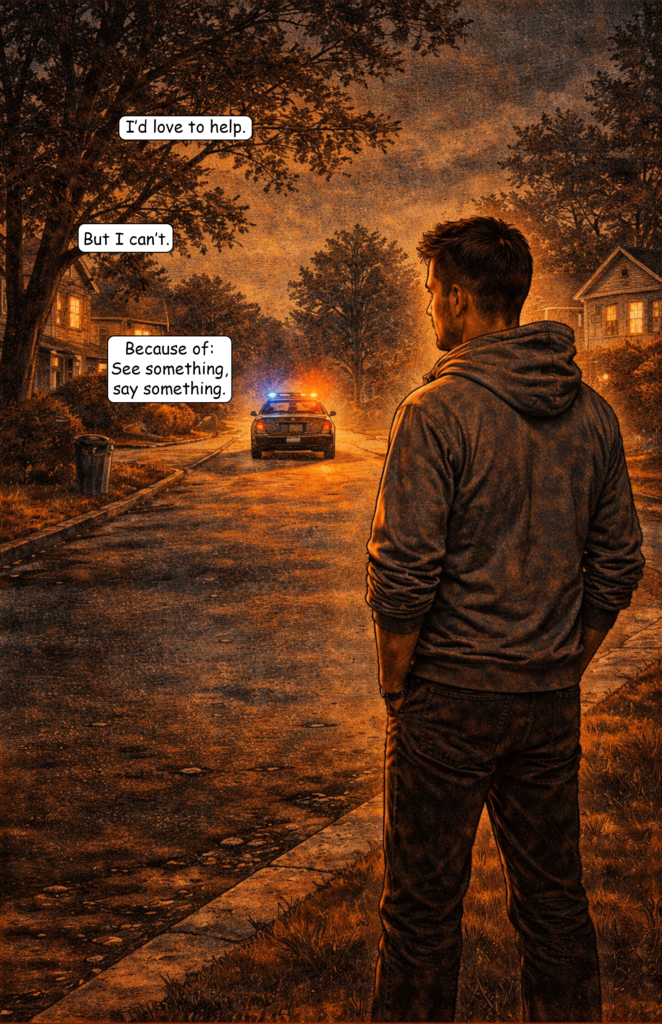
That is what I always added when the main character was part of a scene. Then I added the specific action for the scene. For example here is the final comic page:

  • Scene prompt: standing, watching suburban street, police car in distance, flashing lights, man standing still in foreground, police car driving away in background, distant perspective, quiet, tense aftermath

Full prompt:
modern noir comic style, cinematic lighting, orange-teal palette, sharp ink lines, graphic novel page, panels layout with 4 perspective variations, 30s man, short dark hair, light stubble, grey hoodie, standing, watching suburban street, police car in distance, flashing lights, man standing still in foreground, police car driving away in background, distant perspective, quiet, tense aftermath


Conclusion

The results were clearly better than my first attempt—and in some ways even better than what Midjourney produced for me last year.

However, it’s still far from offering the creative freedom needed for storytelling.

The biggest issue is content restriction: you can include tension, but not real action. No fights, no violence. Since these elements are essential to many comic narratives, this severely limits storytelling potential.

I reached about 50–60% satisfaction only by designing a story with reduced action. As soon as action becomes central, satisfaction drops drastically.

The Problems of Making Comics With ChatGPT (V5 – 2026)

My first attempt with ChatGPT (Version 5) is finished — The Last Superhero Part 3.

Right now, I’d say the result is maybe 20% of what I would like it to be. I plan to create Part 4 in the next couple of weeks and try to improve the results, as there is still some room for experimentation.

For now, here are the biggest problems I encountered.

Language Filter

Just like Midjourney, ChatGPT has a very strict language filter for image prompts. For text generation, you can tell ChatGPT that you’re working in a fictional setting. That allows you to describe certain acts of violence or crime to some degree.

With image generation, however, this isn’t possible at all. Even hinting at violence in a comic-book context can trigger the filter.

For example, I had problems generating an image where a character gets water splashed onto his face. That alone triggered the system.

The same happens with facial expressions. Pain alone might work, but pain combined with bruises often gets flagged — even without describing the action that caused them.

Time Limits for Image Generation

Don’t even try using the free version.

You might only get two or three images every couple of hours. For my 31-page comic, I generated more than 120 images.

Even the paid version has timeouts. After roughly every 20 images, ChatGPT asked me to wait a couple of hours before I could continue generating more.

Midjourney handles this much better — especially considering that the prices are somewhat comparable.

Style Drift

You can clearly see how the comic switches between different art styles. I tried to anchor the prompts around a specific comic-book artist, but every few images the style drifted again.

Prompt “Fading”

I’ve seen this with Midjourney as well. When prompts become too long, parts of them seem to fade away and become irrelevant. The AI then simply ignores those sections.

Character Consistency

Clothing and the general appearance are mostly fine, but the face of my protagonist drifted quite a lot.

Character consistency remains one of the biggest issues, especially if you attempt to create something larger like a 160-page comic.

Facial Details

Facial details are very difficult to control. My character’s beard looks slightly different in almost every image, and the hairstyle of the female doctor changes frequently as well.

Environment Consistency

This is similar to the character consistency problem. The more detailed the environment, the harder it becomes to keep it consistent across multiple images.

Chats Become Clunky and Glitchy

It helps to generate all images within the same chat, but once the conversation reaches around 20 prompts, things start to slow down. The chat becomes sluggish and sometimes even glitches.

User Experience

Overall, Midjourney still offers a better user experience. It’s easier to fine-tune prompts, results arrive faster, and the whole process feels more controlled.

Conclusion

There are quite a few issues. I think some of them can be improved with better prompting and a couple of workarounds.

For now, I would still recommend Midjourney for AI comics. That said, with a few adjustments I might be able to get better results with ChatGPT when creating Part 4 of The Last Superhero.

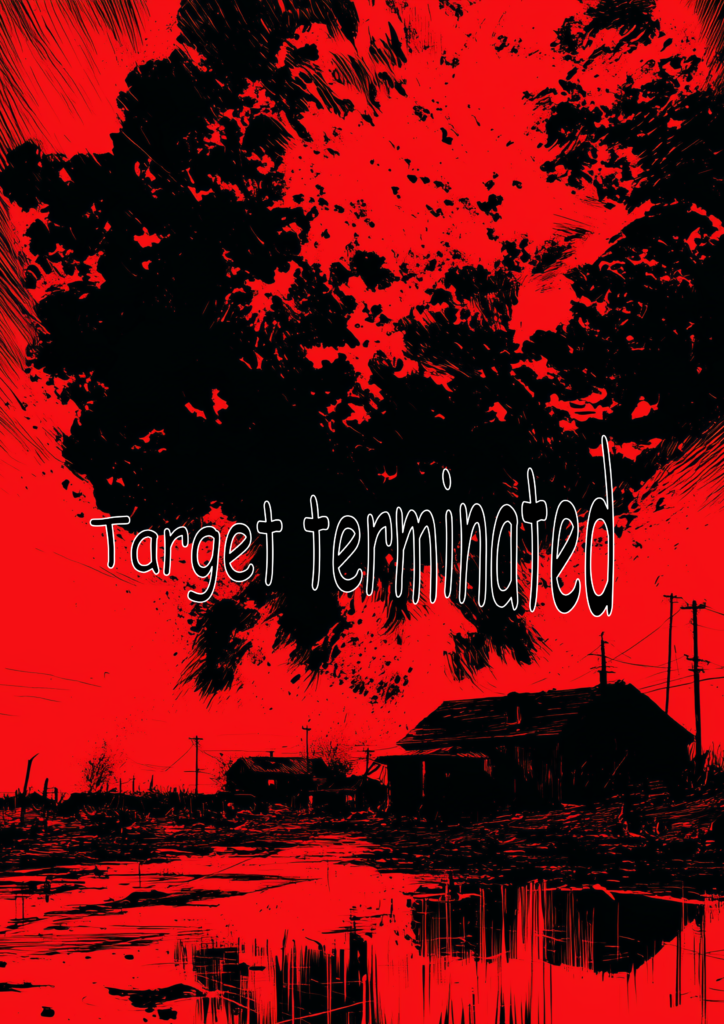
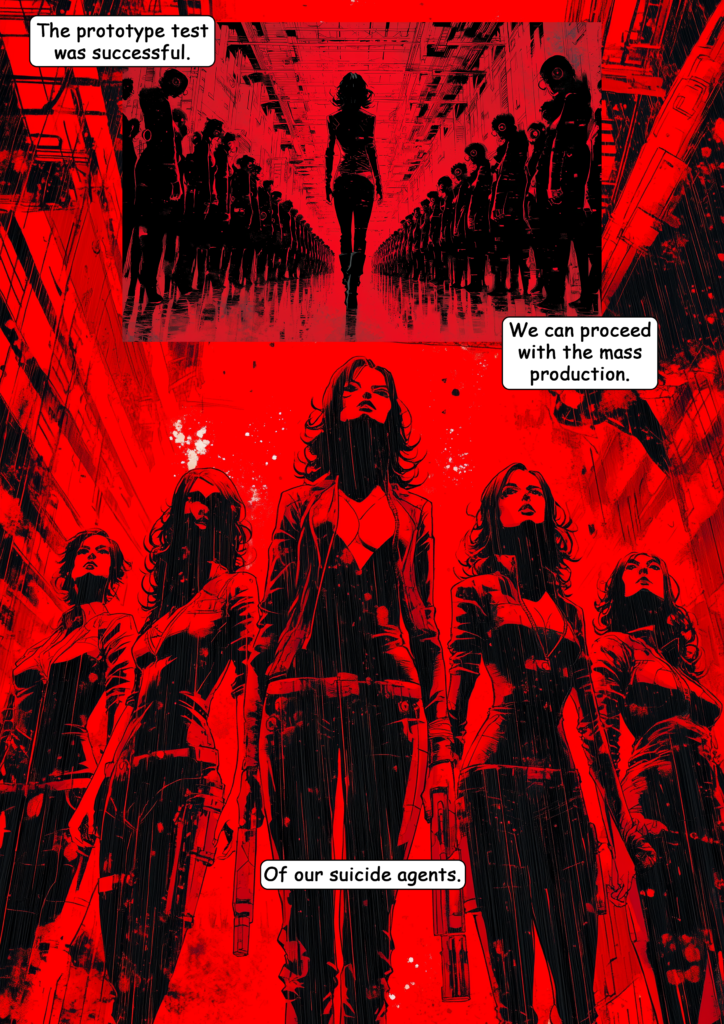
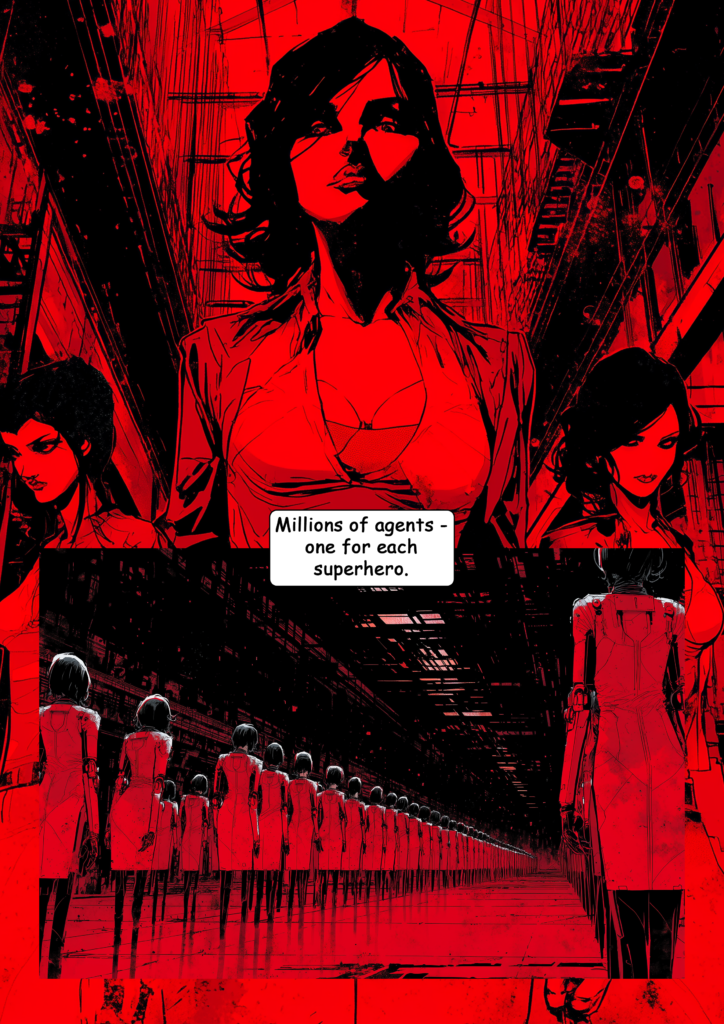
The Last Superhero – Part 3 (AI Comic)

I’ve started making AI comics again. Last year was a good beginning, but I didn’t feel the models had evolved enough to justify continuing the project on a monthly basis. That may have changed in 2026.

The quality still fluctuates — to put it politely.

But the idea behind The Last Superhero series is to use it for experimentation and testing anyway. So let’s continue.

For Part 3, I used ChatGPT for the first time. It has moved beyond DALL·E 3, so this comic was created using OpenAI’s GPT-5 image model.

There are plenty of issues: I’ve planend on creating a 4th part using ChatGPT for March where I try to get around the most servere issues. But I will also write a future post where I discuss all the problems and possible solutions.

For now, here is the complete comic short story…

The Last Superhero – Part 3

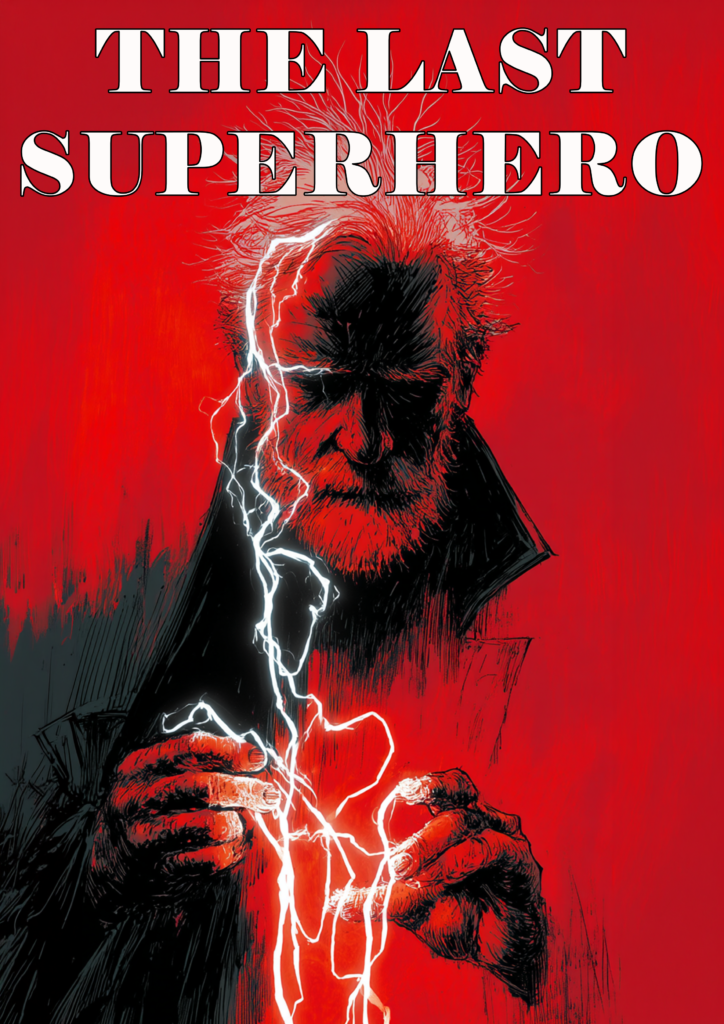
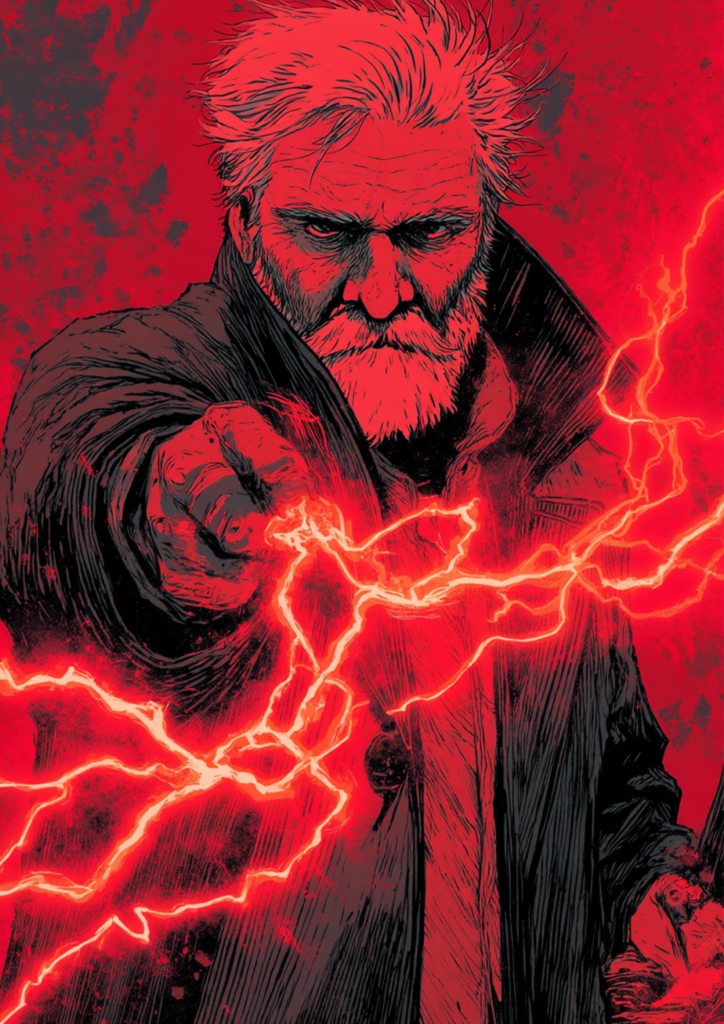
The Last Superhero - Part 3 | Cover
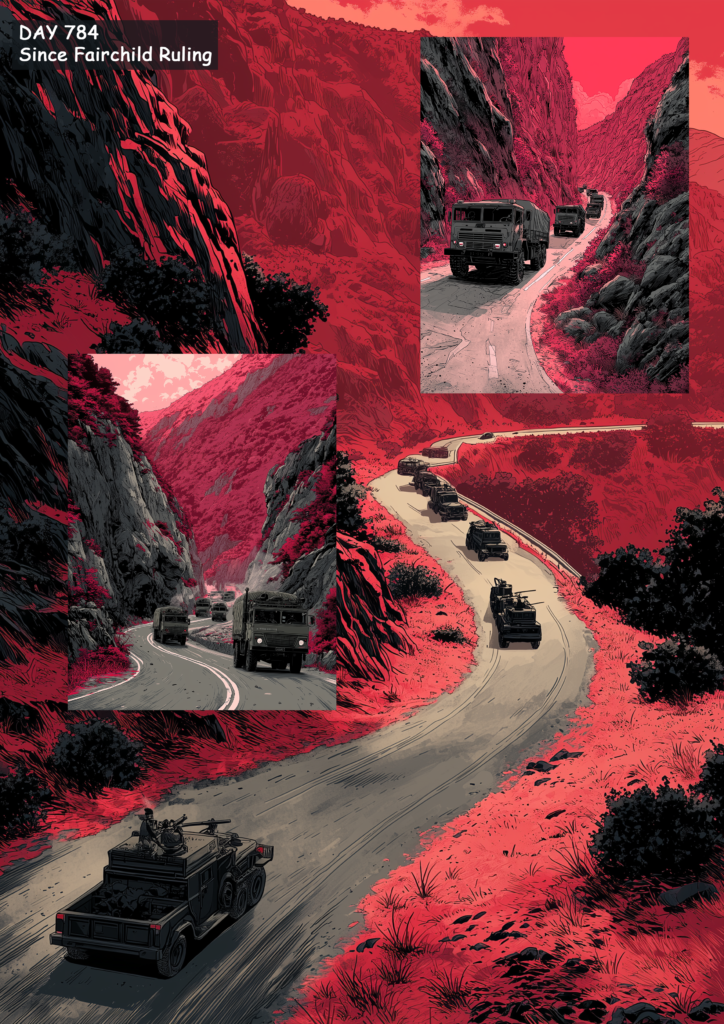
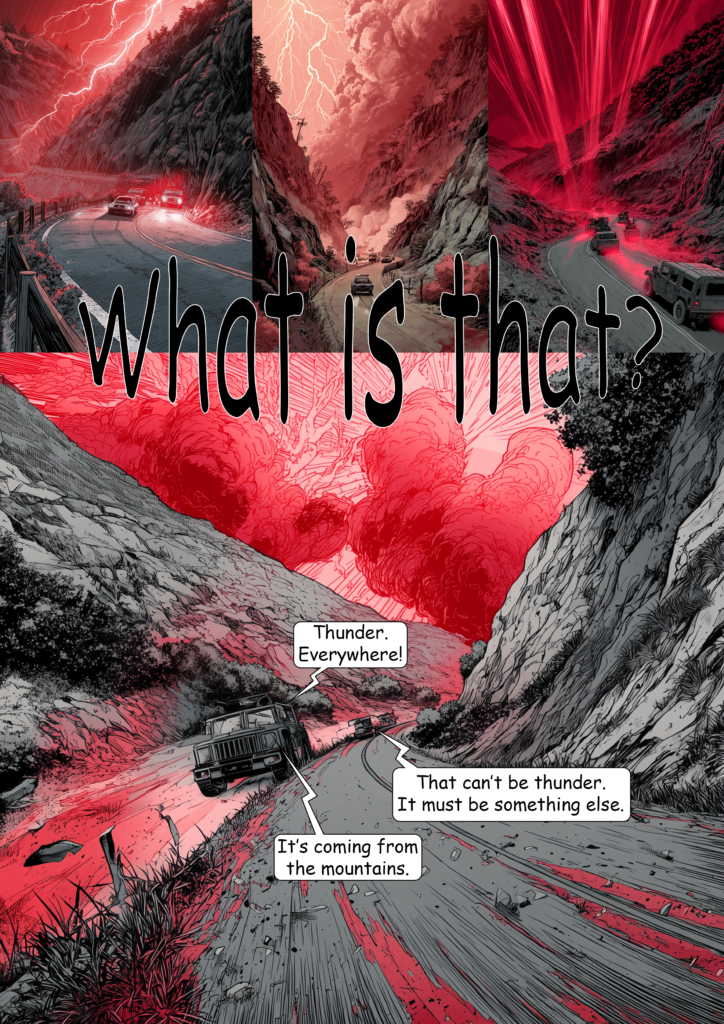
The Last Superhero - Part 3 | Page 1
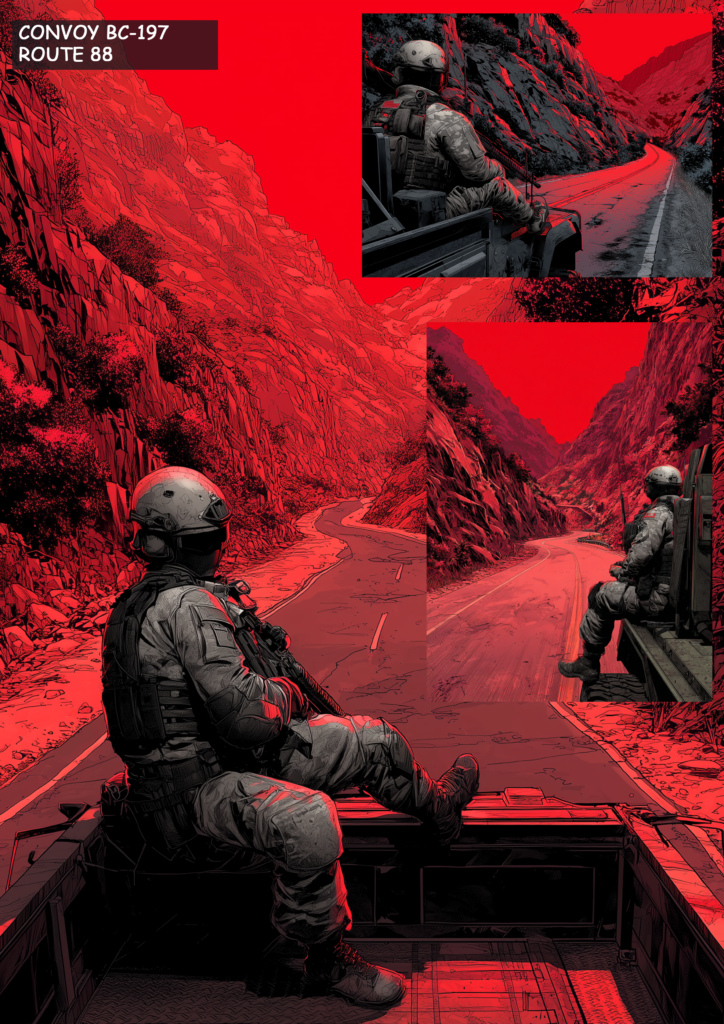
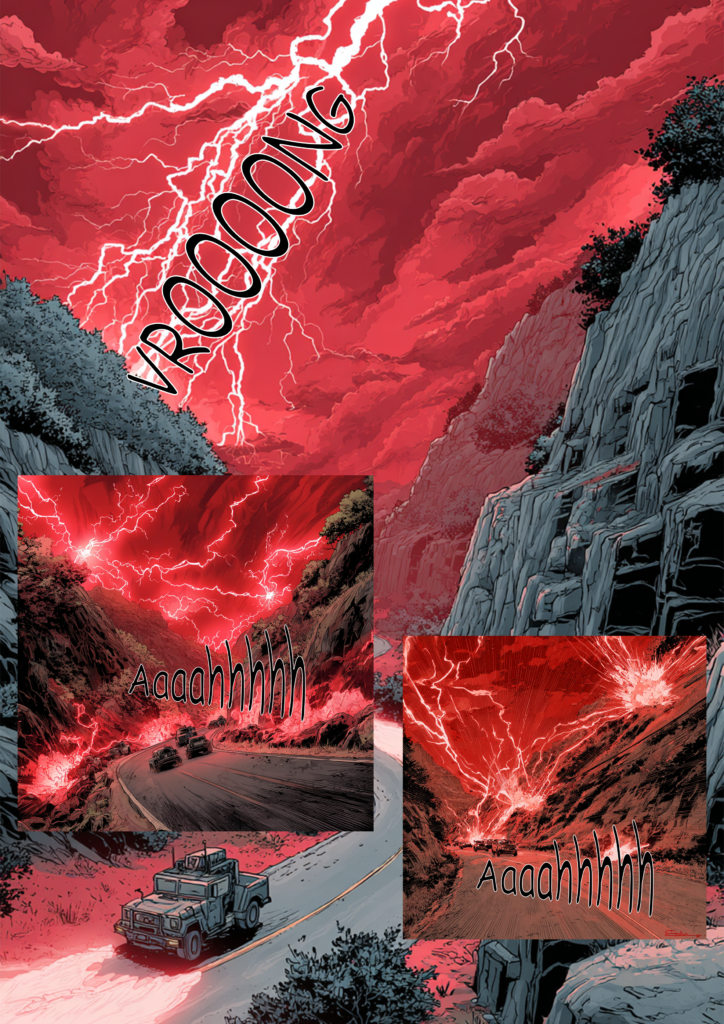
The Last Superhero - Part 3 | Page 2
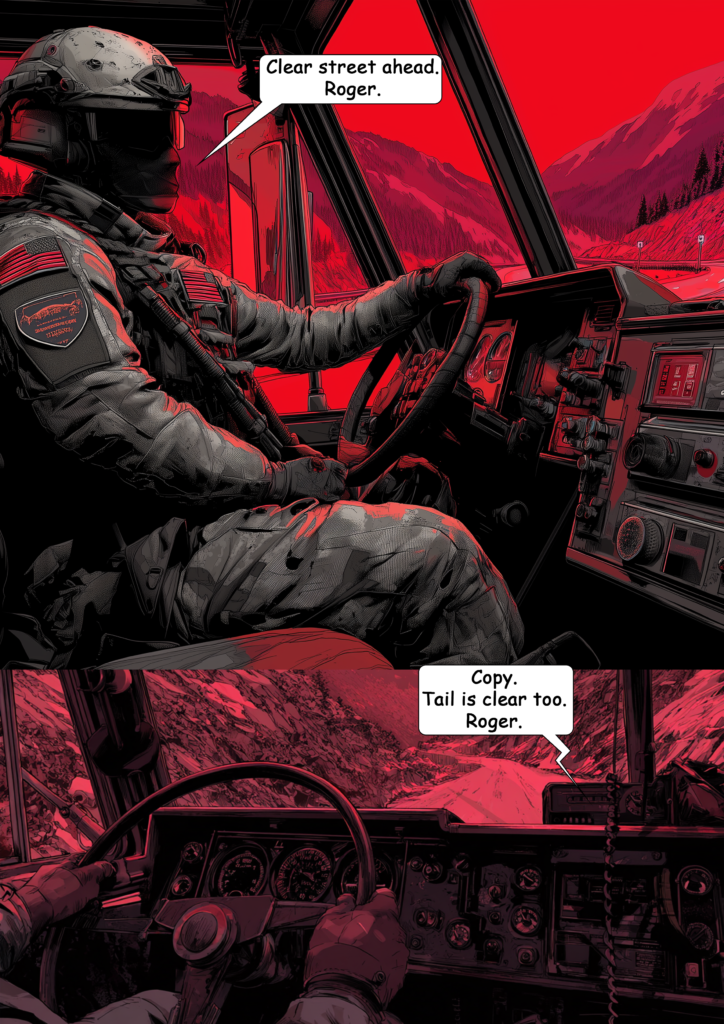
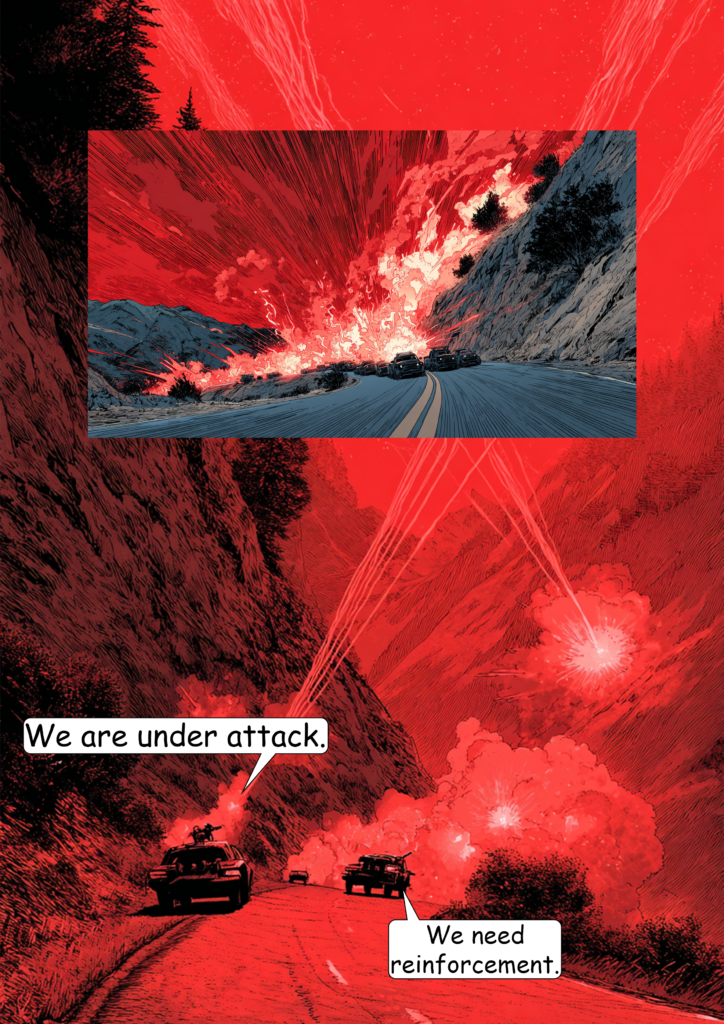
The Last Superhero - Part 3 | Page 3
The Last Superhero - Part 3 | Page 4
The Last Superhero - Part 3 | Page 5
The Last Superhero - Part 3 | Page 6
The Last Superhero - Part 3 | Page 7
The Last Superhero - Part 3 | Page 8
The Last Superhero - Part 3 | Page 9
The Last Superhero - Part 3 | Page 10
The Last Superhero - Part 3 | Page 11
The Last Superhero - Part 3 | Page 12
The Last Superhero - Part 3 | Page 13
The Last Superhero - Part 3 | Page 14
The Last Superhero - Part 3 | Page 15
The Last Superhero - Part 3 | Page 16
The Last Superhero - Part 3 | Page 17
The Last Superhero - Part 3 | Page 18
The Last Superhero - Part 3 | Page 19
The Last Superhero - Part 3 | Page 20
The Last Superhero - Part 3 | Page 21
The Last Superhero - Part 3 | Page 22
The Last Superhero - Part 3 | Page 23
The Last Superhero - Part 3 | Page 24
The Last Superhero - Part 3 | Page 25
The Last Superhero - Part 3 | Page 26
The Last Superhero - Part 3 | Page 27
The Last Superhero - Part 3 | Page 28
The Last Superhero - Part 3 | Page 29
The Last Superhero - Part 3 | Page 30
The Last Superhero - Part 3 | Page 31

Making Comics With Midjourney (Update for V7)

The new version of Midjourney dropped a few days ago, with new features being rolled out gradually. The biggest leap so far has been the introduction of omni reference, which was only made available recently. It allows you to use objects and characters as references and add them to specific scenes, which (on paper) sounds like a giant improvement for making AI comics. Thus, I was really excited to test it with the next issue of my “test” comic, The Last Superhero.

However, I completely failed at getting anything going.

The reason? V7 appears to have very aggressive prompt filters now. Despite many attempts and creative rewording, none of my prompts were accepted. Eventually, I became so frustrated that I gave up on the idea of using Midjourney altogether. All the improvements in features and image quality are meaningless if I can’t even generate a basic scene of a superhero being shot by a villain. I couldn’t even prompt “guy in pain being strapped to a chair…” without it being flagged. Nearly all action scenes were impossible to create due to the overly aggressive AI word filter now in place.

I hope the Midjourney team eventually realizes that filtering so many words renders the tool useless for a wide range of creative tasks. I understand their desire to avoid extreme gore or explicit content, but there must be a better solution. For instance, prompts involving violence should be allowed when clearly framed in a context like “comic book style.”

For now, I’ll be looking into other models and revisit Midjourney with version 8—which hopefully delivers more reasonable prompt restrictions.

Conclusion:
If you’re looking to create AI-generated comics, Midjourney currently isn’t the tool to use.